- Local time
- 10:22 PM
- Posts
- 1,171
- OS
- Win 11 Enterprise
Hi forum.
Whenever I open Edge, the DPA (Desktop App Viewer) process starts as a background process. Does anybody know how to disable it (or remove it)? I don't know if it has something to do with "Microsoft Edge WebView2 Runtime" or PWA. I never use PWA. I uninstalled that, but it comes with the next Edge update automatically!

Whenever I open Edge, the DPA (Desktop App Viewer) process starts as a background process. Does anybody know how to disable it (or remove it)? I don't know if it has something to do with "Microsoft Edge WebView2 Runtime" or PWA. I never use PWA. I uninstalled that, but it comes with the next Edge update automatically!
Last edited:
My Computer
At a glance
Win 11 Enterprisei7
- OS
- Win 11 Enterprise
- Computer type
- Laptop
- CPU
- i7
- Hard Drives
- SSD


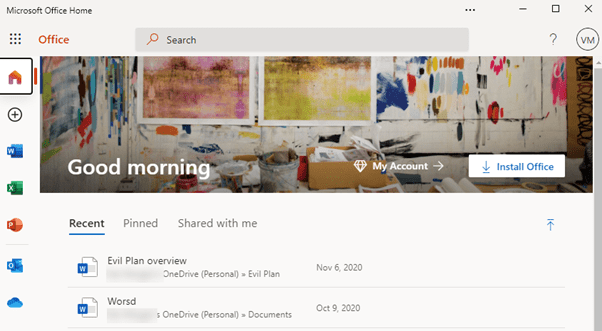
 ! I use my sister's Office LTSC 2021 (October update) because I hate O365's Fresh UI and Office Web Apps, I never use them, just love its (Office Web) simplified ribbon.