This tutorial will show you how to turn on or off Copilot Memory personalization for your Microsoft account on the web, Edge, and Windows 11.
The Microsoft Copilot app is an AI here to give advice, inspiration, and help when you need a hand. You can start a conversation to get clear answers to tough questions, turn ideas into images, or polish your writing until it shines.
Signing into Copilot using your personal Microsoft Account gives you access to your chat history, image creation, longer conversations, voice interactions, and other Copilot features.
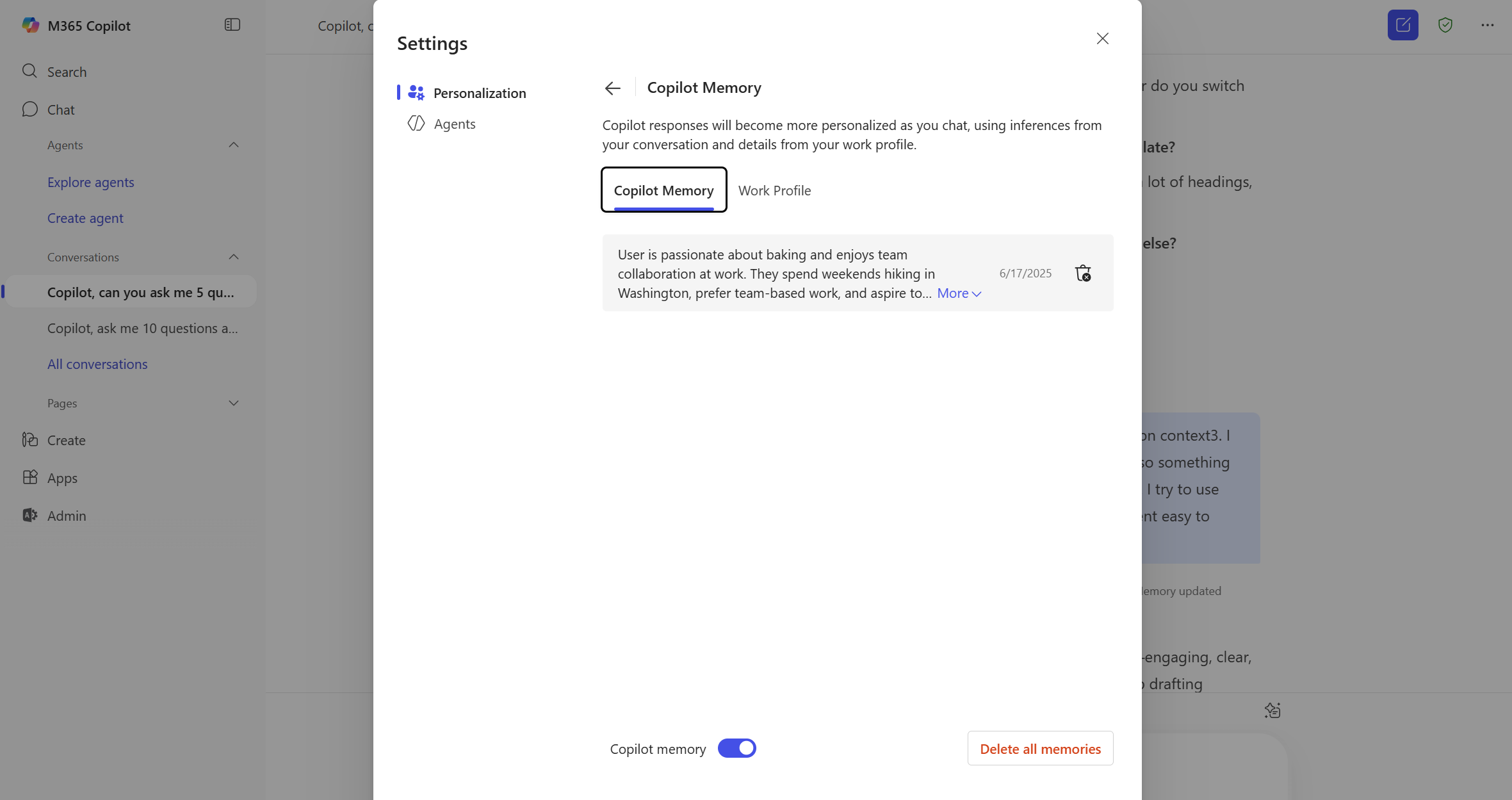
Microsoft Copilot offers you tailored experiences by remembering key details and preferences from your conversations with Microsoft Copilot Chat using Copilot Memory. Over time, it can recall useful information like your communication style, favorite topics, work goals, and recurring tasks to make conversations straightforward and more relevant. If the user has Copilot memory enabled, Copilot can provided personalized recommendations by using Copilot Chat conversations and usage data, Microsoft 365 work data, usage signals, and profile information.
When Copilot Memory is turned on, Copilot automatically saves key information to its memory from your Copilot Chat conversations.
When you turn off Copilot Memory, Copilot is stopped from applying saved memories to the chat, but doesn't delete saved memories.
References:
Introducing Copilot Memory: A More Productive and Personalized AI for the Way You Work | Microsoft Community Hub
At Microsoft, we believe AI should work for you—not the other way around. That’s why we’re introducing memory in Copilot, a new capability that makes your...
 techcommunity.microsoft.com

Manage Copilot personalization and memory
This article details how to use the personalization and memory settings in Microsoft Copilot
learn.microsoft.com
Manage Copilot Memory in Microsoft Copilot | Microsoft Support
Learn how to manage and delete saved memories from Copilot Memory in Microsoft Copilot
 support.microsoft.com
Personalize what Microsoft Copilot remembers | Microsoft Support
Learn how to personalize what Microsoft Copilot remembers about you and your preferences
support.microsoft.com
Microsoft Copilot privacy controls | Microsoft Support
Learn about privacy controls available in Microsoft Copilot.
support.microsoft.com
Contents
- Option One: Enable or Disable Copilot Memory Personalization from Copilot app and web
- Option Two: Enable or Disable Copilot Memory Personalization from Microsoft Edge
1 Open the copilot.microsoft.com site or Copilot app on Windows 11.
2 Sign in to Copilot with your Microsoft account if not already.
3 Open Copilot Settings.
4 Click/tap on Personalization on the left side. (see screenshot below)
5 Turn on (default) or off Saved memories for what you want.
1 Open Microsoft Edge.
2 Sign in to Microsoft Edge with your Microsoft account if not already.
3 Click/tap on the Copilot Chat icon on the toolbar. (see screenshot below step 4)
4 Click/tap on the Settings and more (3 dots) button, and click/tap on Chat settings. (see screenshot below)
5 Click/tap on Personalization. (see screenshot below)
6 Turn on (default) or off Saved memories for what you want. (see screenshot below)
7 You can now close Copilot settings if you like.
That's it,
Shawn Brink
Related Tutorials
- Save Information to Copilot Memory
- Delete Copilot Memory
- Enable or Disable Context Clues for Copilot in Microsoft Edge
- Enable or Disable Model Training in Copilot on Web, Windows 11
- Clear All Copilot Activity History Data for Microsoft Account
- Enable or Disable Diagnostic Data Sharing in Copilot app in Windows 11
- Enable or Disable Personalized Ads in Copilot app on Windows 11
- Enable or Disable Personalized Experiences on Microsoft Store app in Windows 11
- Enable or Disable Personalized Ads and Offers for Microsoft Account
Last edited: