Excel Blog:
Not long after we announced a preview of Focus Cell in the Microsoft Insider's Blog had we received positive feedback about this feature. Now, we are happy to announce that Focus Cell is now generally available on desktop, both Windows and Mac.
NOTE: Support for Focus Cell with Freeze Panes is coming around Jan 2025.
About Focus Cell
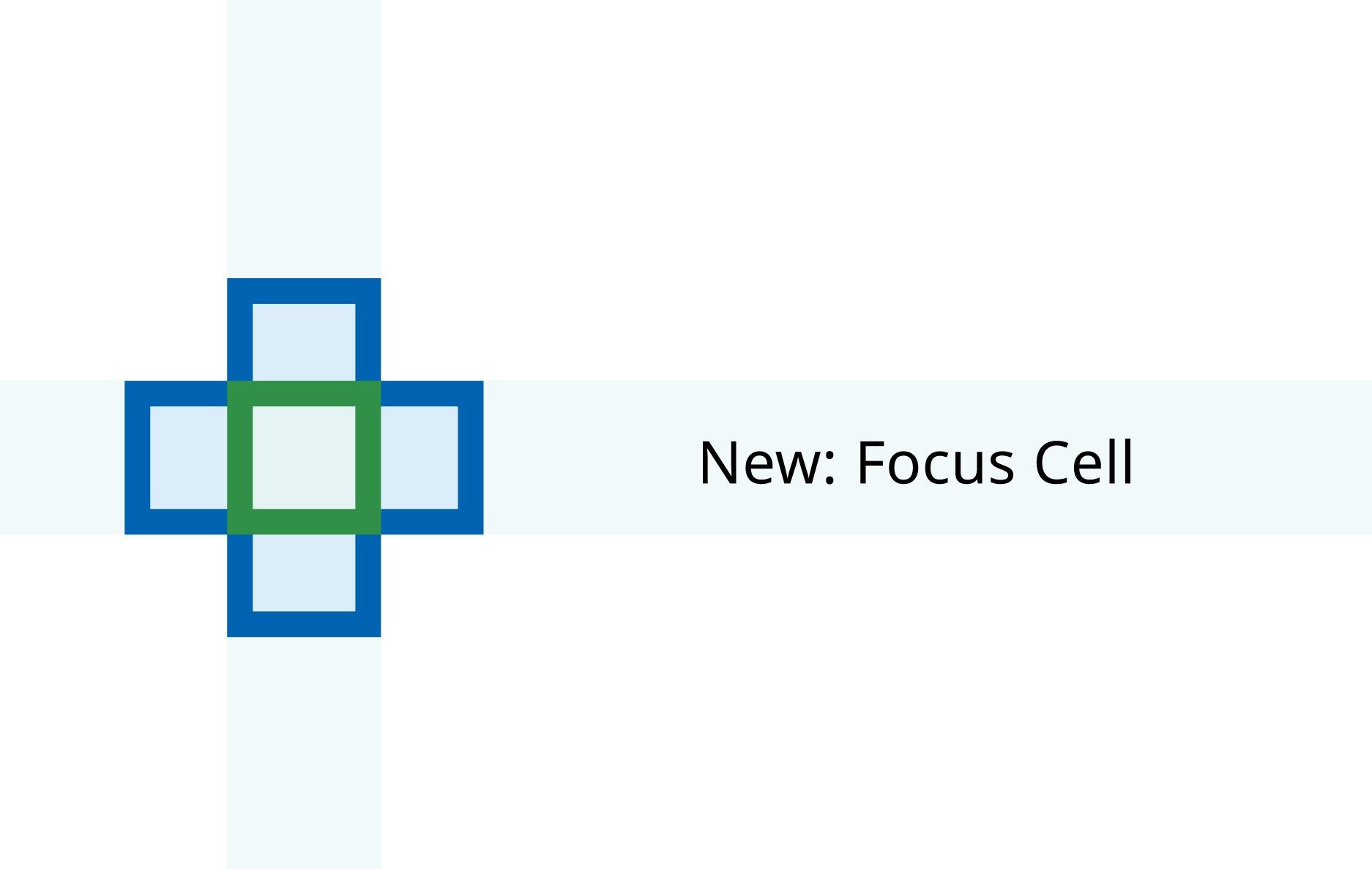
Focus Cell applies vibrant highlights to the corresponding row and column of the active cell and increases the active cell’s border thickness. This makes the active cell more visible and facilitates easy identification of data across the same row and column.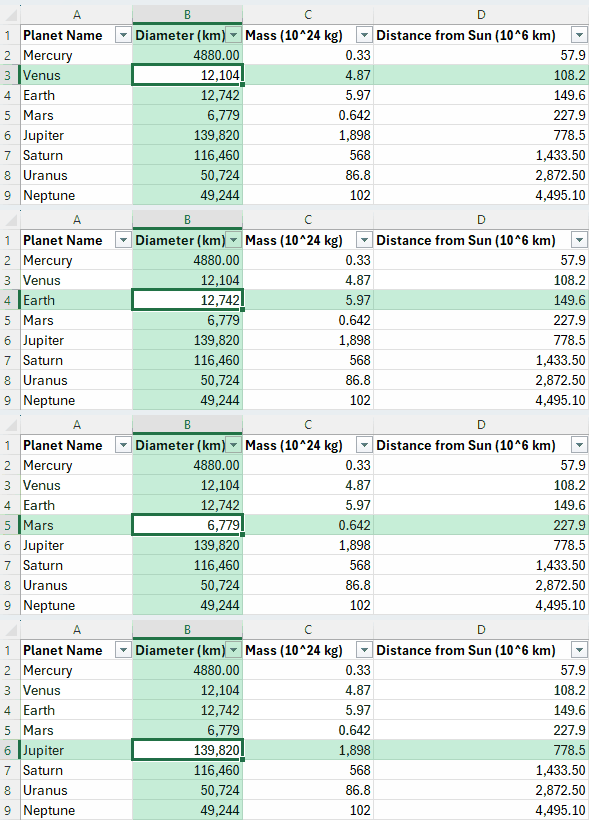
Animation showing Focus Cell in an Excel worksheet
How it works
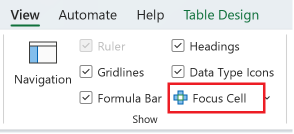
- On the View tab, select Focus Cell button to toggle the feature on and off, or press Alt + W + E + F.
Focus Cell button on the View tab
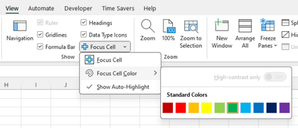
- In the dropdown menu, you can adjust the Focus Cell Color
Color options for Focus Cell
Introducing an updated Find & Replace experience
By default, Focus Cell activates for Find & Replace commands, making it easier to locate the active cell as it shifts positions.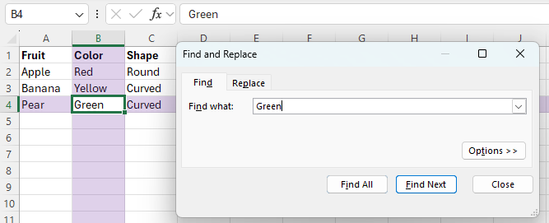
Highlights appear when a match is found
To adjust this setting, select View > Focus Cell > Show Auto-Highlight.
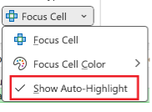
Show Auto-Highlight automatically turns on Focus Cell for Find & Replace
Note: The updated Find & Replace experience is currently rolling out, so if you don't see it right away, patiently wait a few weeks.
What's Next
Support for Freeze Panes with Focus Cell will be available around Jan 2025, and Focus Cell on Web will be available around March 2025, although estimates are subject to change.Availability
Please ensure you are using Version 2410 (Build 18118.20000) or later for Windows and Version 16.91 (Build 24109300) or later for Mac.Feedback
We would love to hear your thoughts on this new feature! If you have any feedback or suggestions, you can submit them by selecting Help > Feedback in Excel. You can also submit new ideas or vote for other ideas via Microsoft Feedback. Source:
Focus Cell is now generally available everywhere | Microsoft Community Hub
Focus Cell applies vibrant highlights to the corresponding row and column of the active cell and increases the active cell’s border thickness, now available...
 techcommunity.microsoft.com