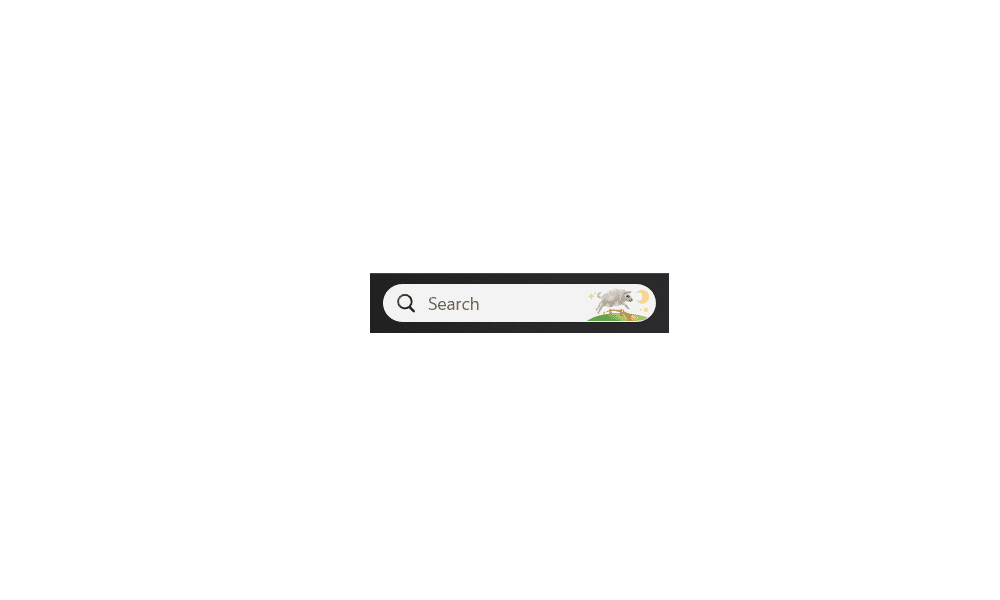
I may want to use it later but right now I do not want it typing stuff up I am not seeking.
T
 hank you
T
My Computers
-
At a glance
Windows 11- OS
- Windows 11
- Computer type
- PC/Desktop
- Manufacturer/Model
- Lenovo
- Other Info
- Device name DESKTOP-91AVJSJ
Processor Intel(R) Core(TM) i5-9400 CPU @ 2.90GHz 2.90 GHz
Installed RAM 8.00 GB (7.90 GB usable)
Device ID D1C9D8EB-95E8-4256-B431-9613F5E28A00
Product ID 00330-52571-93699-AAOEM
System type 64-bit operating system, x64-based processor
Pen and touch No pen or touch input is available for this display
-
At a glance
Windows 11 Surface 2 go home model- Operating System
- Windows 11 Surface 2 go home model