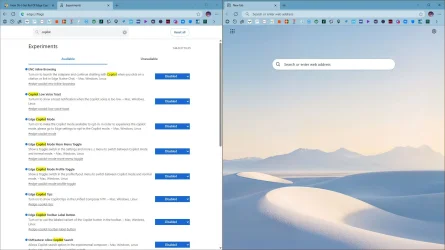
Hello, Ever since Edge was updated to 143.3650.96, a Copilot Discover (Preview) button at the top left of the Home Page has appeared on our PC's. In the Page Settings on the Home Page there is only the option to turn Copilot Preview on or off, not remove it from view. In Edge main settings Copilot is off and the sidebar isn't shown although "Always Show Copilot" is toggled on. When i turn it off - I don't want to use Copilot- it always turns on automatically on browser restart. Does anyone have a method of making this nuisance disappear? Would be grateful. Thanks.

My Computer
At a glance
Windows 11 Home
- OS
- Windows 11 Home