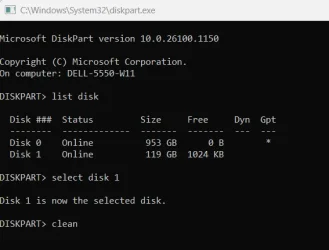
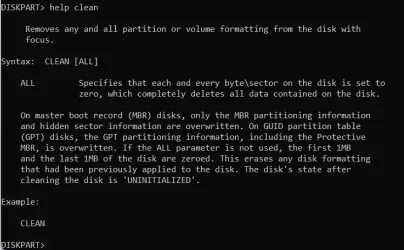
My old pc was an HP laptop that had 2-1 TB HD's. One of them was a M.2 NVMe SCSI HD. Instead of throwing out the drives, I purchased an enclosure for the SSD to use as an external drive on my current pc by USB. I went to initialize, set a drive letter and format the drive, only to find that I can't get to the drive. It is recognized in Device Manager as MOGOOD SCSI Disk Device. Computer management shows the drive as Disk 5, Unknown, Not Initialized. Initializing disk is greyed out. It does not show up as a drive under File Explorer for Devices and Drives
I then downloaded AOMEI Partition Assistant. It shows as Disk 5 as 0.00KB, Basic MBR. I try to initialize it there, wipe the drive or delete the partitions to no avail. I keep getting error messages 6 or 45 which state "The partition table on the disk failed to update as other programs locked the partition table, please close other programs and retry."
This is not possible, since my other pc won't boot so I can wipe the disk clean or unlock the partition table.
How would I get into this drive.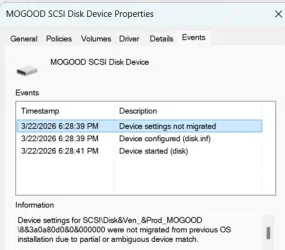
I then downloaded AOMEI Partition Assistant. It shows as Disk 5 as 0.00KB, Basic MBR. I try to initialize it there, wipe the drive or delete the partitions to no avail. I keep getting error messages 6 or 45 which state "The partition table on the disk failed to update as other programs locked the partition table, please close other programs and retry."
This is not possible, since my other pc won't boot so I can wipe the disk clean or unlock the partition table.
How would I get into this drive.
- Windows Build/Version
- Version 25H2 (OS Build 26200.8039)
My Computer
At a glance
Windows 11
- OS
- Windows 11
- Computer type
- Laptop
- Manufacturer/Model
- HP