Hello everyone,
This thread is not a problem.
I wanted to share my experience of clean installing Windows 11, with VMD enabled and disabled. And probably understand why my SSD is not automatically detected by the BIOS when VMD is Enabled.
VDM Enabled:
Windows installation and startup works fine with the RST drivers installed.
But :
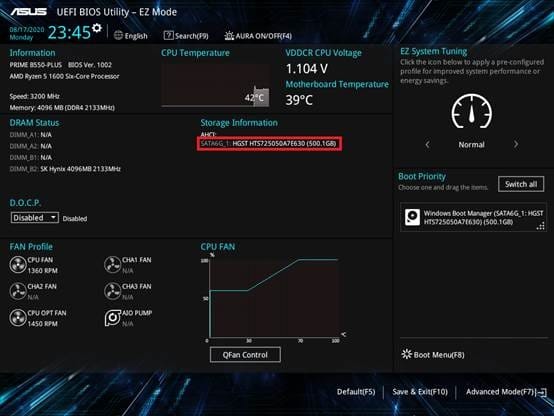
1) My NVME SSD is no longer detected and displayed in BIOS. I never figured out how to display it!
2) WinRE has significant problems: Startup setting and other options are missing, restoring to a later date does not work and indicates that I have to choose a version of windows to restore!
These 2 points are linked.
VMD Disabled:
- Windows installation and startup works correctly, without the need to install RST drivers.
- My NVME SSD is correctly displayed in the bios.
- WinRE works perfectly!
I don't have a problem with VMD being disabled. And I even feel like my SSD is faster.
But I want to understand.
How to make SSD detected in BIOS when VMD Enabled.
I searched through BIOS options for hours and never found a solution.
Before this new installation of Windows, my laptop was delivered with VMD activated and the SSD clearly displayed. So it's possible.
Have a nice day.
Bios when windows is installed with VMD Enabled.

This thread is not a problem.
I wanted to share my experience of clean installing Windows 11, with VMD enabled and disabled. And probably understand why my SSD is not automatically detected by the BIOS when VMD is Enabled.
VDM Enabled:
Windows installation and startup works fine with the RST drivers installed.
But :
1) My NVME SSD is no longer detected and displayed in BIOS. I never figured out how to display it!
2) WinRE has significant problems: Startup setting and other options are missing, restoring to a later date does not work and indicates that I have to choose a version of windows to restore!
These 2 points are linked.
VMD Disabled:
- Windows installation and startup works correctly, without the need to install RST drivers.
- My NVME SSD is correctly displayed in the bios.
- WinRE works perfectly!
I don't have a problem with VMD being disabled. And I even feel like my SSD is faster.
But I want to understand.
How to make SSD detected in BIOS when VMD Enabled.
I searched through BIOS options for hours and never found a solution.
Before this new installation of Windows, my laptop was delivered with VMD activated and the SSD clearly displayed. So it's possible.
Have a nice day.
Bios when windows is installed with VMD Enabled.
My Computer
At a glance
Windows 11 Pro 23H2Intel 12700H32 GoRTX 3060
- OS
- Windows 11 Pro 23H2
- Computer type
- Laptop
- Manufacturer/Model
- ASUS TUF Gaming F17 (2022) - FX707ZM
- CPU
- Intel 12700H
- Motherboard
- Asus FX707ZM
- Memory
- 32 Go
- Graphics Card(s)
- RTX 3060
- Sound Card
- C-MEDIA
- Monitor(s) Displays
- Integrated screen
- Screen Resolution
- 1920x1080
- Hard Drives
- Intel NVME & WD Green NVME
- Mouse
- ROG Gladius III
- Browser
- Edge
- Antivirus
- Windows Defender