UPDATE 3/30:
 www.elevenforum.com
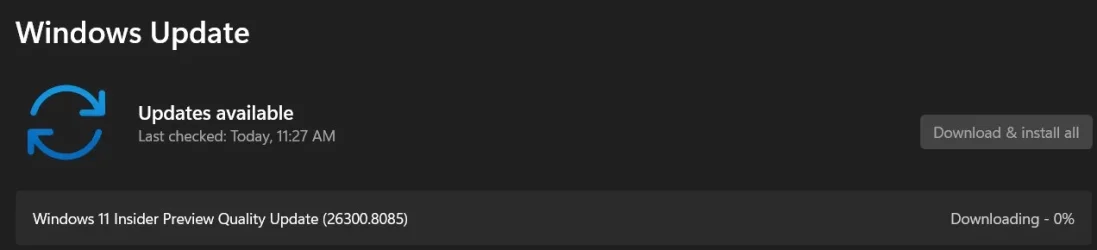
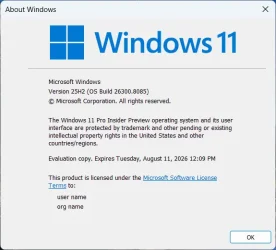
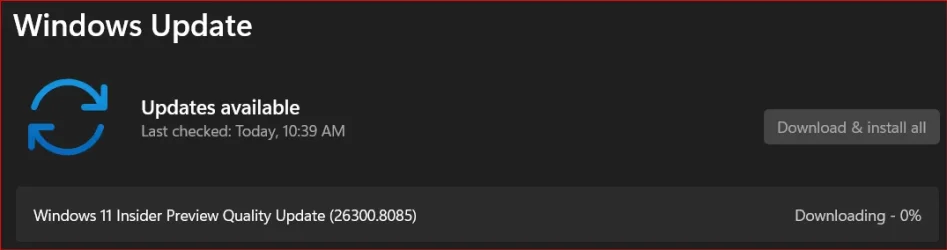
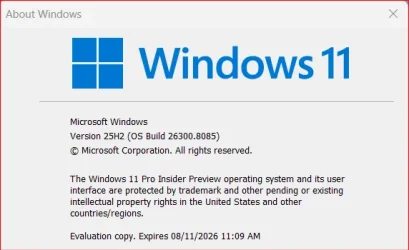
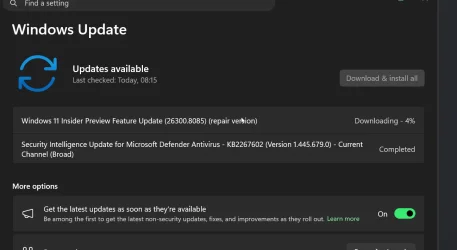
Hello Windows Insiders, today we are releasing Windows 11 Insider Preview Build 26300.8085 (KB 5079483) to the Dev Channel.
Changes in Dev Channel builds and updates are documented in two buckets: new features, and improvements (including notable fixes) that are being gradually rolled out for Insiders who have turned on the toggle to get the latest updates as they are available (via Settings > Windows Update*) and then new features, and improvements (including notable fixes) rolling out to everyone in the Dev Channel. For more information, see the Reminders section at the bottom of this blog.
 www.elevenforum.com
 www.elevenforum.com
 www.elevenforum.com
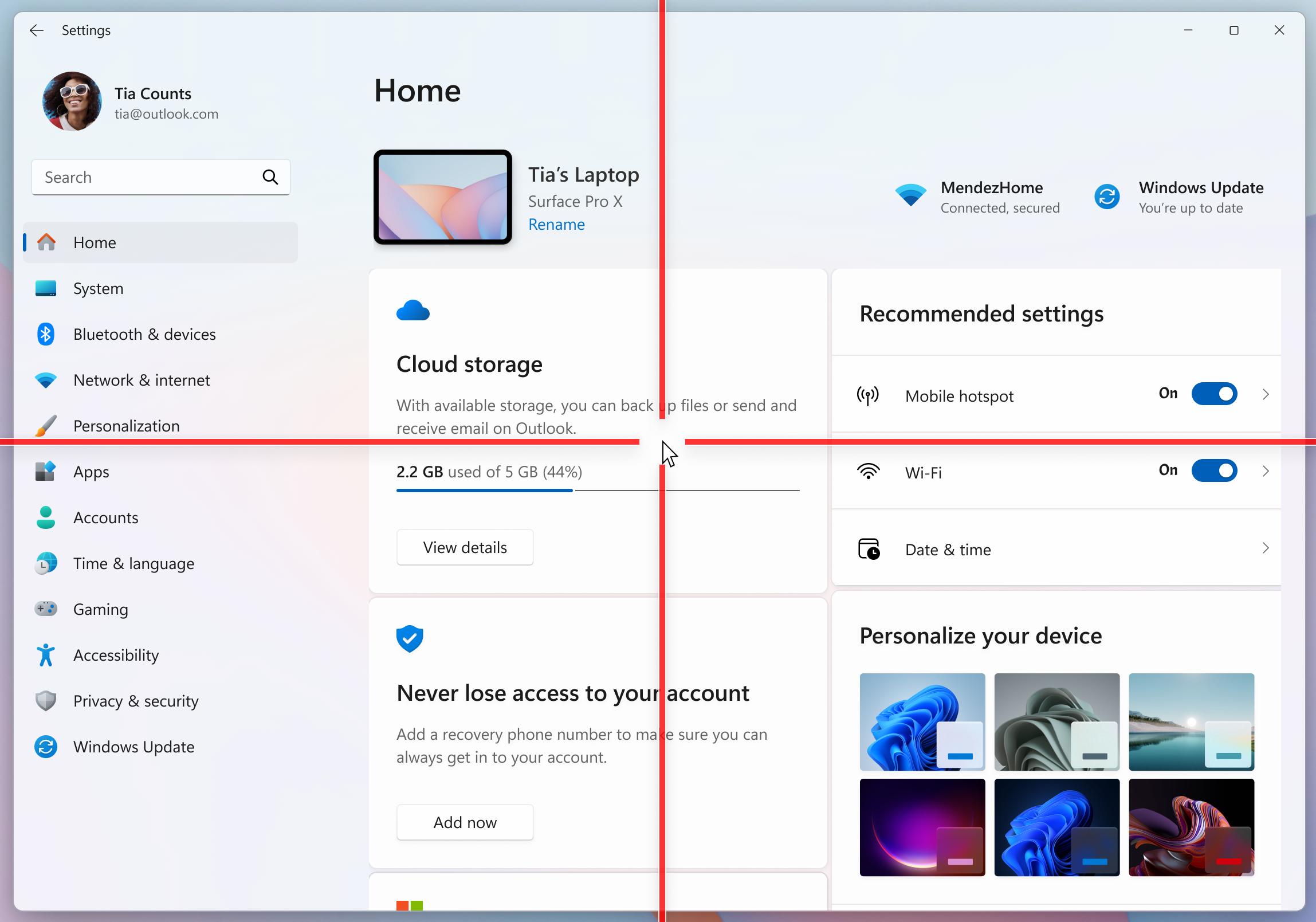
Mouse pointer indicator shown over Settings in Windows 11.
To enable this experience, go to Settings > Accessibility > Mouse pointer and touch and enable the Pointer indicator setting. You can also search for the setting by name. When the setting is enabled, you can toggle it on/off with the keyboard shortcut, Win + Ctrl + Shift + X.

Settings shown for turning on the mouse pointer indicator.
We welcome your feedback about the cursor and crosshair experience with this accessibility setting.
FEEDBACK: Please file feedback in Feedback Hub (WIN + F) under Accessibility > Accessibility Settings.
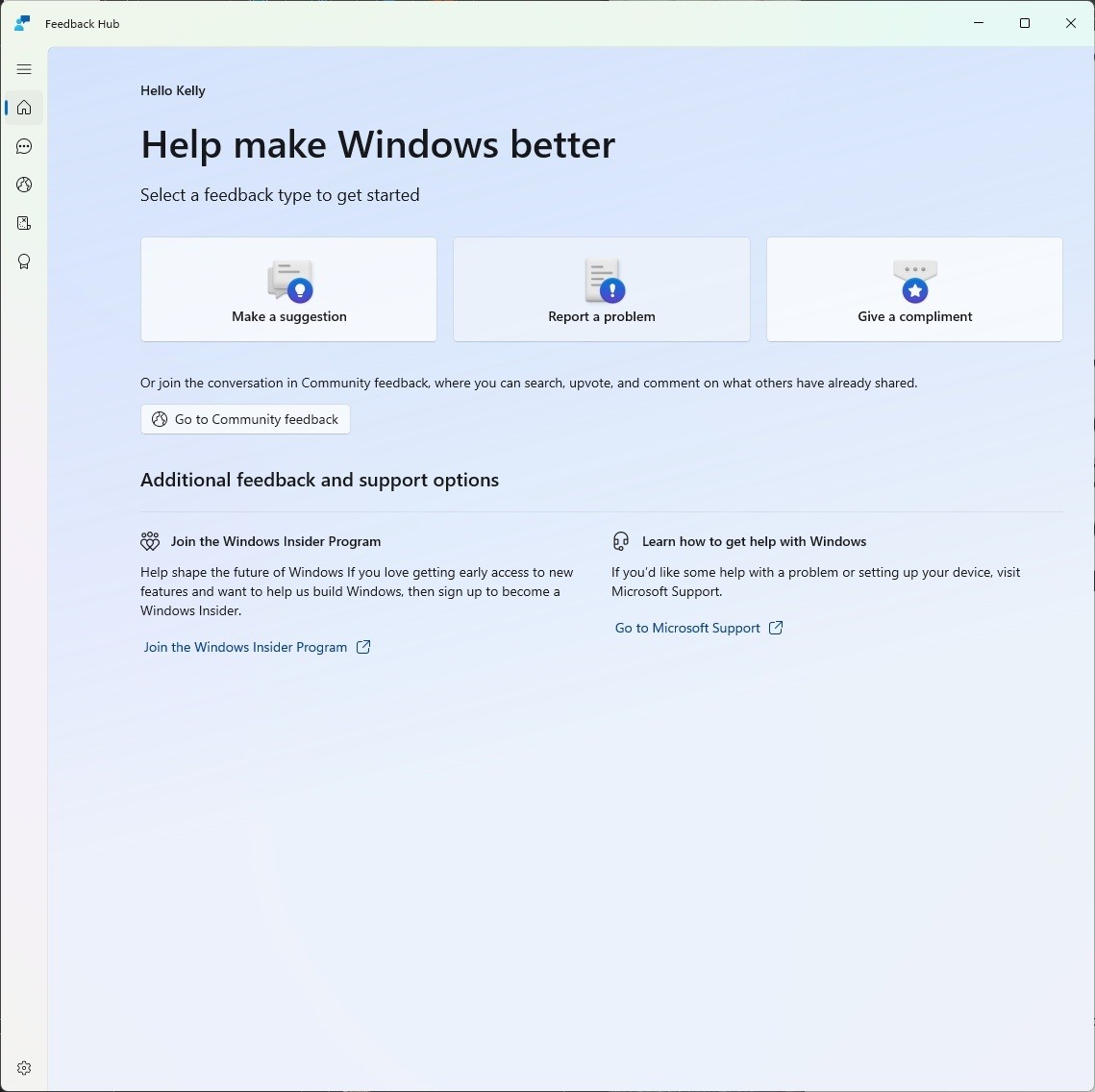
The new Feedback Hub home page where you can file suggestions, problems or compliments.
What’s new in Feedback Hub
Windows Insider Program Team

 blogs.windows.com
Check Windows Updates
UUP Dump:
64-bit ISO download:

ARM64 ISO download:
 www.elevenforum.com
KB5079492 Windows 11 Insider Dev build 26300.8142 (25H2) - March 30
Windows Insider Blog: Source: https://blogs.windows.com/windows-insider/2026/03/30/announcing-windows-11-insider-preview-build-26300-8142-dev-channel/ Check Windows Updates UUP Dump: 64-bit ISO download: https://uupdump.net/selectlang.php?id=02d515c9-3209-4874-a0d5-2be331905512 ARM64...
www.elevenforum.com
Windows Insider Blog:
Hello Windows Insiders, today we are releasing Windows 11 Insider Preview Build 26300.8085 (KB 5079483) to the Dev Channel.
Changes in Dev Channel builds and updates are documented in two buckets: new features, and improvements (including notable fixes) that are being gradually rolled out for Insiders who have turned on the toggle to get the latest updates as they are available (via Settings > Windows Update*) and then new features, and improvements (including notable fixes) rolling out to everyone in the Dev Channel. For more information, see the Reminders section at the bottom of this blog.
Enable or Disable Get Latest Updates as soon as available in Windows 11
This tutorial will show you how to turn on or off "Get the latest updates as soon as they are available" in Windows 11. Starting with Windows 11 build 22621.1635, Microsoft added a new "Get the latest updates as soon as they are available" toggle under Settings > Windows Update. When you turn...
www.elevenforum.com
Changes and Improvements gradually being rolled out with toggle on*
[Pointer Indicator: Accessibility setting for low vision Windows users]
We are resuming the rollout of the Point Indicator Accessibility setting. This feature enables low vision users on Windows to easily locate and use their cursor to increase productivity and efficiency when using a Windows device.
Enable or Disable Mouse Pointer Indicator in Windows 11
This tutorial will show you how to enable or disable the mouse pointer crosshair indicator for your account in Windows 11. Starting with Windows 11 build 26058 (Canary and Dev), Microsoft added a mouse pointer indicator feature that allows low vision users on Windows to now easily locate and...
www.elevenforum.com
Change Color of Mouse Pointer Indicator in Windows 11
This tutorial will show you how to change the mouse pointer crosshair indicator color for your account in Windows 11. Starting with Windows 11 build 26058 (Canary and Dev), Microsoft added a mouse pointer indicator feature that allows low vision users on Windows to now easily locate and use...
www.elevenforum.com
Mouse pointer indicator shown over Settings in Windows 11.
To enable this experience, go to Settings > Accessibility > Mouse pointer and touch and enable the Pointer indicator setting. You can also search for the setting by name. When the setting is enabled, you can toggle it on/off with the keyboard shortcut, Win + Ctrl + Shift + X.
Settings shown for turning on the mouse pointer indicator.
We welcome your feedback about the cursor and crosshair experience with this accessibility setting.
FEEDBACK: Please file feedback in Feedback Hub (WIN + F) under Accessibility > Accessibility Settings.
[Windows Magnifier]
- Windows magnifier can now magnify protected content.
[Network and Sharing]
- We fixed an issue where the Network and Sharing Center could incorrectly display two active Wi-Fi connections after switching from one Wi-Fi network to another. The Network and Sharing Center now correctly reflects a single active Wi-Fi connection when you connect to a new network.
[Input]
- Improved explorer.exe reliability when closing the input flyout.
- Improved reliability of configuring fluid dictation option in voice typing (Windows key plus H) settings.
[Feedback Hub]
Introducing the new Feedback Hub, bringing a refreshed, modernized experience.
The new Feedback Hub home page where you can file suggestions, problems or compliments.
What’s new in Feedback Hub
- Simpler feedback submission flow: Feedback is now submitted using a single unified template, with the added ability to search categories. The feedback form itself has been modernized enabling for faster iteration and future improvements.
- Simpler navigation: My Feedback now lives directly in the navigation pane, and Community feedback (formerly All feedback) makes it easier to discover and engage with feedback from others. The Announcements page has been removed to focus more on giving and exploring feedback. You can still find announcements on the Windows Insider Blog.
- New compliment feedback type: Call out what’s working well.
- Private or public feedback: Choose whether your feedback is visible to the Insider community.
- New focused feedback experience: a new smaller Feedback Hub surface, making it easier to provide quick, in-the-moment feedback. You can expand to the full Feedback Hub experience by pressing the button in the upper right corner.
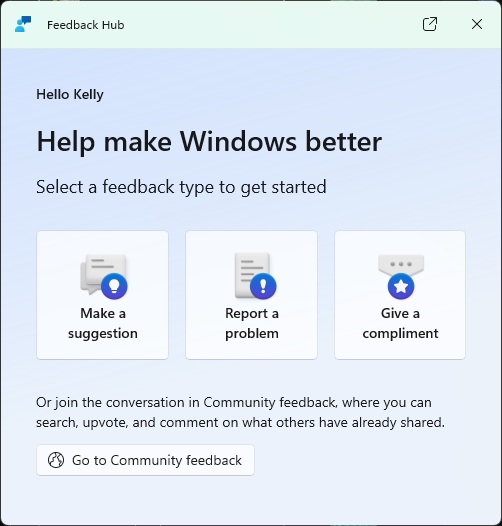
The new focused feedback experience. - Improved screenshot capture and review tooling: making it easier to capture and include visuals when sharing feedback.
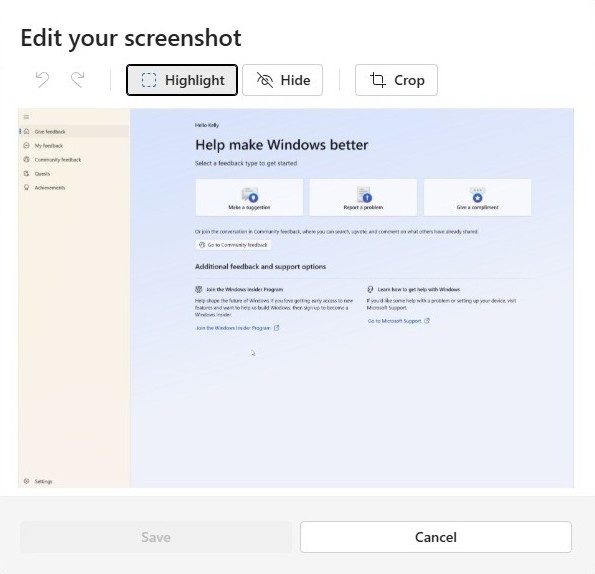
Edit your screenshot by clicking on the screenshot to highlight, hide or crop.
Reminders for Windows Insiders in the Dev Channel
- Updates are based on Windows 11, version 25H2 via an enablement package (Build 26300.8085).
- Many features are rolled out using Controlled Feature Rollout technology, starting with a subset of Insiders and ramping up over time as we monitor feedback to see how they land before pushing them out to everyone in this channel.
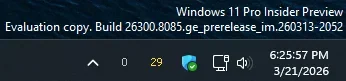
- The desktop watermark shown at the lower right corner of the desktop is normal for Windows Insider pre-release builds.
- For Windows Insiders who want to be the first to get features gradually rolled out to you, you can turn ON the toggle to get the latest updates as they are available via Settings > Windows Update*. Over time, we will increase the rollouts of features to everyone with the toggle turned on. Should you keep this toggle off, new features will gradually be rolled out to your PC over time once they are ready.
- Features and experiences included in these builds may never get released as we try out different concepts and get feedback. Features may change over time, be removed, or replaced and never get released beyond Windows Insiders. Some of these features and experiences could show up in future Windows releases when they’re ready.
- Some features in active development we preview with Windows Insiders may not be fully localized and localization will happen over time as features are finalized. As you see issues with localization in your language, please report those issues to us via Feedback Hub.
- Check out Flight Hub for a complete look at what build is in which Insider channel.
Windows Insider Program Team
Source:
Announcing Windows 11 Insider Preview Build 26300.8085 (Dev Channel)
Hello Windows Insiders, today we are releasing Windows 11 Insider Preview Build 26300.8085 (KB 5079483
blogs.windows.com
Check Windows Updates
UUP Dump:
64-bit ISO download:
Select language for Windows 11 Insider Preview Feature Update (26300.8085) amd64
Select language for Windows 11 Insider Preview Feature Update (26300.8085) amd64 on UUP dump. UUP dump lets you download Unified Update Platform files, like Windows Insider updates, directly from Windows Update.
uupdump.net
ARM64 ISO download:
Select language for Windows 11 Insider Preview Feature Update (26300.8085) arm64
Select language for Windows 11 Insider Preview Feature Update (26300.8085) arm64 on UUP dump. UUP dump lets you download Unified Update Platform files, like Windows Insider updates, directly from Windows Update.
uupdump.net
UUP Dump - Download Windows Insider ISO
UUP Dump is the most practical and easy way to get ISO images of any Insider Windows 10 or Windows 11 version, as soon as Microsoft has released a new build. UUP Dump creates a download configuration file according to your choices, downloads necessary files directly from Microsoft servers, and...
www.elevenforum.com
Last edited: