- Local time
- 1:51 PM
- Posts
- 4,018
- OS
- Windows 11 Home 25H2
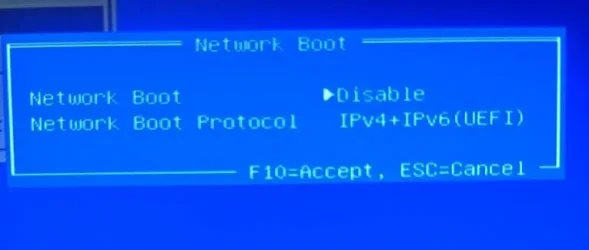
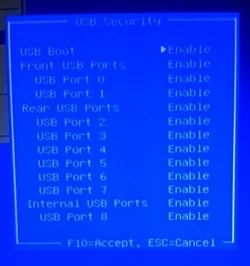
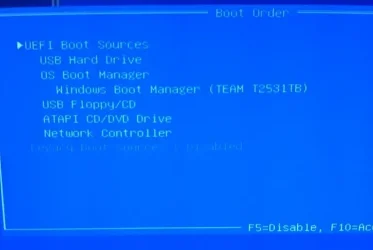
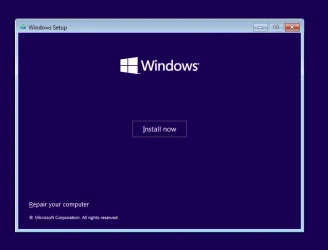
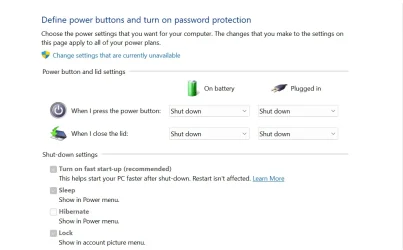
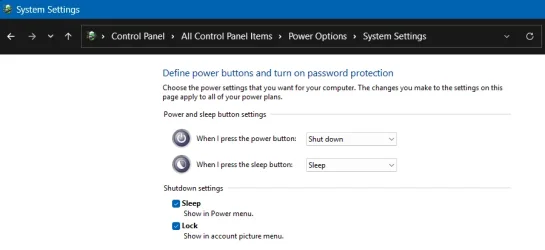
Did you turn off fast start up in settings? I usually find that is the issue if wanting to boot from usb. (Post #17)Well, as a last resort, following your advice I have just made a bootable USB using Rufus together with the Windows ISO file. I have just restarted PC and, yet again, it goes straight to my Windows desktop startup screen. Should there not be a window appear from the newly created Windows USB that gives me some options or is it meant to go straight into my PC ?? I'm fast running out of options......
My Computers
-
At a glance
Windows 11 Home 25H2Core i5-1035G132gb- OS
- Windows 11 Home 25H2
- Computer type
- Laptop
- Manufacturer/Model
- HP Pavilion 14-ce3606sa
- CPU
- Core i5-1035G1
- Memory
- 32gb
- Hard Drives
- Samsung 870 evo sata ssd
- Cooling
- Could be better
- Internet Speed
- 50 mbps Starlink
- Browser
- Firefox
- Other Info
- Originally came installed with a 500gb H10 Optane ssd
-
At a glance
Windows 11 HomeIntel Core i5-1035G116gb- Operating System
- Windows 11 Home
- Computer type
- Laptop
- Manufacturer/Model
- HP Pavilion ce3606sa
- CPU
- Intel Core i5-1035G1
- Memory
- 16gb
- Hard Drives
- Hynix Gold P31 2TB
- Internet Speed
- 200mbps Starlink
- Browser
- Firefox
- Antivirus
- Defender