- Local time
- 10:19 AM
- Posts
- 90
- OS
- Windows 11
hi,
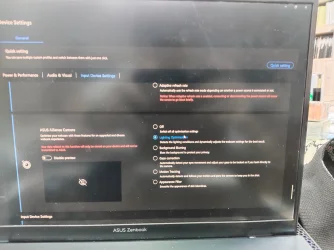
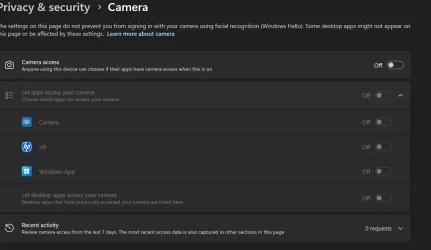
I have gotten a message recently stating: This function is not available now. Make sure that your camera is working properly and has allowed MyASUS access to it when going to the camera settings in MyASUS. I checked the Windows settings and the settings has been turned on. How to fix this issue? It happened last year.
I have gotten a message recently stating: This function is not available now. Make sure that your camera is working properly and has allowed MyASUS access to it when going to the camera settings in MyASUS. I checked the Windows settings and the settings has been turned on. How to fix this issue? It happened last year.
- Windows Build/Version
- Windows 11 26300.9032
My Computer
At a glance
Windows 11Intel core i5-11-1135G716GB LPPDR4xIntel iRIS xe
- OS
- Windows 11
- Computer type
- Laptop
- Manufacturer/Model
- Asus
- CPU
- Intel core i5-11-1135G7
- Motherboard
- AsusTek Computer, Inc.
- Memory
- 16GB LPPDR4x
- Graphics Card(s)
- Intel iRIS xe
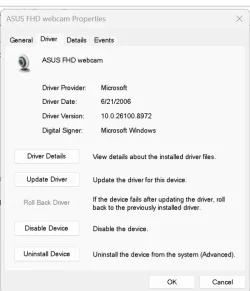
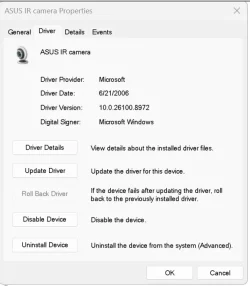


 Not hard to see where this is going ....