Meta News:
Today, we’re launching several new ways to help you better connect with your friends on Instagram. People have always come to Instagram to share what they’re up to and where they are. Now, with reposts, the map, and the “Friends” tab in Reels, it’s easier for you and your friends to stay in touch through the content you’re enjoying on Instagram.
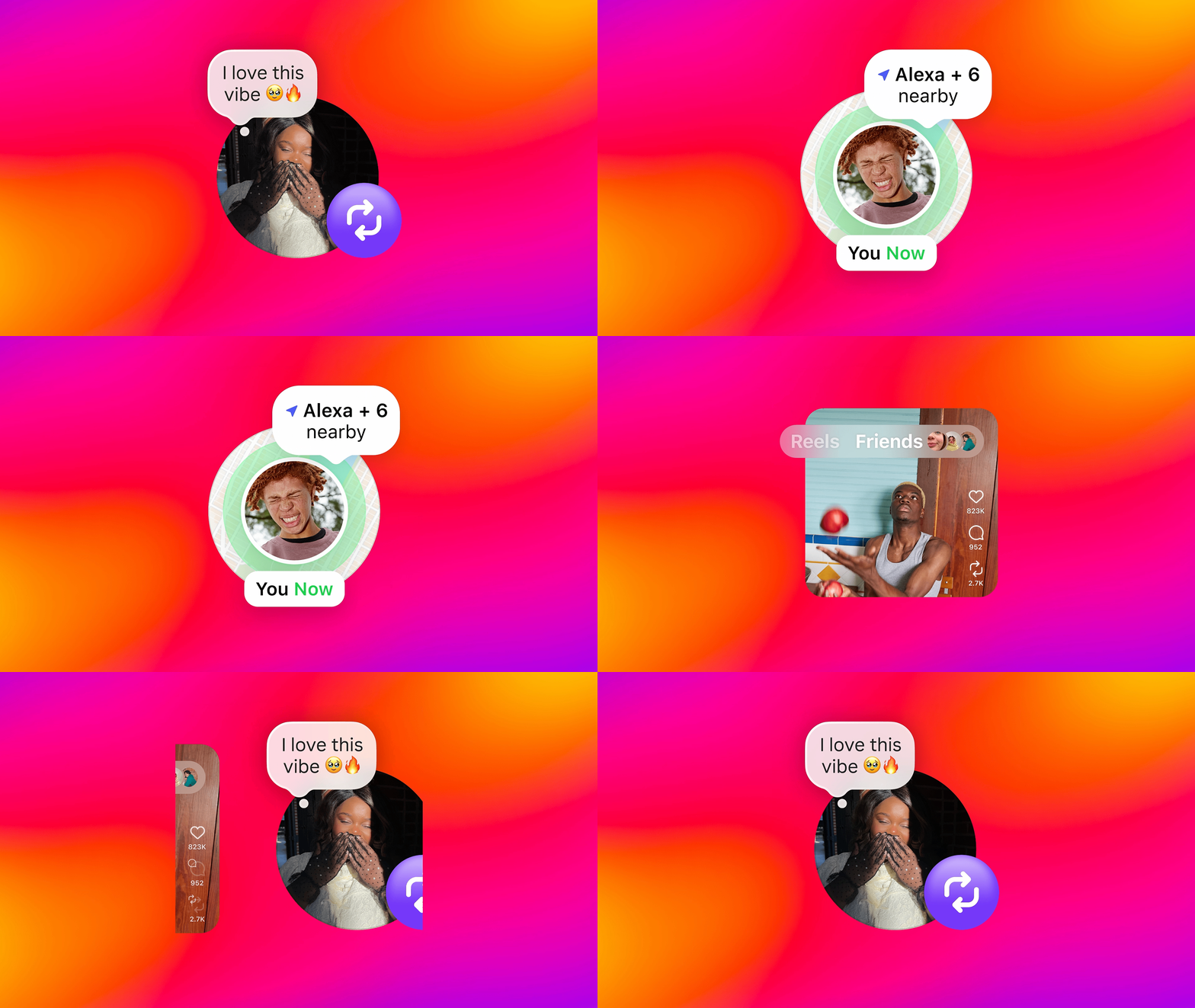
Repost Your Favorite Reels and Posts
With reposts, you can repost public reels and feed posts, making it easier for you to share your interests with your friends. Reposts will be recommended to your friends’ and followers’ feeds, and they’ll also be in a separate tab on your profile, so you can always go back to revisit your reposts.Reposts are credited to the original poster. If you’re a creator, this means that if your content is reposted by someone else, it may be recommended to that person’s followers, even if those people don’t follow you. This gives creators an opportunity to reach even more people.
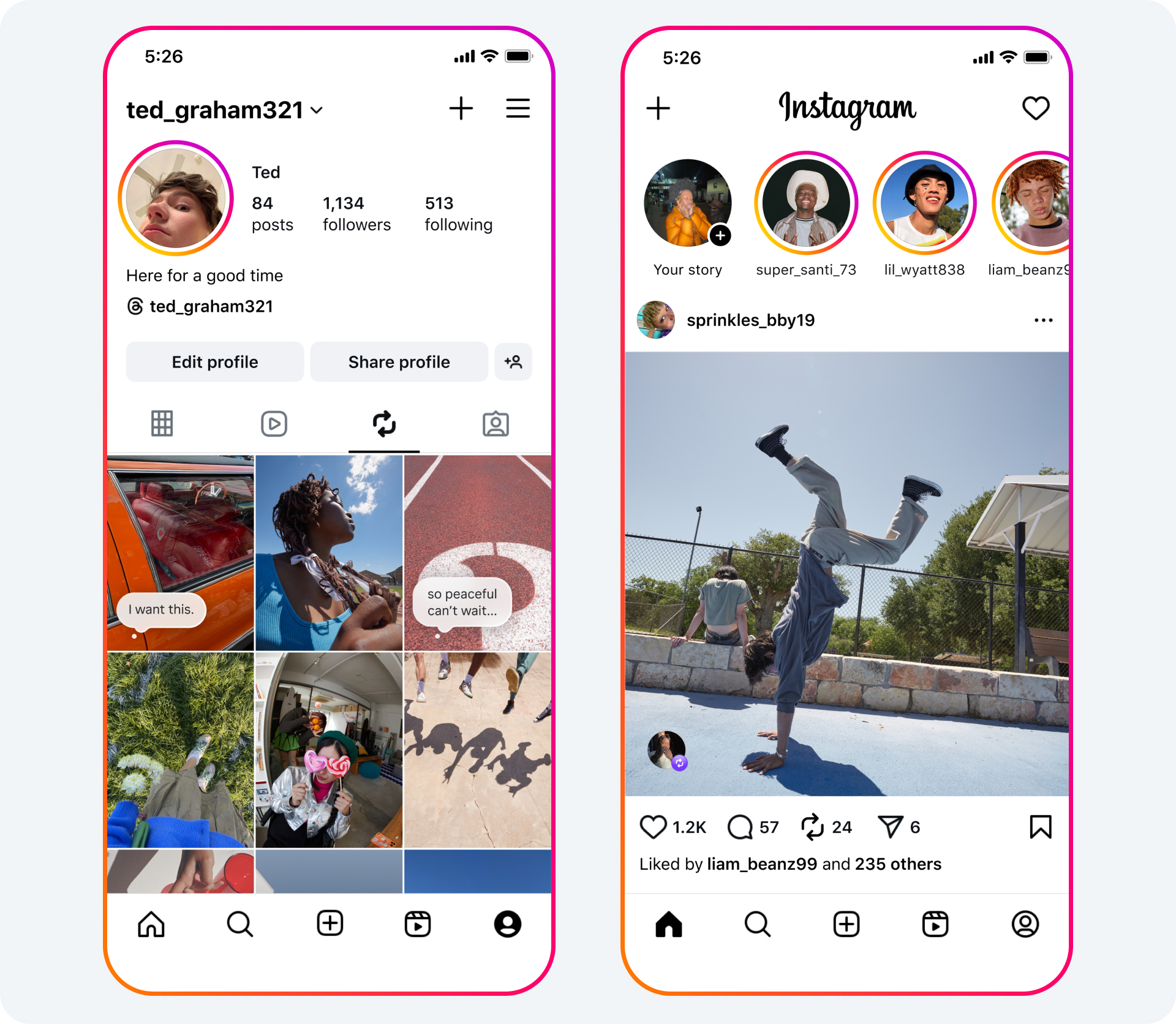
To repost a reel or post, tap the repost icon. You can also add a note to your repost by typing into the thought bubble that appears on screen and pressing save.
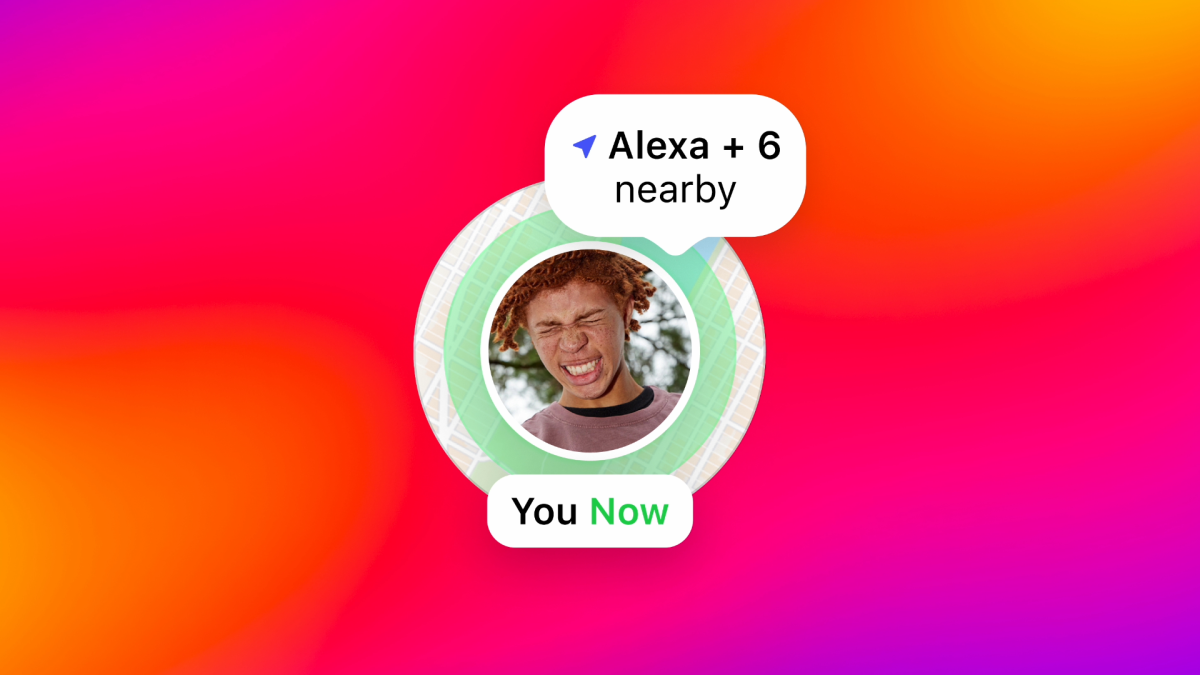
Connect with Friends Using the Instagram Map
Stay up-to-date with friends with the Instagram map. You can opt in to sharing your last active location with friends you choose, and you can turn it off anytime. You can also open the map to see content your friends and favorite creators are posting from interesting or fun locations. No matter how you use the map, you and your friends have a new, lightweight way to connect with each other.Location sharing is off unless you opt in. If you do share your location with friends, you have controls to customize this experience:
- You choose who you share your location with: friends (followers you follow back), Close Friends, Only selected friends, or no one.
- You can choose to not share location in specific places or with specific people.
- If you use location sharing, your location is updated whenever you open the app or return to the app if it’s been running in the background. You can turn off location sharing at any time.
- If you’re a parent with supervision set up for your teen, you have control over their location sharing experience on the map. You will receive a notification if your teen starts sharing their location, giving you the opportunity to have important conversations about how to safely share with friends. You can decide whether your teen has access to location sharing on the map and see who your teen is sharing their location with.
- Learn more about sharing location.

Regardless of whether you choose to share your location, you can use the map to explore location-based content. From checking out stories from friends who’ve gone to a concert or finding a new place to hang out from a local creator’s reel, there’s content to help you and your friends connect with the world around you.
Any content with a location tagged can show up on the map including:
- Reels, posts, and stories from people you follow, available for 24 hours after it’s posted
- Notes from people you mutually follow, available for 24 hours

You can find the Instagram map at the top of your DM inbox. This feature is rolling out to the US today, with more global availability soon.
Find Out What Your Friends Are Enjoying
We’re introducing Friends, a new tab in Reels where you can see public content your friends have interacted with, or recommendations from Blends you’ve started, and easily start conversations about them. Friends will help you see which reels the people you care about most are creating and engaging with. We started rolling Friends out earlier this year, and are now excited to launch it globally.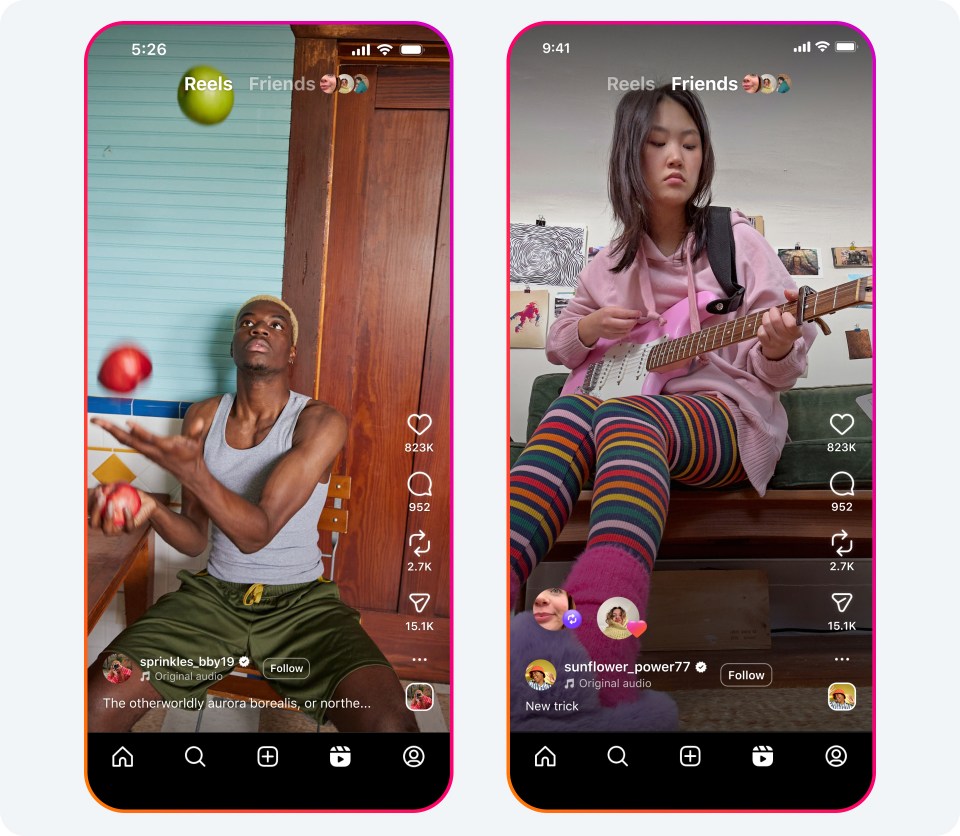
To access your Friends tab, tap the “Friends” tab at the top of Reels. To return to your usual Reels feed, tap the “Reels” tab. We’re also rolling out controls for what’s shown in the Friends tab, including the ability to hide your own likes and comments on reels, and to mute activity bubbles from specific people you follow.
Source:
New Instagram Features to Help You Connect
We’re launching features that make it easier to connect with your friends on Instagram.
 about.fb.com