NTFS formatted USB Disk Drive becomes unformatted after ejecting


stevenvh

Active member
Local time
9:05 PM
Posts
5
OS
Windows 11 Home
I have an external USB hard disk, which was NTFS formatted. I switch this drive frequently between two Windows 11 PCs.

After a couple of incidents where files were unreadable, I was advised to switch to ExFAT. But then certain files I added on PC 1 weren't shown on PC 2, and when I reconnected to PC 1 they were there again. So, ExFAT wasn't the obvious solution, and I went back to NTFS. But this time I ejected safely before disconnecting. (Previously I just disconnected after putting the PC in hibernate/shut down).

Sequence of events:
1. Format drive as NTFS on PC 1
2. Restore files from backup
3. Eject drive
4. Disconnect after USB's port LED is off
5. Connect to PC 2

PC 2 now reports the drive as unformatted ("RAW")! So does PC 1 after reconnecting there.

Questions:
1. Doesn't eject work in general for external NTFS HDDs?
2. Should I wait until the PC is shut down to disconnect? (i.e. not just wait until the port's LED is off)
3. What are the best file system and disconnecting procedure when switching a drive between PCs?
 
Windows Build/Version
Win 11 version 26H2

My Computer My Computer

At a glance

Windows 11 HomeIntel(R) Core(TM) i5-10400 CPU @ 2.90GHz 2.90...24 GB
OS
Windows 11 Home
Computer type
PC/Desktop
Manufacturer/Model
Medion
CPU
Intel(R) Core(TM) i5-10400 CPU @ 2.90GHz 2.90 GHz
Memory
24 GB
Monitor(s) Displays
Benq PD series 32"
Screen Resolution
2560x1440
Keyboard
Logitech
Mouse
Logitech M185
Internet Speed
300 Mbps
Browser
Firefox
Antivirus
Avast One
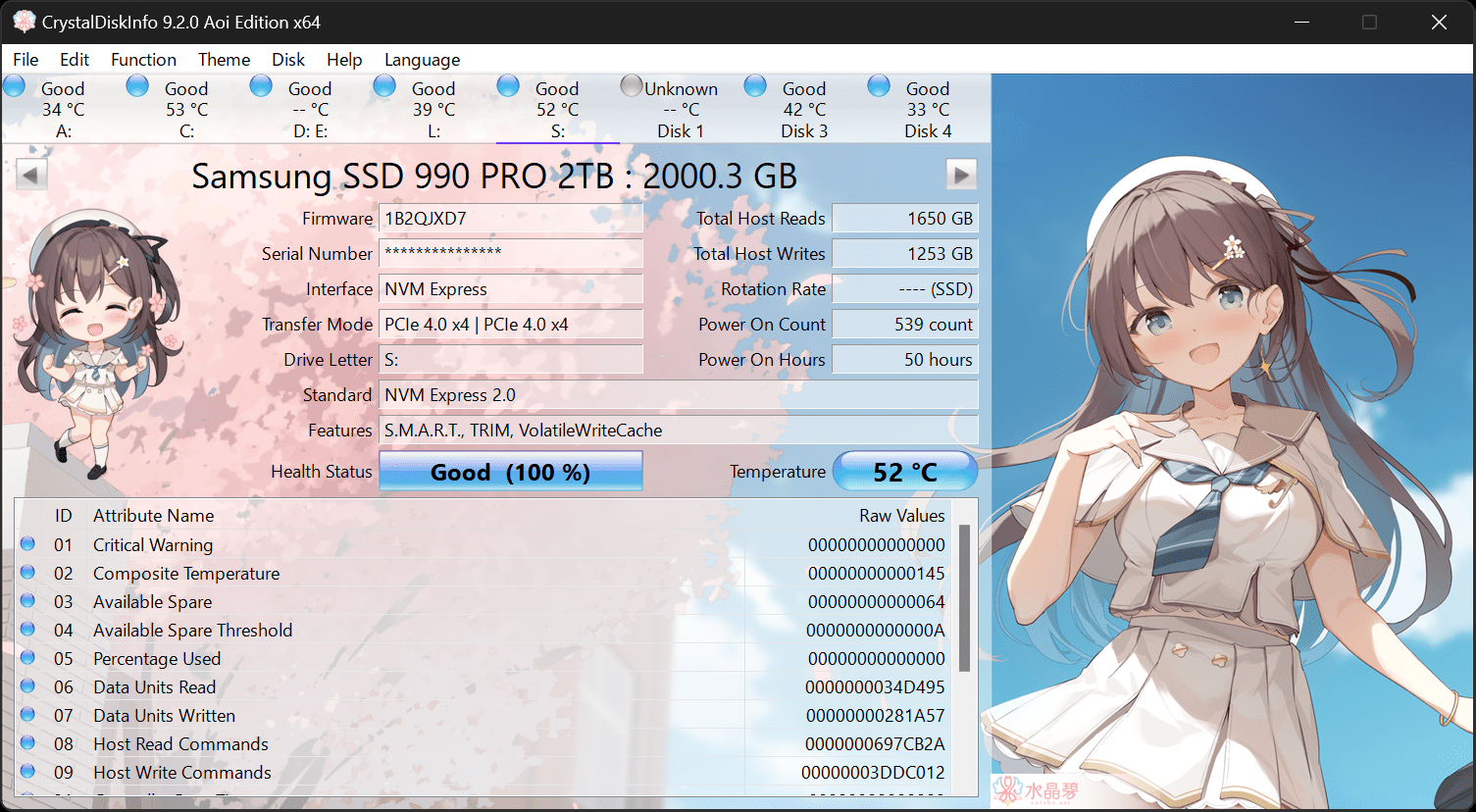
Have you checked health of the HDD using CrystalDiskInfo also post a screenshot of Disk Management.


My Computer My Computer

At a glance

Windows 11AMD Ryzen 7 5700GMicron Technology DDR4-3200 16GBNVIDIA GeForce RTX 3060
OS
Windows 11
Computer type
PC/Desktop
Manufacturer/Model
HP Pavilion
CPU
AMD Ryzen 7 5700G
Motherboard
Erica6
Memory
Micron Technology DDR4-3200 16GB
Graphics Card(s)
NVIDIA GeForce RTX 3060
Sound Card
Realtek ALC671
Monitor(s) Displays
Samsung SyncMaster U28E590
Screen Resolution
3840 x 2160
Hard Drives
SAMSUNG MZVLQ1T0HALB-000H1
Questions:
1. Doesn't eject work in general for external NTFS HDDs?
2. Should I wait until the PC is shut down to disconnect? (i.e. not just wait until the port's LED is off)
3. What are the best file system and disconnecting procedure when switching a drive between PCs?
I have used external HDDs and SSDs for many years.

1. Yes.
2. It depends on whether or not the write cache of the disk is activated. If it is activated, eject or shut down and then disconnect.
You can check the write cache status on Device Manager > Properties > Directives.
3. I always use NTFS for disks, exFAT only for Flash drives.
 

My Computer My Computer

At a glance

Windows 10
OS
Windows 10
Disk Management screenshot:

1792858880429.webp


I have since reformatted the drive and restored my files from backup, and I can access the files, so the drive seems physically OK. CrystalDiskInfo also reports a health status of "Good".
 

My Computer My Computer

At a glance

Windows 11 HomeIntel(R) Core(TM) i5-10400 CPU @ 2.90GHz 2.90...24 GB
OS
Windows 11 Home
Computer type
PC/Desktop
Manufacturer/Model
Medion
CPU
Intel(R) Core(TM) i5-10400 CPU @ 2.90GHz 2.90 GHz
Memory
24 GB
Monitor(s) Displays
Benq PD series 32"
Screen Resolution
2560x1440
Keyboard
Logitech
Mouse
Logitech M185
Internet Speed
300 Mbps
Browser
Firefox
Antivirus
Avast One
The RAW file system is a state of a storage device that has an unknown or no file system on Windows.

Whether you aim to recover important files or return the drive to a usable state, my guide provides working solution for RAW storage drive.
 

My Computer My Computer

At a glance

Windows 11AMD Ryzen 7 5700GMicron Technology DDR4-3200 16GBNVIDIA GeForce RTX 3060
OS
Windows 11
Computer type
PC/Desktop
Manufacturer/Model
HP Pavilion
CPU
AMD Ryzen 7 5700G
Motherboard
Erica6
Memory
Micron Technology DDR4-3200 16GB
Graphics Card(s)
NVIDIA GeForce RTX 3060
Sound Card
Realtek ALC671
Monitor(s) Displays
Samsung SyncMaster U28E590
Screen Resolution
3840 x 2160
Hard Drives
SAMSUNG MZVLQ1T0HALB-000H1
2. It depends on whether or not the write cache of the disk is activated. If it is activated, eject or shut down and then disconnect.
You can check the write cache status on Device Manager > Properties > Directives.

The write cache sounded promising but your path through Device Manager doesn't seem to work: I can't seem to find Directives under Properties. (That is Properties for a drive, since Properties for Device Manager doesn't seem to exist.)
 

My Computer My Computer

At a glance

Windows 11 HomeIntel(R) Core(TM) i5-10400 CPU @ 2.90GHz 2.90...24 GB
OS
Windows 11 Home
Computer type
PC/Desktop
Manufacturer/Model
Medion
CPU
Intel(R) Core(TM) i5-10400 CPU @ 2.90GHz 2.90 GHz
Memory
24 GB
Monitor(s) Displays
Benq PD series 32"
Screen Resolution
2560x1440
Keyboard
Logitech
Mouse
Logitech M185
Internet Speed
300 Mbps
Browser
Firefox
Antivirus
Avast One

My Computer My Computer

At a glance

Windows 10
OS
Windows 10
Sorry, it´s Policies.

Ah, OK.
"Quick removal (default)" is checked, so that should be OK. Thanks for the heads-up.


BTW, There are several drives listed with the same description: "WD Elements 25A3 USB Device". Is there any way to tell them apart? There doesn't seem to be anything in the properties, like for instance drive letter.
 

My Computer My Computer

At a glance

Windows 11 HomeIntel(R) Core(TM) i5-10400 CPU @ 2.90GHz 2.90...24 GB
OS
Windows 11 Home
Computer type
PC/Desktop
Manufacturer/Model
Medion
CPU
Intel(R) Core(TM) i5-10400 CPU @ 2.90GHz 2.90 GHz
Memory
24 GB
Monitor(s) Displays
Benq PD series 32"
Screen Resolution
2560x1440
Keyboard
Logitech
Mouse
Logitech M185
Internet Speed
300 Mbps
Browser
Firefox
Antivirus
Avast One
Last edited:

My Computer My Computer

At a glance

Windows 11 Home x64 Version 26H2 Build 26300....
OS
Windows 11 Home x64 Version 26H2 Build 26300.9457

Latest Support Threads

Back
Top Bottom