github PeekDesktop:
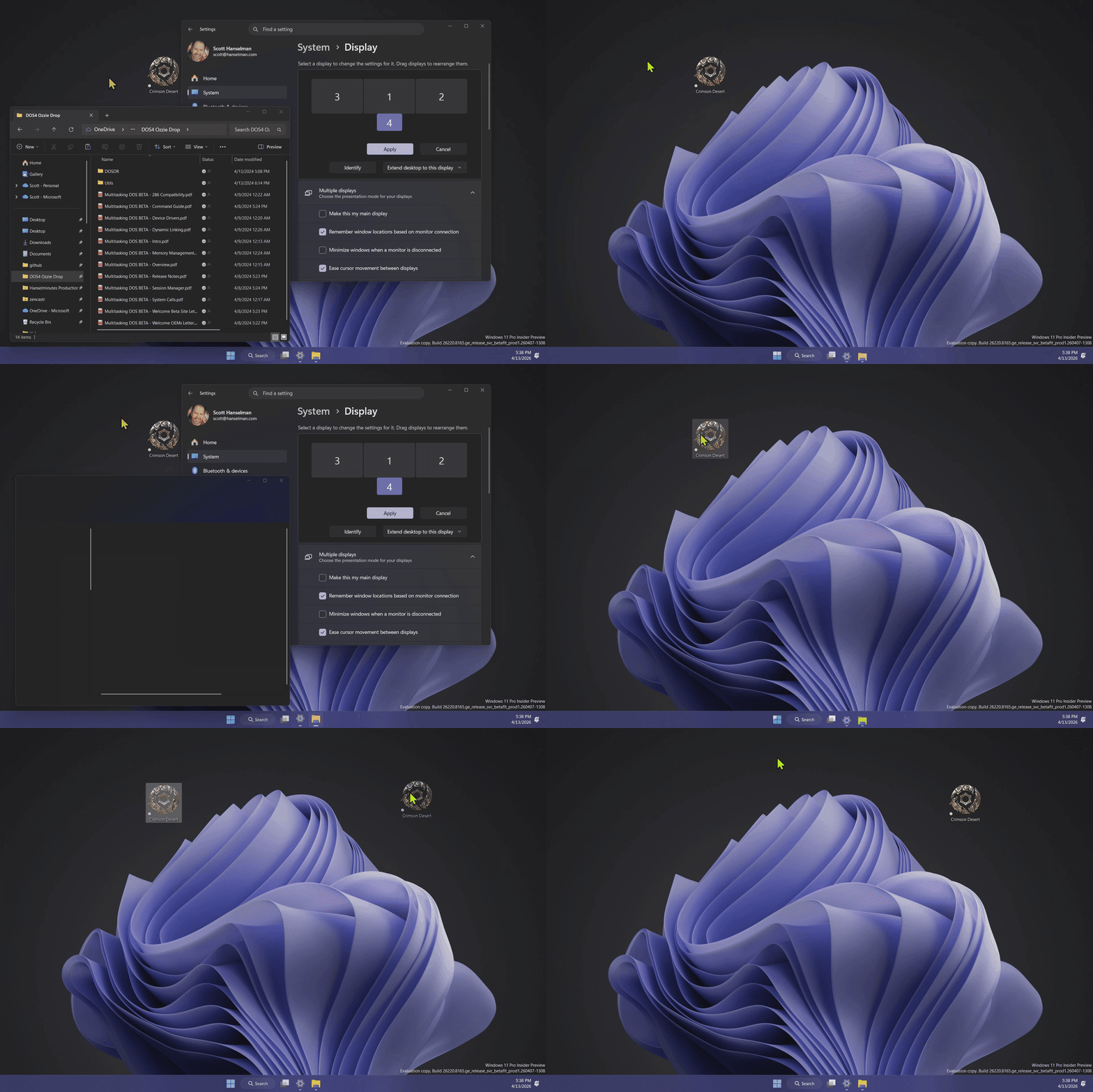
PeekDesktop by Microsoft engineer Scott Hanselman brings macOS Sonoma's "click wallpaper to reveal desktop" feature to Windows 10 and 11. By default it uses Explorer's native Show Desktop behavior, and it also includes optional Classic Minimize, Fly Away, and Virtual Desktop (Experimental) peek styles from the tray menu. Click or drag desktop icons normally without accidentally triggering peek. When you're done, click any window, the taskbar, or the wallpaper again and everything comes right back where it was.
No installer needed. Download the zip, extract it, and run PeekDesktop.exe. Release builds are self-contained, so you do not need to install .NET separately. It lives in your system tray and can notify you when a newer GitHub Release is available.
How It Works
- Click empty wallpaper -> reveal the desktop
- Click or drag desktop icons without triggering peek
- Click any window, the taskbar, or the wallpaper again -> everything restores
- Includes Explorer Show Desktop by default plus optional experimental styles
- Check for updates -> opens the latest GitHub Release page
Source:
GitHub - shanselman/PeekDesktop: Click your desktop to peek at it - just like macOS Sonoma.
Click your desktop to peek at it - just like macOS Sonoma. - shanselman/PeekDesktop
 github.com
Release v0.6.2 · shanselman/PeekDesktop
PeekDesktop v0.6.2 Click empty desktop wallpaper to peek at it — just like macOS Sonoma. 📦 Downloads File Platform PeekDesktop-v0.6.2-win-x64.zip Intel/AMD 64-bit Windows PeekDesktop-v0.6....
github.com