pk1984
Member
- Local time
- 12:33 AM
- Posts
- 5
- OS
- Windows 11
Hello,
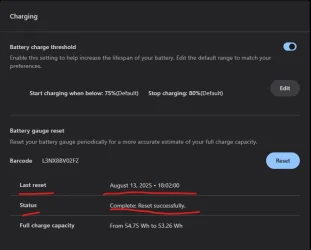
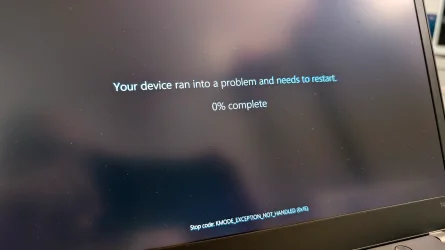
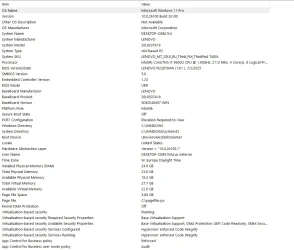
I'm having an issue with my newly installed Lenovo T480S running Windows 11 Pro. After booting up, the Windows UI completely freezes. After a few moments, the Blue Screen of Death appears with the error code "KMODE_EXCEPTION_NOT_HANDLED (0x1E)." After rebooting, the system may run normally but freezes occasionally. The problem particularly seems to appear when running on battery.
Things I've done so far:
- Fresh install of Windows 11 Pro with the latest Microsoft drivers
- Changed the Microsoft Intel Graphics Driver to the official Lenovo Intel UHD 620 version provided on their website.
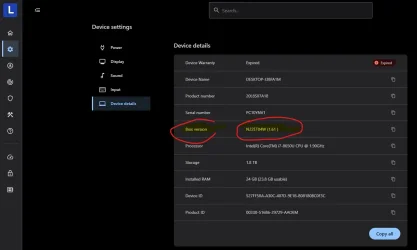
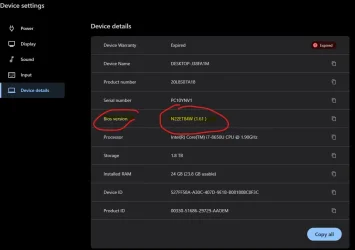
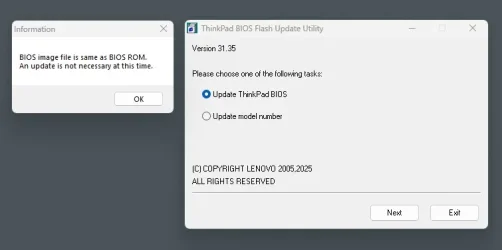
- Did the latest BIOS update
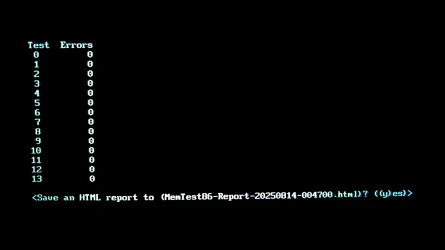
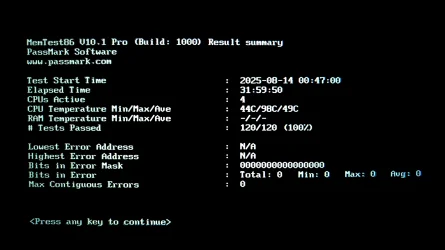
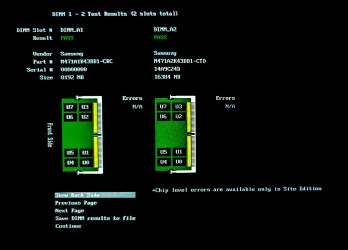
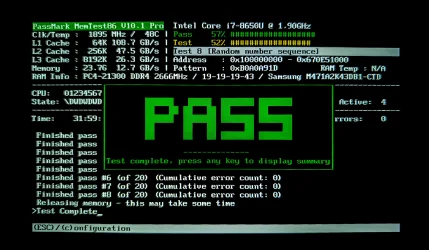
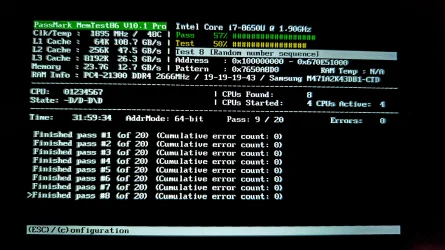
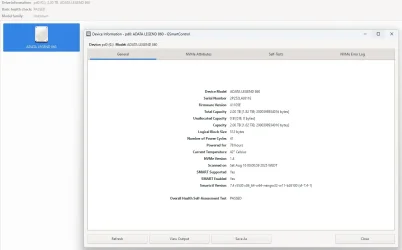
- MemTest86 with 4 passes overnight, no issues.
Thanks a lot, in advance.
I'm having an issue with my newly installed Lenovo T480S running Windows 11 Pro. After booting up, the Windows UI completely freezes. After a few moments, the Blue Screen of Death appears with the error code "KMODE_EXCEPTION_NOT_HANDLED (0x1E)." After rebooting, the system may run normally but freezes occasionally. The problem particularly seems to appear when running on battery.
Things I've done so far:
- Fresh install of Windows 11 Pro with the latest Microsoft drivers
- Changed the Microsoft Intel Graphics Driver to the official Lenovo Intel UHD 620 version provided on their website.
- Did the latest BIOS update
- MemTest86 with 4 passes overnight, no issues.
Thanks a lot, in advance.
- Windows Build/Version
- Windows 11 Pro 24H2 (OS Build 26.100.4770)
Attachments
Last edited:
My Computer
At a glance
Windows 11i7-8650U24 GBIntel UHD Graphics 620
- OS
- Windows 11
- Computer type
- Laptop
- Manufacturer/Model
- Lenovo T480s
- CPU
- i7-8650U
- Memory
- 24 GB
- Graphics Card(s)
- Intel UHD Graphics 620
- Sound Card
- Realtek High Definition Audio
- Monitor(s) Displays
- 14" IPS touchscreen
- Screen Resolution
- 1920 x 1080 px
- Hard Drives
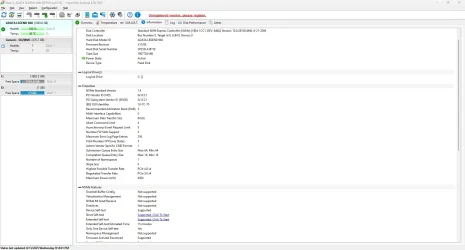
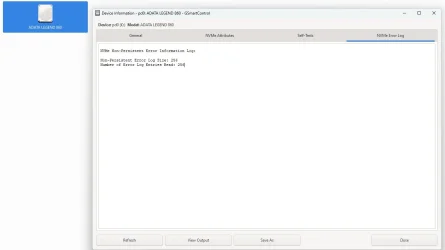
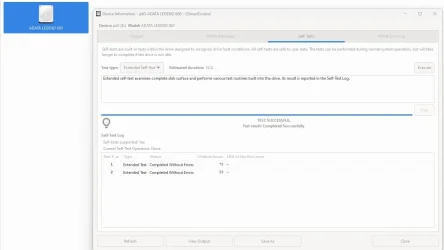
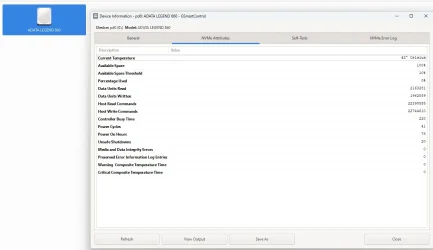
- ADATA Legend 860 \\ 1TB \\ NVMe
- Browser
- Chrome
- Antivirus
- Windows Defender




 , 24GB are a lot to handle I guess).