
Brand New Lenovo Slim 3 Laptop:
Setup Saturday Morning, Sunday afternoon the icons had changed from Small to Medium in size.
(I'd initially set this through Personalization > Taskbar > Behaviours)
Upon checking the above there is no longer an option for Small Icons
Additionally, I've checked in regedit and dword values
• IconSizePreference
• TaskbarSi
• Taskbar Small Icons
are all set to "0"
Is there any way to get my small taskbar icons back?
Setup Saturday Morning, Sunday afternoon the icons had changed from Small to Medium in size.
(I'd initially set this through Personalization > Taskbar > Behaviours)
Upon checking the above there is no longer an option for Small Icons
Additionally, I've checked in regedit and dword values
• IconSizePreference
• TaskbarSi
• Taskbar Small Icons
are all set to "0"
Is there any way to get my small taskbar icons back?
My Computer
At a glance
Windows 11
- OS
- Windows 11
- Computer type
- Laptop
- Manufacturer/Model
- Lenovo




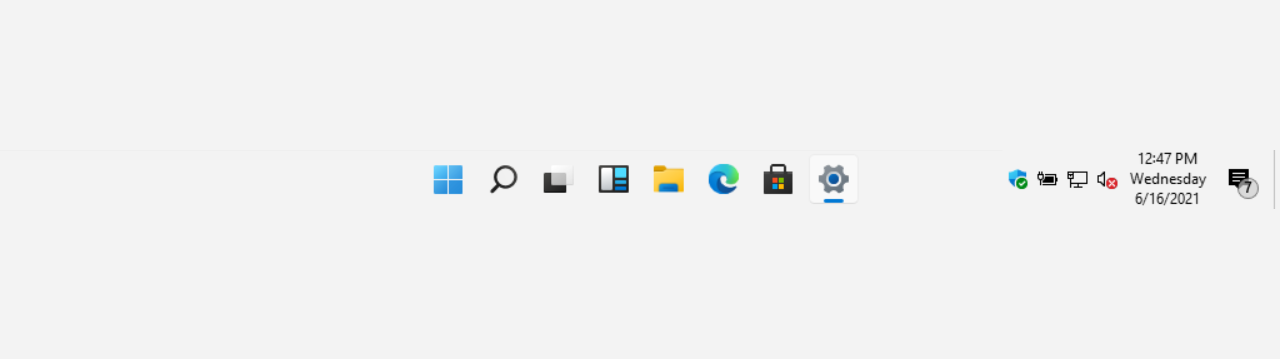

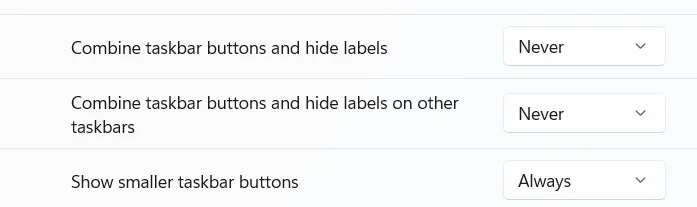

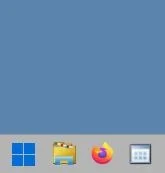
 I guess Microsoft didn't get the memo, the extra blank space is really unnecessary!






