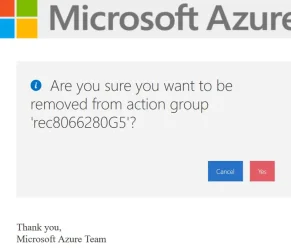
Let's follow the same advice your bank now provides you. Don't always trust an alert sent to you by e-mail or SMS.
If this was a legitimate problem, your bank would advise you to log into their well-known URL and check for new messages. Furthermore, your bank would say only contact them via what phone number is listed on their own website and not what an e-mail claims to be their support number.
- Don't click on a logon link, it might be an attempt to trick you into typing a real password.
- Don't look at email headers or purported links, because they can be copied or linked from real sources.
Microsoft online services require a registered account. Once you sign up for an account, you can designate who can make changes to the services (which are billable). Other accounts or companies can't just randomly add charges to your bill. It doesn't work that way.
If you picked a service plan using the web portal, then MS just charges you directly without asking you to call them. The only time MS will nag you is because your credit card is no longer valid, and they'll just warn you that your services will be temporarily suspended until it's resolved.
Like all large companies, MS would prefer to save money on customer support costs. So the first thing they want to fix a billing problem is for you to log online, and not call some random phone number.