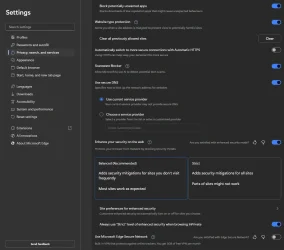
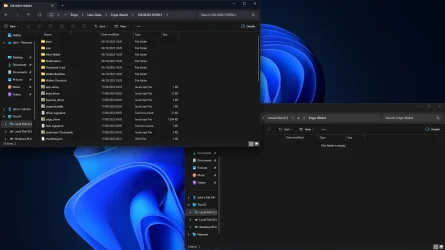
Hi, just wondering what I should do! It has a bunch of sketchy files in the folders, and I have scanned with Malwarebytes, and it came out clean. Just wanted to know if I could delete it without my laptop getting messed up and causing me to reinstall Windows 11 again.


Thanks for your time!
Thanks for your time!
My Computer
At a glance
Windows 11 ProIntel Core i7-10875H 2.30GHzSamsung DDR4 32GBNvidia GeForce RTX 2080 Super
- OS
- Windows 11 Pro
- Computer type
- Laptop
- Manufacturer/Model
- Dell Alienware M17 R3
- CPU
- Intel Core i7-10875H 2.30GHz
- Motherboard
- Intel LGA 1151/Socket H4
- Memory
- Samsung DDR4 32GB
- Graphics Card(s)
- Nvidia GeForce RTX 2080 Super
- Sound Card
- Realtek ALC3281
- Monitor(s) Displays
- 17" LCD
- Screen Resolution
- 1920 x 1080
- Hard Drives
- 2x Samsung MVMe 1TB
- PSU
- 300W
- Case
- Alienware
- Cooling
- Fans
- Keyboard
- PS/2
- Mouse
- Microsoft 3600
- Internet Speed
- 150MB (Sky Fibre Broadband)
- Browser
- Microsoft Edge
- Antivirus
- Microsoft Defender Antivirus and Windows Firewall