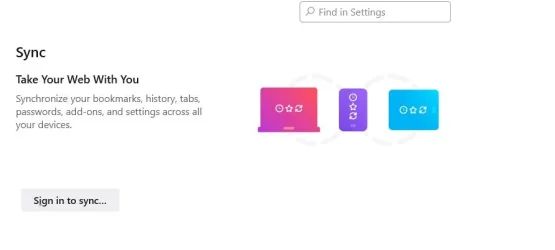
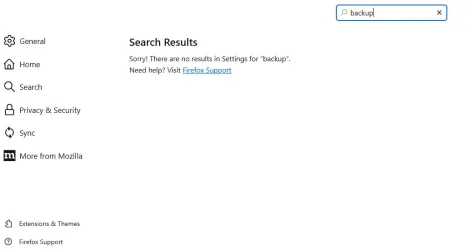
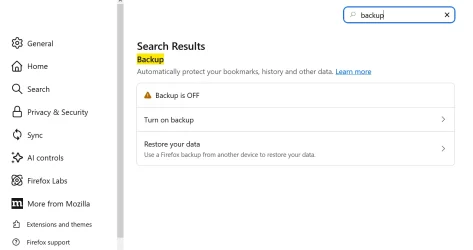
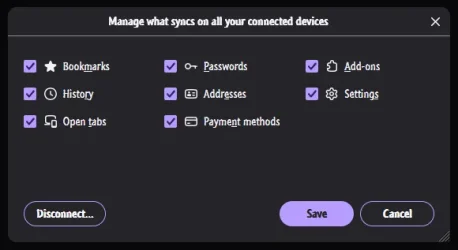
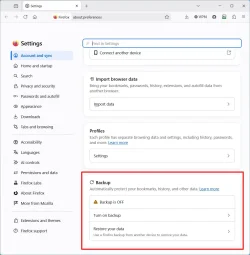
A quick and elegant solution would be to use Firefox's built-in backup tool. It backs up bookmarks, settings, history, passwords, payment methods, extensions, and other browsing data. It might be useful for the OP or other folks, now or in the future. Here's the link.
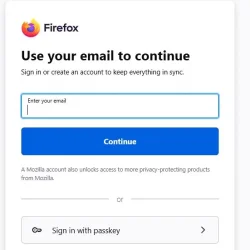
That would work, but since I never use synch and don't want to sign into an account in order to use it, then the way I posted up above would be the way to do it.
My Computers
-
At a glance
Windows 11 Pro 25H2 build: (26200.7623)32GB- OS
- Windows 11 Pro 25H2 build: (26200.7623)
- Computer type
- Laptop
- Manufacturer/Model
- Microsoft Surface Pro
- Memory
- 32GB
-
At a glance
Microsoft 25H2 ProIntel Core Ultra 764GBIntel Integrated Graphics- Operating System
- Microsoft 25H2 Pro
- Computer type
- Laptop
- Manufacturer/Model
- Dell Pro 14 - PC14250
- CPU
- Intel Core Ultra 7
- Memory
- 64GB
- Graphics card(s)
- Intel Integrated Graphics
- Hard Drives
- Micron 1TB SSD