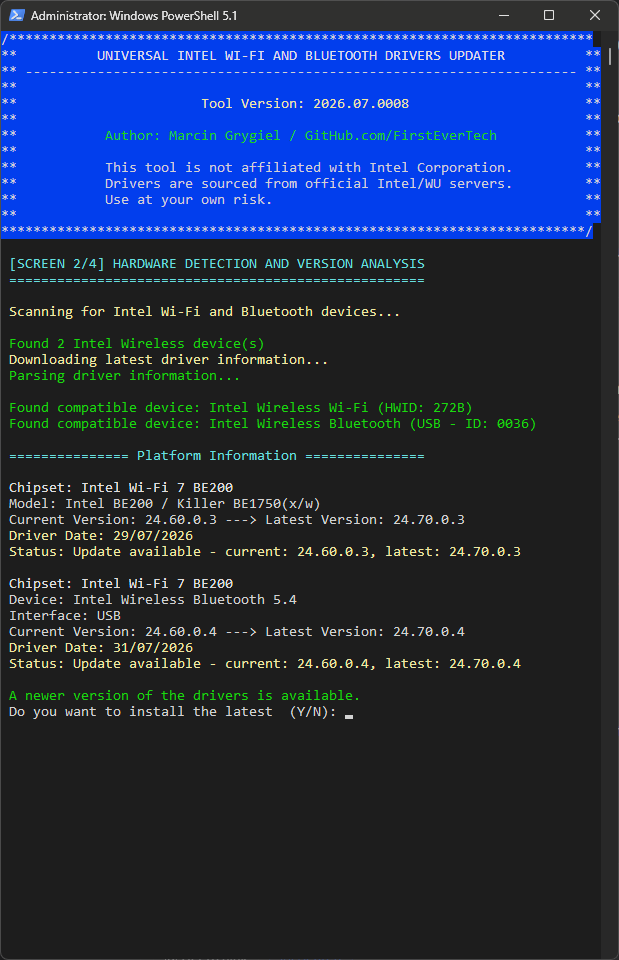
Someone recently ran Driver Genius and that update flagged 3 additional devices as needing an update, which my system didn't detect.
UPDATE
I have created a copy of this report as an issue in my GitHub repository, where I've documented the full technical investigation and analysis of the discrepancy.
github.com/FirstEverTech/Universal-Intel...et-Updater/issues/26
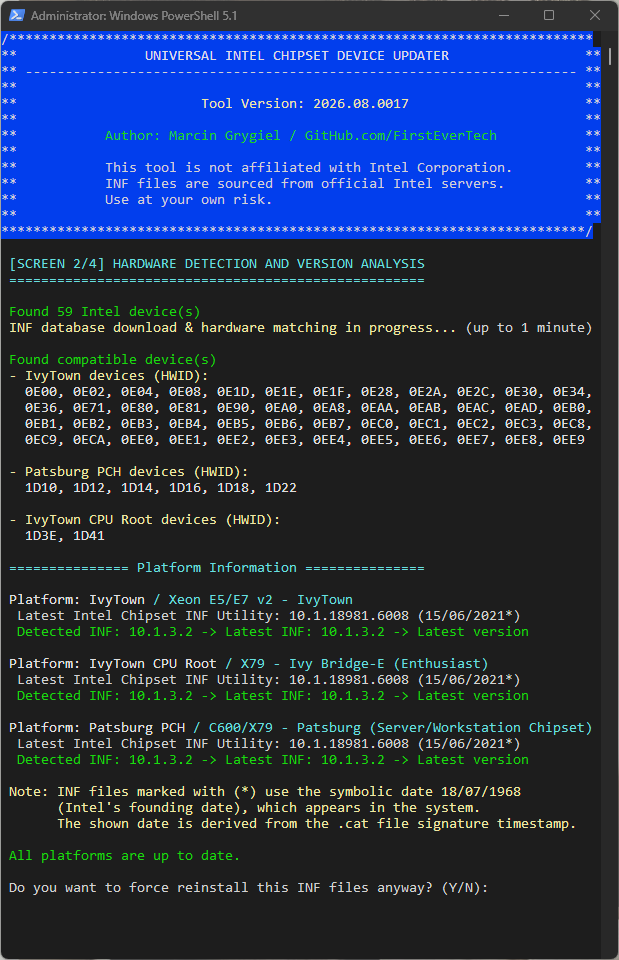
My tool enumerates only live Plug and Play devices (Get-PnpDevice) with Status = OK, then matches the detected Hardware IDs against Intel's INF database before launching Intel's official SetupChipset installer.
DriverGenius reports three additional Skylake-related devices (1901, 1911 and Host Bridge), but I currently have no evidence that these devices actually exist in the live PnP tree.
During my analysis I also corrected one of my earlier assumptions: the A29x hardware IDs detected by my updater identify Intel 200 Series PCH devices, not the CPU generation itself.
Therefore, the remaining question is no longer why my updater did not install those INF files, but why Driver Genius reports three Skylake CPU-integrated devices that are absent from live Plug and Play enumeration.
At this point I cannot conclude which tool is correct without additional evidence.
Could you please provide:
This will allow us to determine whether Driver Genius is reporting non-present devices, cached entries, or whether my live enumeration is missing something.
UPDATE
I have created a copy of this report as an issue in my GitHub repository, where I've documented the full technical investigation and analysis of the discrepancy.
github.com/FirstEverTech/Universal-Intel...et-Updater/issues/26
My tool enumerates only live Plug and Play devices (Get-PnpDevice) with Status = OK, then matches the detected Hardware IDs against Intel's INF database before launching Intel's official SetupChipset installer.
DriverGenius reports three additional Skylake-related devices (1901, 1911 and Host Bridge), but I currently have no evidence that these devices actually exist in the live PnP tree.
During my analysis I also corrected one of my earlier assumptions: the A29x hardware IDs detected by my updater identify Intel 200 Series PCH devices, not the CPU generation itself.
Therefore, the remaining question is no longer why my updater did not install those INF files, but why Driver Genius reports three Skylake CPU-integrated devices that are absent from live Plug and Play enumeration.
At this point I cannot conclude which tool is correct without additional evidence.
Could you please provide:
- CPU-Z (CPU tab)
- Device Manager → View → Show hidden devices → System devices
- the output of:
Get-PnpDevice -PresentOnly:$false | Where-Object InstanceId -like 'PCI\VEN_8086*'
- or
pnputil /enum-devices /class System
This will allow us to determine whether Driver Genius is reporting non-present devices, cached entries, or whether my live enumeration is missing something.
Last edited:
My Computer
At a glance
Windows 11 Pro Insider PreviewIntel Xeon E5-1680 v2 OC @ 4.4GHzCorsair Quad DDR3-2400MHz CL10ASUS TUF Gaming GeForce RTX 4070 Ti OC
- OS
- Windows 11 Pro Insider Preview
- Computer type
- PC/Desktop
- Manufacturer/Model
- ASUS-ish Build
- CPU
- Intel Xeon E5-1680 v2 OC @ 4.4GHz
- Motherboard
- ASUS P9X79 Pro (Modded Bios)
- Memory
- Corsair Quad DDR3-2400MHz CL10
- Graphics Card(s)
- ASUS TUF Gaming GeForce RTX 4070 Ti OC
- Sound Card
- Realtek ALC898
- Monitor(s) Displays
- ASUS ROG Swift OLED PG48UQ OC @ 138Hz
- Screen Resolution
- 3840 x 2160 (4K)
- Hard Drives
- Samsung SSD 990 Pro 4TB (NVMe)
Samsung SSD 870 QVO 8TB (SATA)
- PSU
- Cooler Master Silent Pro M2 1500W
- Case
- Cooler Master MasterCase SL600M Black
- Cooling
- ARCTIC Liquid Freezer II 240
- Keyboard
- Logitech G915 LIGHTSPEED
- Mouse
- Logitech G900 Chaos Spectrum
- Internet Speed
- Download: 930 Mbps / Upload: 105 Mbps
- Other Info
- Added PCIe cards: Intel WiFi 7 BE200 (with BT 5.4) and USB 3.2 Gen 2 10Gbps
 What's New
 .
.
 Safety Improvement