Microsoft 365 Copilot Blog:
Today, Copilot Notebooks is rolling out to more people across your team, making shared notebook collaboration broadly accessible in the Microsoft 365 Copilot app and OneNote.
Copilot Notebooks are available to Copilot Chat users
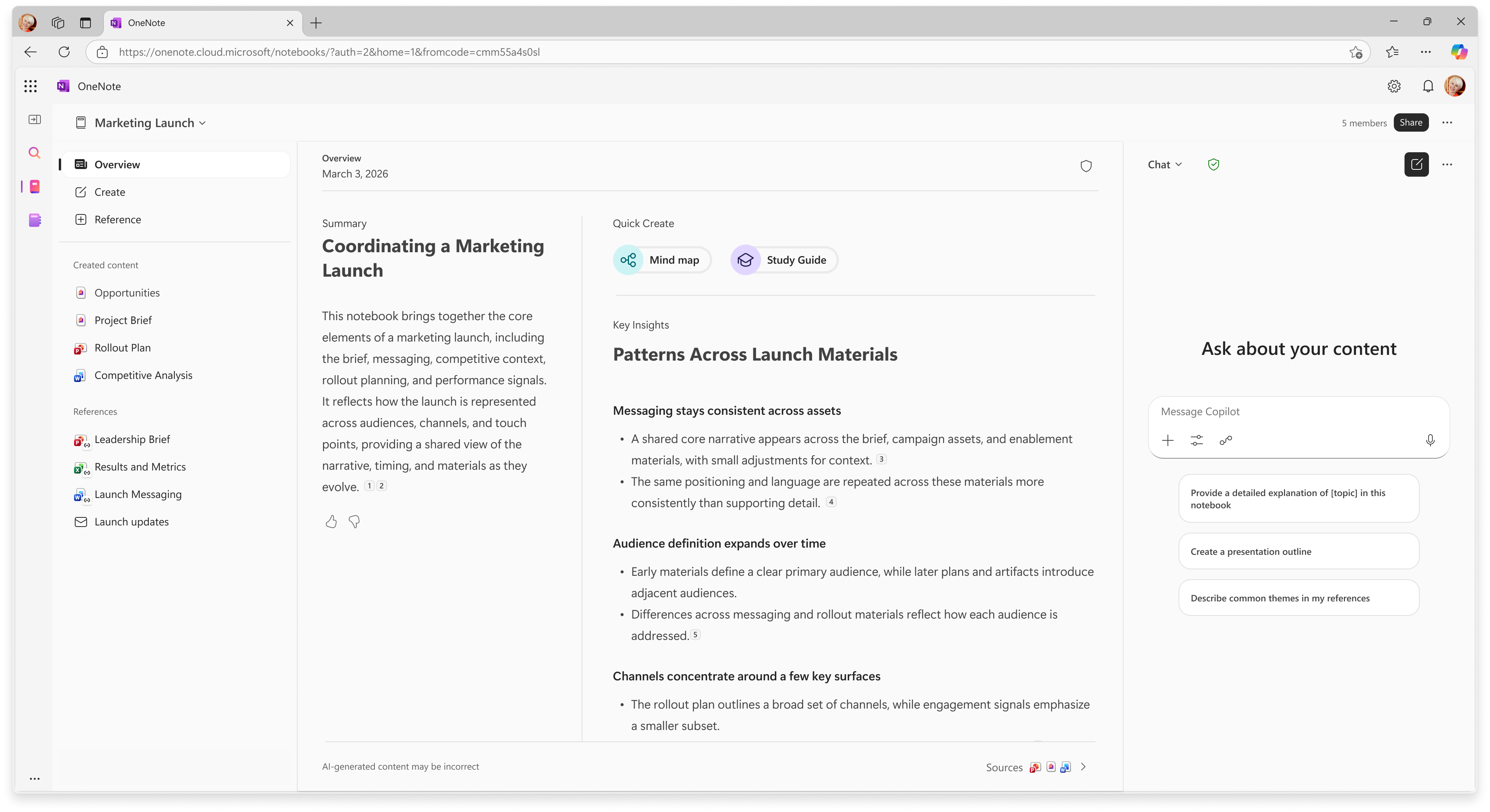
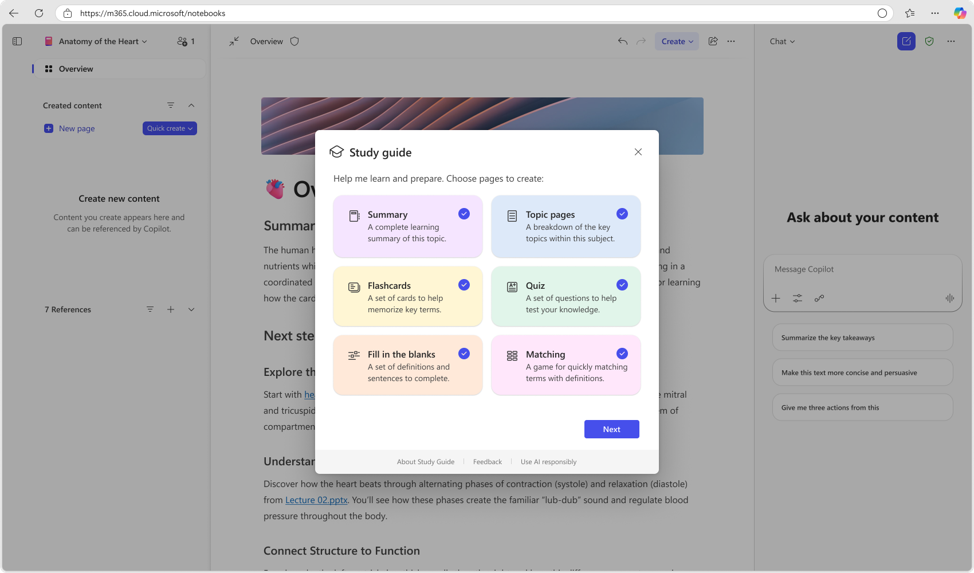
Previously only available to Microsoft 365 Copilot users, Copilot Notebooks is now rolling out to Copilot Chat users, giving more people across the team a shared place to gather project context, work from reference sources, and turn that information into helpful mind maps and learning tools in study guide.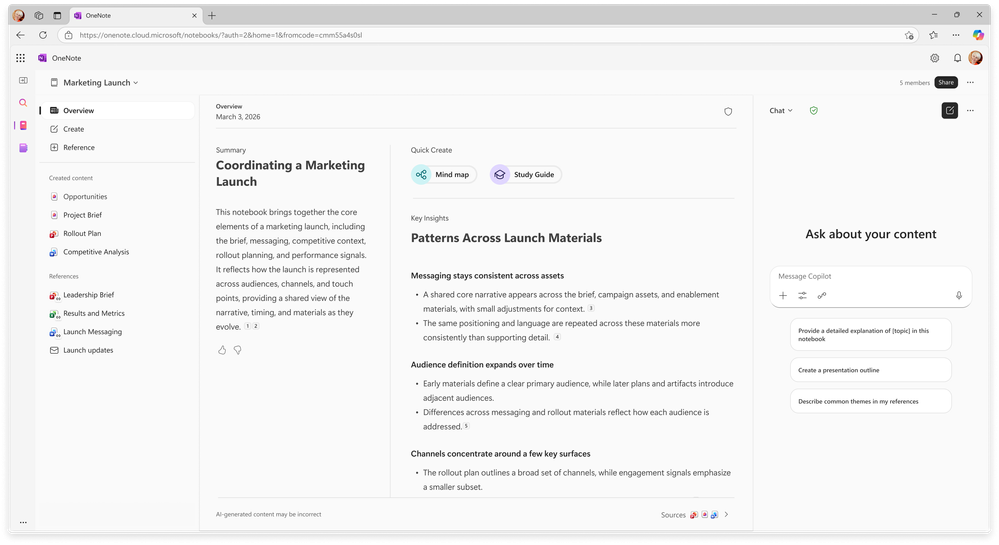
This gives Copilot Chat users a powerful workspace for knowledge sharing and collaboration: they can add files — including Word documents, PowerPoint presentations, Excel worksheets, and Outlook emails — into a notebook, ask questions across those sources, and understand content through mind maps and learning tools in study guide.
In mixed-licensed teams, everyone can collaborate in the same notebook, while Microsoft 365 Copilot users can add premium sources and use premium AI capabilities, like advanced creation experiences.
Starting today, Copilot Chat users can explore Copilot Notebooks in the Microsoft 365 Copilot app and in OneNote.
Availability: Rolling out to Copilot Chat commercial and education users starting today.
Learn more about Copilot Notebooks and this change in our Support documentation. For more information for education users 2, read the Copilot Notebooks in Education blog.
Source:
What’s New in Notebooks | June 2026 | Microsoft Community Hub
Copilot Notebooks is rolling out to more people across your team and is now available to Copilot Chat...
 techcommunity.microsoft.com
Copilot Notebooks and Study guide now available to Copilot Chat users | Microsoft Community Hub
Every student knows the feeling: the test is coming, the materials are everywhere— and the hardest part is not finding information, it is knowing where to...
techcommunity.microsoft.com