- Local time
- 12:20 AM
- Posts
- 211
- OS
- Windows 11
My Computer
At a glance
Windows 1115GB RAM
- OS
- Windows 11
- Computer type
- Laptop
- Manufacturer/Model
- HP
- Memory
- 15GB RAM
- Hard Drives
- SSD 1TB
- Browser
- Chrome
Follow along with the video below to see how to install our site as a web app on your home screen.
Note: This feature may not be available in some browsers.
www.elevenforum.com
www.elevenforum.com
www.elevenforum.com
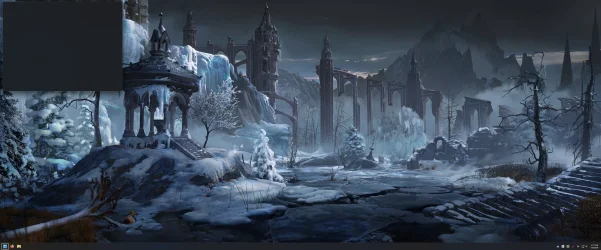
Not mine, it would stay up for a while.It flashes for 100th of a second.
Not mine, it would stay up for a while.
Not that I could see, If I remember correctly I was able to close it manually but I got tired of it popping up on the desktop when I booted up.Meaning it was performing some kind of action?
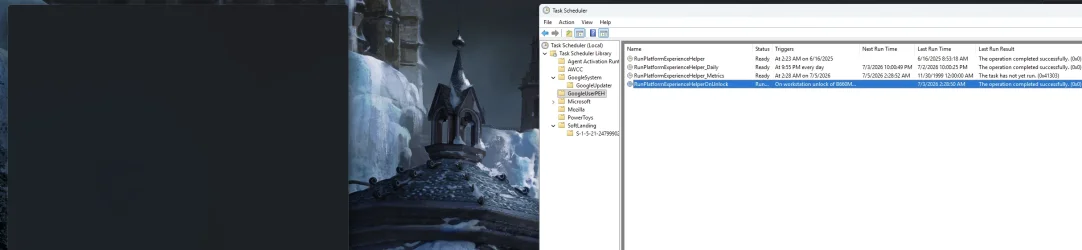
Found mine culprit, I'm using a knockoff Elgato StreamDeck from China with a software named "StreamDock", when exited the box disappeared, one of the plugins named "com.mirabox.streamdock.lyrics.sdPlugin" i wasn't even using, it was opening Microsoft Edge and wasn't able to exit itself resulting in an invisible window similar to the one in thread, after removing the plugin from the "plugins" folder, the box stopped appearing when launching the app.Hi there, it also started happening to me, just yesterday it started with boot, but for me, i don't even have chrome installed, only thing Google related i have is Google Drive, but i dont have the GoogleUserPEH in task scheduler, so in my case it isn't the thing, the only way i can remove this box is by closing dwm.exe and after a screen flash, it goes away