- Local time
- 1:33 PM
- Posts
- 8
- OS
- Microsoft Windows 11 Pro
Problem summary:
The laptop crashes with DPC_WATCHDOG_VIOLATION (0x133) during gaming. The crash happens within 5–30 minutes of gameplay. Game stopped working and laptop laggs for a while before crashing.
What I have already tried (no success):
Link: V2 Log collector
Does anyone know how to fix this?
Thank you in advance for any guidance.
The laptop crashes with DPC_WATCHDOG_VIOLATION (0x133) during gaming. The crash happens within 5–30 minutes of gameplay. Game stopped working and laptop laggs for a while before crashing.
What I have already tried (no success):
- Clean reinstall of Windows 11 from Microsoft Cloud.
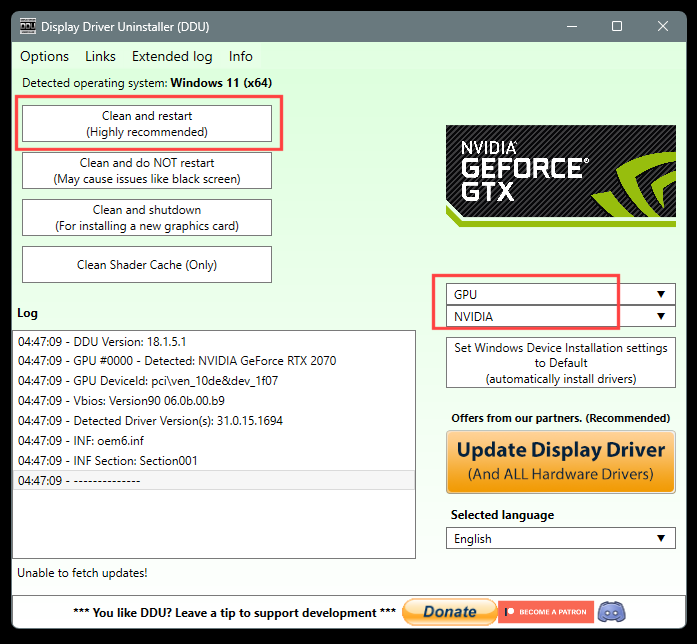
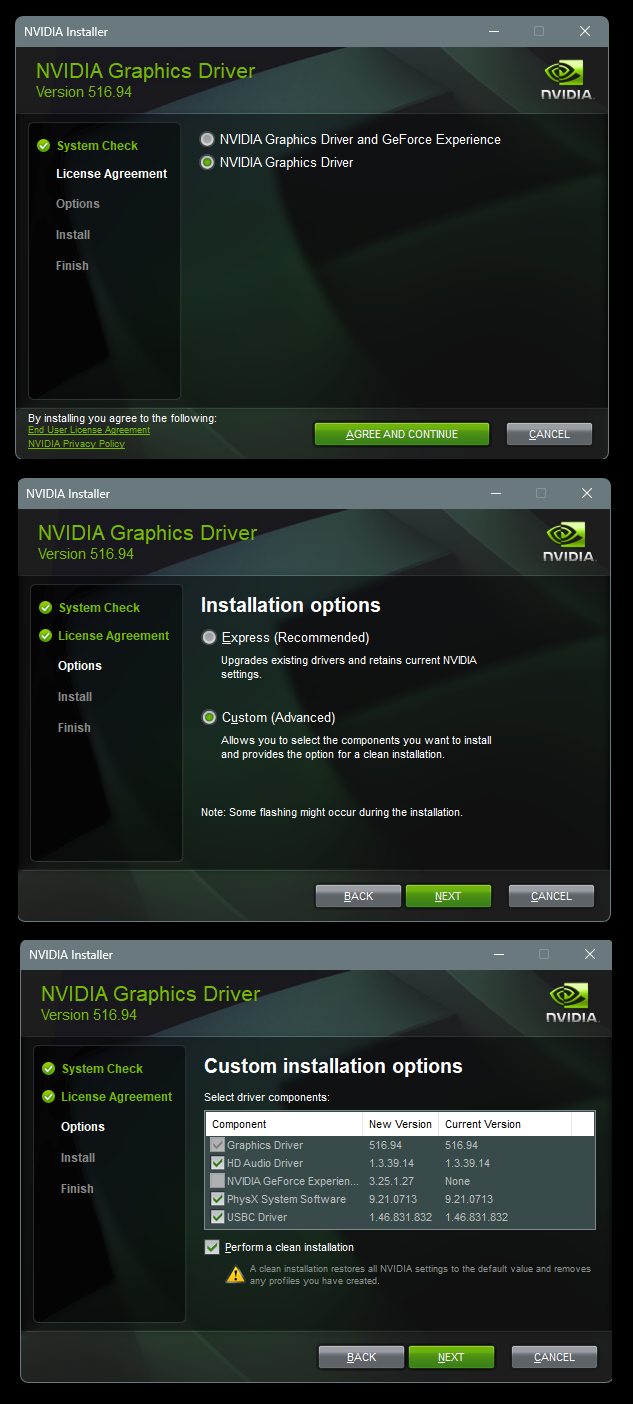
- DDU in Safe Mode → clean installation of NVIDIA drivers:
- Disabled Fast Startup and PCIe Link State Power Management.
- Ran Windows Memory Diagnostic – no errors.
Link: V2 Log collector
Does anyone know how to fix this?
Thank you in advance for any guidance.
My Computer
At a glance
Microsoft Windows 11 Pro13th Gen Intel(R) Core(TM) i7-13620HGPU 0 Intel(R) UHD Graphics GPU 1 NVIDIA GeFo...
- OS
- Microsoft Windows 11 Pro
- Computer type
- Laptop
- Manufacturer/Model
- Nitro ANV15-51
- CPU
- 13th Gen Intel(R) Core(TM) i7-13620H
- Graphics Card(s)
- GPU 0 Intel(R) UHD Graphics GPU 1 NVIDIA GeForce RTX 4050 Laptop GPU









 WMIC – confirmed installed