Hello,
If this is not the correct, or best, Forum for this question, please
let me know where I should Post it.
Have a new W11 desktop.
On my old pc, everything worked reqarding the USB Ports, etc.
New one has "issues."
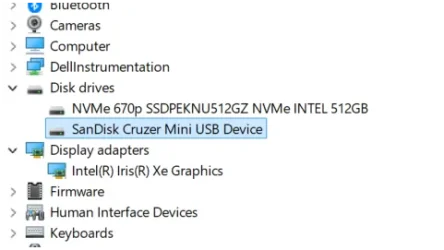
Is there a setting somewhere in W11 that activates, or de-activates, a built in pc's USB Port ?
If so, where can I find it so I can make all of the USB Ports
on this new PC active ?
Much thanks, appreciate the help.
Bob
If this is not the correct, or best, Forum for this question, please
let me know where I should Post it.
Have a new W11 desktop.
On my old pc, everything worked reqarding the USB Ports, etc.
New one has "issues."
Is there a setting somewhere in W11 that activates, or de-activates, a built in pc's USB Port ?
If so, where can I find it so I can make all of the USB Ports
on this new PC active ?
Much thanks, appreciate the help.
Bob
My Computer
At a glance
Windows 11
- OS
- Windows 11
- Computer type
- PC/Desktop
- Manufacturer/Model
- HP