

Office 2003 Professional ... except NOT Outlook.
My Computers
-
At a glance
Windows 11 ProfessionalAMD Ryzen 7 5700G32GB DDR4AMD Radeon On-board Graphics- OS
- Windows 11 Professional
- Computer type
- PC/Desktop
- Manufacturer/Model
- Homebuilt
- CPU
- AMD Ryzen 7 5700G
- Motherboard
- Gigabyte B550 Gaming X V2 MOBO (Rev 1.4)
- Memory
- 32GB DDR4
- Graphics Card(s)
- AMD Radeon On-board Graphics
- Sound Card
- Realtek High Definition Audio (on board)
- Monitor(s) Displays
- Jlink FHD 32 Inch & VIZIO M322I - 32 Inch
- Screen Resolution
- 1920 X 1080
- Hard Drives
- Samsung 990 PRO 1TB M.2 NVME
Samsung 990 EVO Plus 4TB M.2 NVME
960 GB SanDisk Ultra II SSD - Internal
3 TB Western Digital Green WDC 30EZRX-00DC0B0 HDD - Internal
4 TB Seagate IronWolf HDD - Internal
- PSU
- Seasonic S12III
- Case
- Antec GX 500
- Cooling
- AMD 'Boxed' OEM CPU Fan
- Keyboard
- Dell Milti Media Wired
- Mouse
- Logitech M720 Triathlon Wireless Mouse
- Internet Speed
- 480 Mbps
- Browser
- Chrome
- Antivirus
- Windows Defender
-
At a glance
Windows 11 ProfessionalAMD Ryzen 5 - 3500U32GB DDR4AMD Radeon Vega 8- Operating System
- Windows 11 Professional
- Computer type
- Laptop
- Manufacturer/Model
- Lenovo ThinkPad E595 20NF 15.6"
- CPU
- AMD Ryzen 5 - 3500U
- Motherboard
- Lenovo
- Memory
- 32GB DDR4
- Graphics card(s)
- AMD Radeon Vega 8
- Sound Card
- AMD High Definition Audio
- Monitor(s) Displays
- 16:9 IPS
- Screen Resolution
- 1920 x 1080
- Hard Drives
- 512 GB Crucial NVMe M.2 SSD
Crucial 2TB SSD
- PSU
- Lenovo
- Case
- Lenovo
- Cooling
- Lenovo
- Keyboard
- Lenovo
- Mouse
- Wireless hand held trackball
- Internet Speed
- 1050 Mbps
- Browser
- Chrome
- Antivirus
- Windows Defender


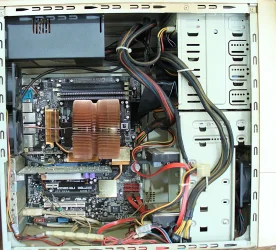

 as i know computers can work for a really long time.. I still have a computer from 1985 that still works and runs MS-dos

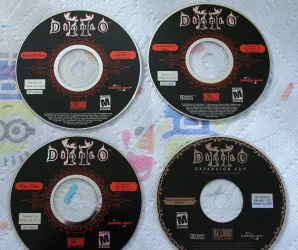

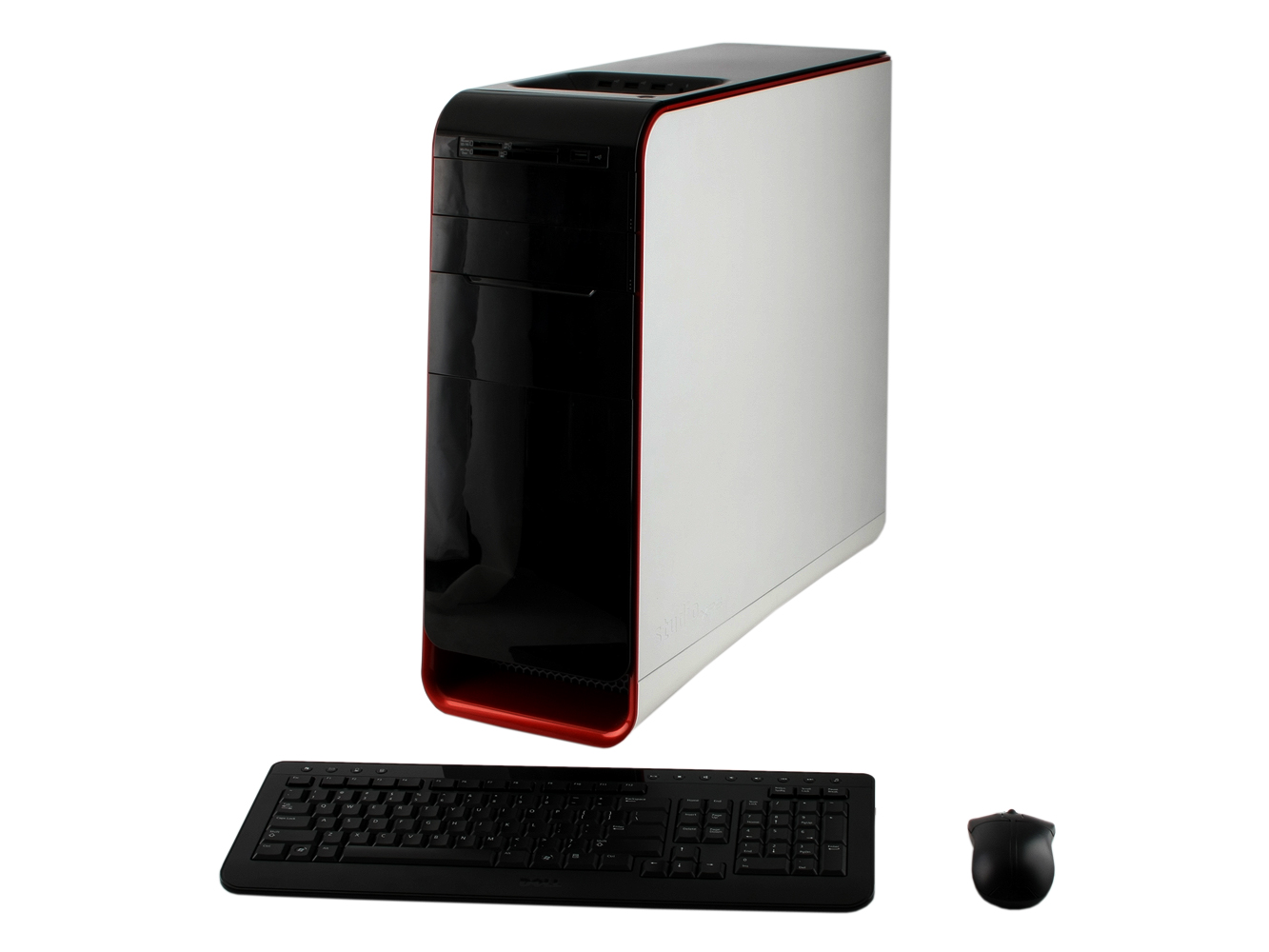

 *lol*
*lol*






