

- Local time
- 10:26 PM
- Posts
- 65
- OS
- Windows 11
So @SIW2 does this mean that if we are applying a DISM image to the same disk, same size and same manufacturer, then it should work without usingThat is the obvious answer.
Just copying the bcd store to a new disk means the entries in the bcd store are still pointing at the previous locations.
Can usually be fixed in seconds with bcdboot command
The usual method is apply the wim for the os partition, then use bcdboot command to create the files on the esp partition.
It is not usual to make wim image of the contents of the esp partition. You can if you like but it will need adjusting if restored somewhere other than the original location,.
bcdboot? What this means is that if the images (ESP, Windows, WinRE) are applied to the original disk then no need to use bcdboot. And if the images (ESP, Windows, WinRE) are applied to a replacement disk which is of the same make and model as that of the original disk then also bcdboot is not needed.However if a new drive, different size or different manufacturer or both, is used then we need to use
bcdboot to adjust the UEFI System partition, i.e. ESP? Even if we restore all the images (ESP, Windows, WinRE). My main concern was getting secure boot to work. I was wary that
bcdboot would somehow corrupt the signed credentials and make secure boot unusable.My Computer
At a glance
Windows 11Intel16 GBIntel UHD Integrated
- OS
- Windows 11
- Computer type
- Laptop
- CPU
- Intel
- Memory
- 16 GB
- Graphics Card(s)
- Intel UHD Integrated
- Mouse
- Inbuilt
- Browser
- Firefox
- Antivirus
- Microsoft Defender
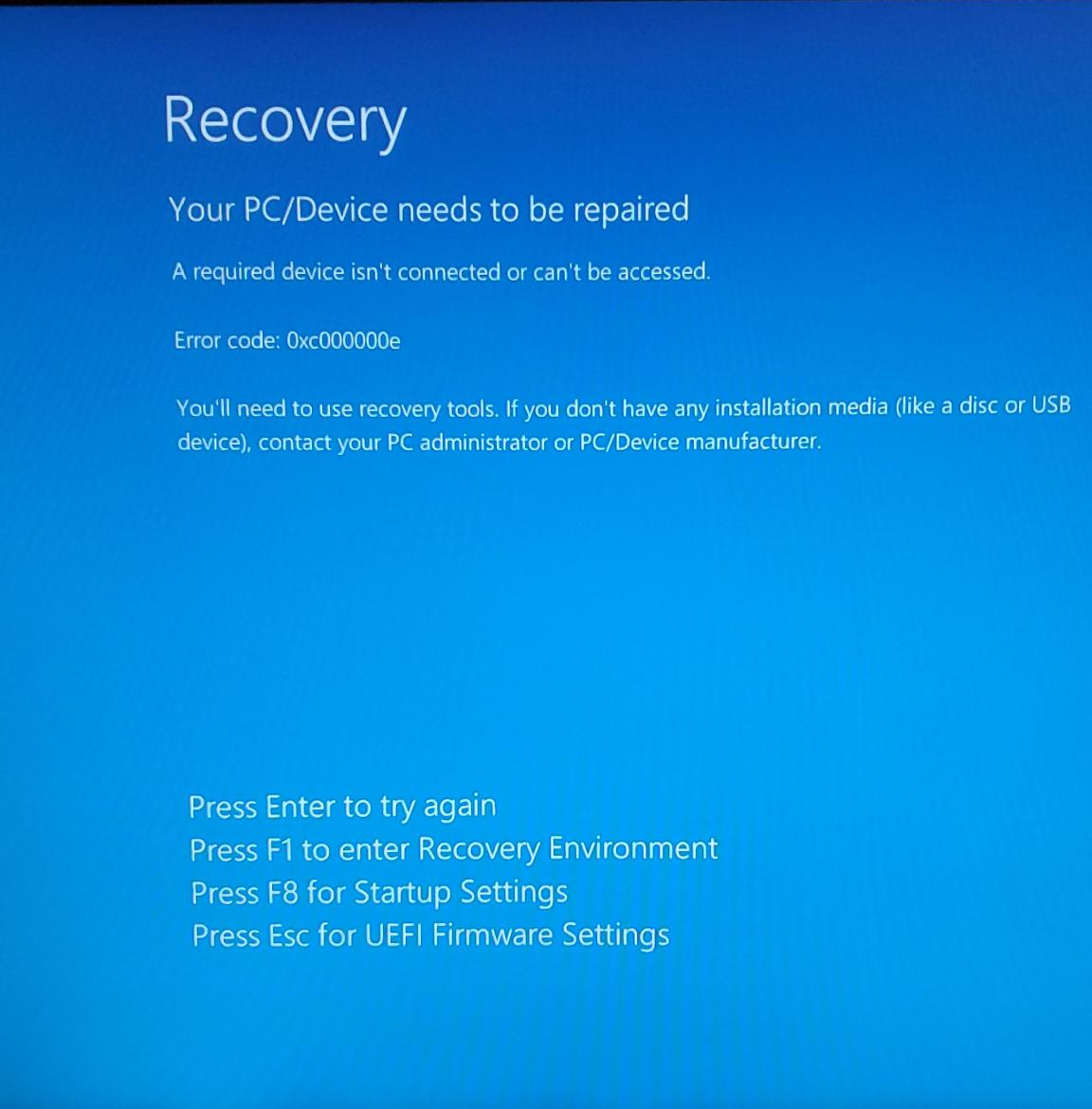
 There definitely was cursing on my part. And yes it assuredly helps.





