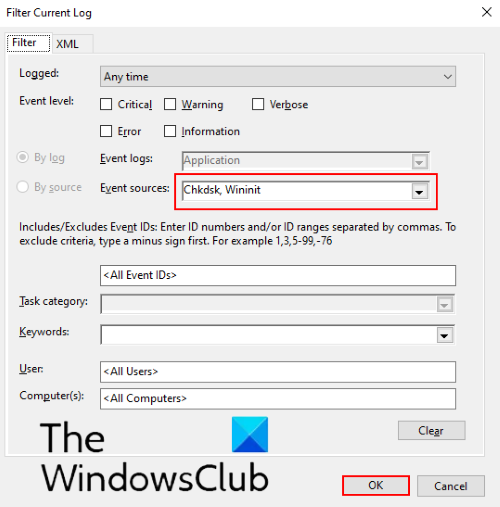
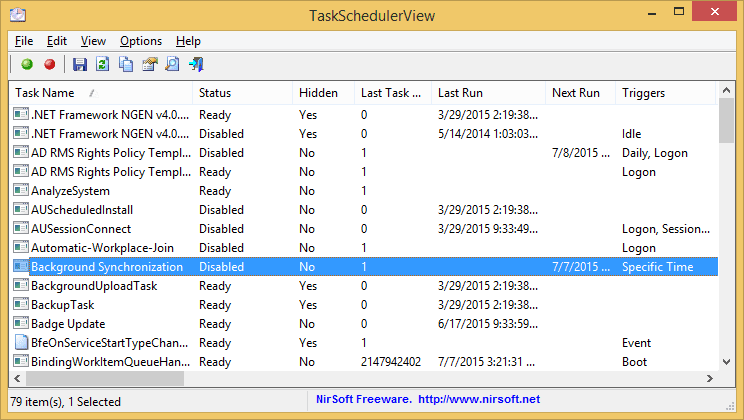
Useful summary of PITR:
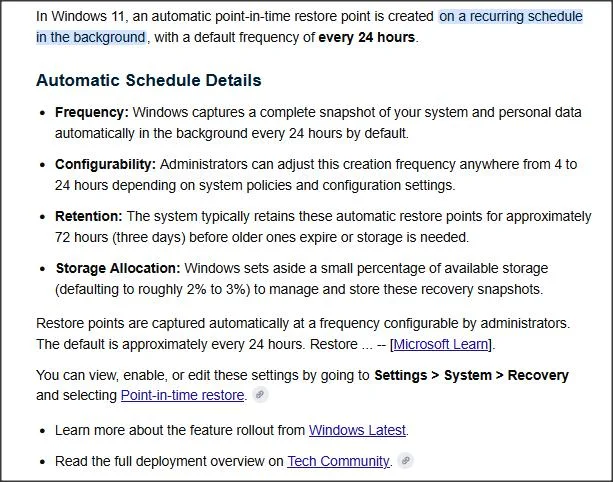
From here:
PITR can be disabled, frequency of PITR point creation can be increased, but cannot be less frequent than once in 24 hours.
It doesn't seem you can change the scheduled time, and I haven't yet seen a way to create one manually e.g. with Powershell, as you can a System Restore point. Without that, you can't create your own scheduled task.
From here:
PITR can be disabled, frequency of PITR point creation can be increased, but cannot be less frequent than once in 24 hours.
It doesn't seem you can change the scheduled time, and I haven't yet seen a way to create one manually e.g. with Powershell, as you can a System Restore point. Without that, you can't create your own scheduled task.
Last edited:
My Computer
At a glance
Windows 11 Proi7-8650U16GBIntel UHD 620
- OS
- Windows 11 Pro
- Computer type
- Laptop
- Manufacturer/Model
- Lenovo t480s
- CPU
- i7-8650U
- Memory
- 16GB
- Graphics Card(s)
- Intel UHD 620
- Screen Resolution
- 1920x1080
- Hard Drives
- C SN810 SDCPNRY-512G-1006
- Browser
- Edge, Firefox
- Antivirus
- Defender