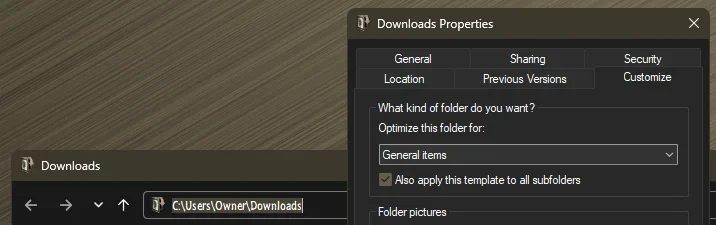
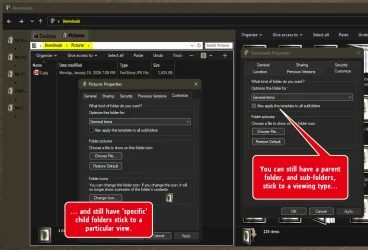
Your explanation in post #1 is spot on. That is, the standard Downloads folder type applies to the subfolders as well in Windows 11.From some specific version of Windows 10, Microsoft decided the "Downloads" folder has to be in details view, sorted and grouped by date.
And they enforced this decision in Windows 11, made the change of folder view for me to comfortably use the Downloads folder impossible.
But this post seems to imply that you're locked into Details and grouped by date which is not true. That view can be changed using the "Apply to Folders" button or using WinSetView (as previously stated).
The issue is not having the ability to change folder types within Downloads.
My Computer
At a glance
Windows 10/11
- OS
- Windows 10/11
- Computer type
- Laptop
- Manufacturer/Model
- Acer