Microsoft Mechanics Blog:
Generate briefing documents, presentations, and Excel files from a single prompt with Copilot Cowork, pulling from your emails, calendar, and SharePoint through Work IQ — and fold in new tasks mid-run without stopping. Using Copilot Cowork, you can use the same platform that powers Claude Cowork. It’s designed for long-running, multi-step task automation.
Use Critique in Researcher to pair a generation model with a dedicated review model, applying source reliability and evidence grounding before the report lands. Run model Council to submit one prompt to GPT and Claude simultaneously and compare their full reasoning side-by-side.
These experiences with Copilot Cowork and Researcher are available now if your organization has the Frontier Program enabled. Jeremy Chapman, Microsoft 365 Director, shares how to choose, direct, and compare the right AI model for every task, all from within Microsoft 365.
One prompt. Three files.
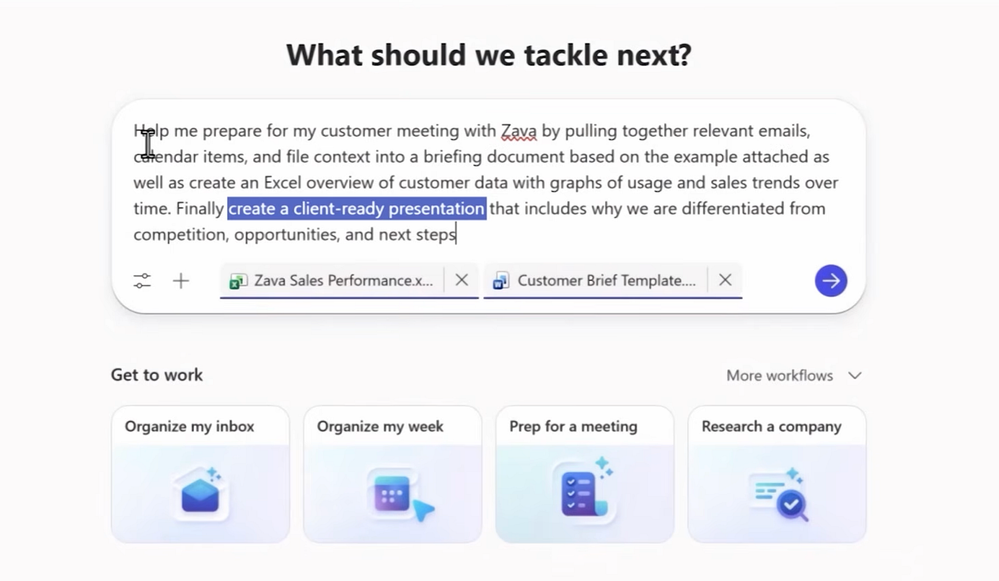
Copilot Cowork generates your briefing doc, presentation, and Excel output — grounded in Work IQ data and saved directly to OneDrive. Try it now.
Copilot Cowork handles new requests mid-run.
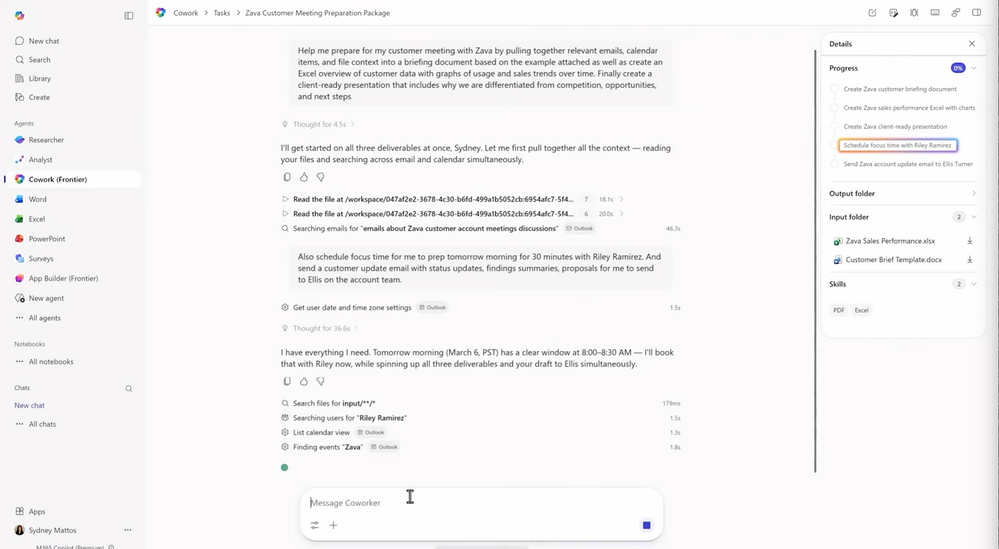
Add meeting scheduling or an email update partway through and it integrates them into the active plan. Check it out.
No more copy/paste into unmanaged AI sites.
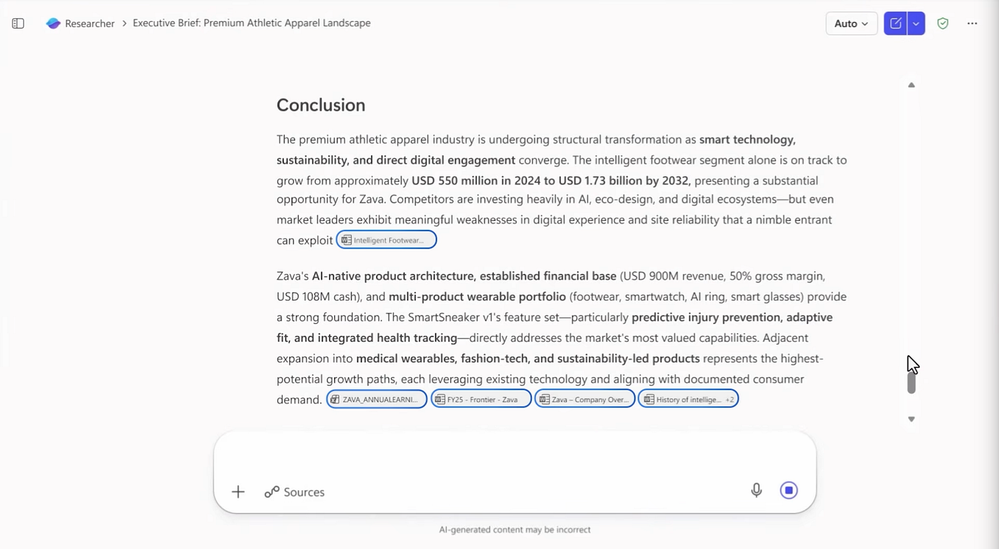
Work IQ automatically supplies Cowork and Researcher with your emails, calendar, Teams transcripts, and SharePoint files. Every output is grounded in your actual data. See how it works.
Read more:

Claude + GPT | Multi-model intelligence in Copilot | Microsoft Community Hub
Generate briefing documents, presentations, and Excel files from a single prompt with Copilot Cowork, pulling from your emails, calendar, and SharePoint...
 techcommunity.microsoft.com