- Local time
- 9:50 PM
- Posts
- 17
- OS
- Windows 11
My Computer
At a glance
Windows 11
- OS
- Windows 11
- Computer type
- PC/Desktop

Follow along with the video below to see how to install our site as a web app on your home screen.
Note: This feature may not be available in some browsers.


Have a squiz here:-Dumb question, could these all be consolidated into one download? There's 63 pages to this thread!




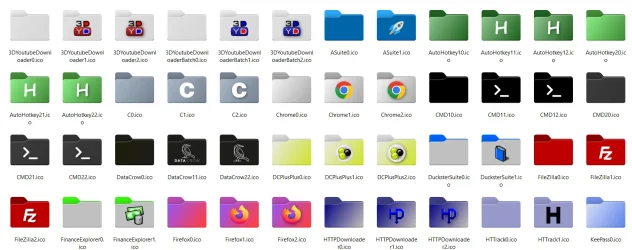
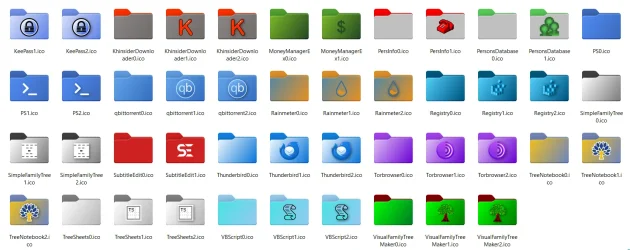


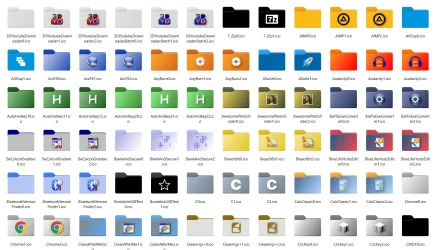
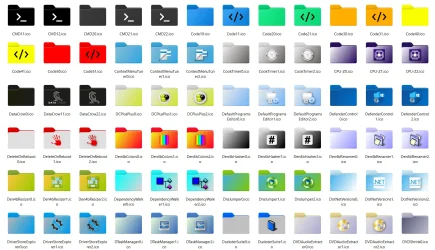
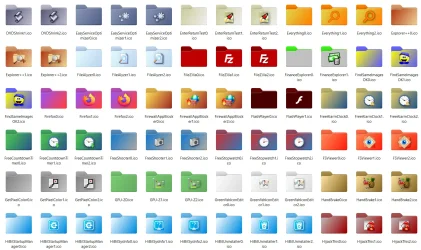
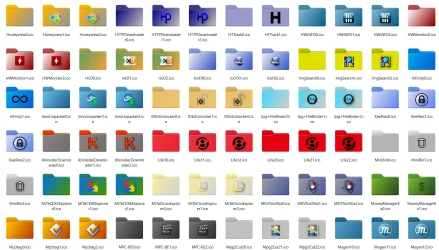
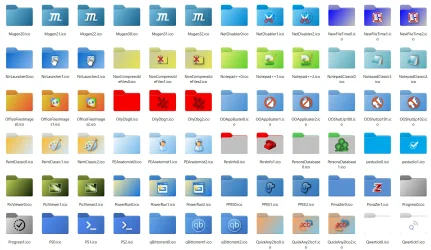
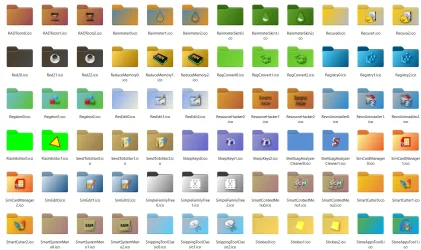
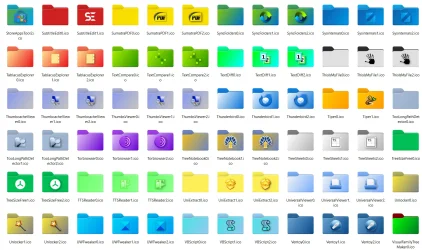
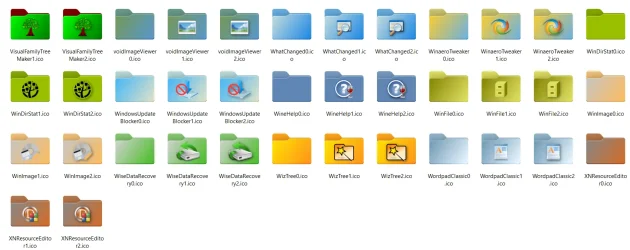



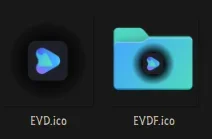
Hello! Could someone help me and make an icon for the "EaseUS Video Downloader" program? I can't find it anywhere... I would be very grateful.


Thanks for that link! Very easy to make theme matched folders!

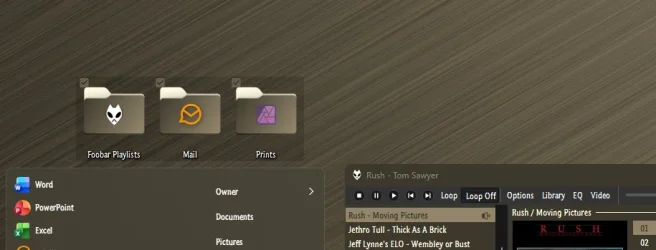

 Get Fold11 on the Microsoft Store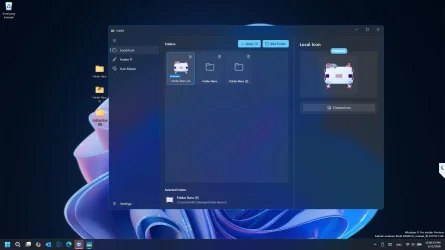
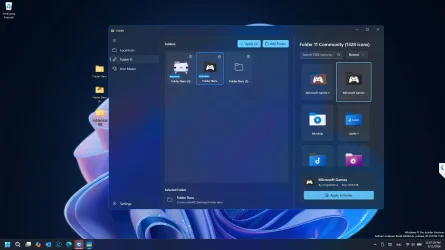
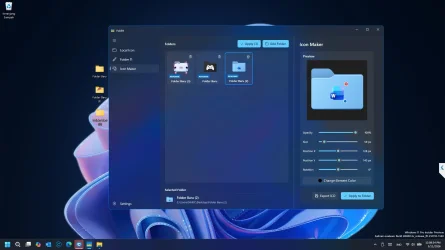

i have installed but its not changing the folder instantly like it should. The change appear in the explorer after restartI recently published Fold11 on the Microsoft Store. It's a free, lightweight tool that lets you customize your Windows folder colors, add text, and apply custom icons directly from the right-click menu.
View attachment 165657View attachment 165658View attachment 165660

Does your PC keeps the changes after your reboot........?i have installed but its not changing the folder instantly like it should. The change appear in the explorer after restart

sometimes, its not consistentDoes your PC keeps the changes after your reboot........?
To fix this, I just released an update featuring a 'Rebuild Icon Cache' tool (similar to Wintoys). You can find it in the latest version of the app. Once you click it, it will force Windows to refresh all icons and clear the old cache, so your changes should appear instantly without needing a full system restart.i have installed but its not changing the folder instantly like it should. The change appear in the explorer after restart