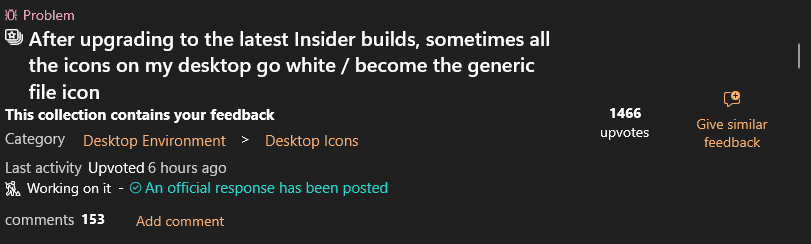
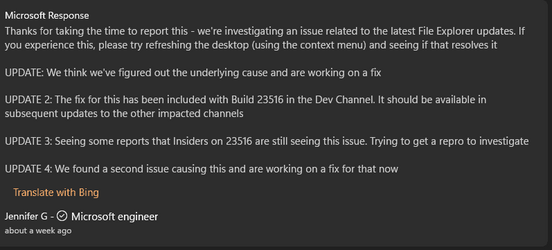
I wonder if anyone can get this glitch resolved, who has access to the senior development team not the PR team
I've worked on it myself the past year or so and still none the wiser that all the icons on the desktop show correctly on the reboot and then after 15 seconds they all turn to white
I've looked at this from a fresh install, no other software installed and the software I have running day to day nod32/ Dropbox along with a few other miner apps.
I should add these are just bookmark icons
Windows 10 no problem whatsoever with the desktop icons under all conditions
To be honest, I find Windows 11 not great in the glitch order of things and worry that with the loss of Windows 10 in 2025 things are going to go downhill with these types of stupid basic faults. They remind me of windows me and the early days of XP.
Your thoughts are much appreciated.
I've worked on it myself the past year or so and still none the wiser that all the icons on the desktop show correctly on the reboot and then after 15 seconds they all turn to white
I've looked at this from a fresh install, no other software installed and the software I have running day to day nod32/ Dropbox along with a few other miner apps.
I should add these are just bookmark icons
Windows 10 no problem whatsoever with the desktop icons under all conditions
To be honest, I find Windows 11 not great in the glitch order of things and worry that with the loss of Windows 10 in 2025 things are going to go downhill with these types of stupid basic faults. They remind me of windows me and the early days of XP.
Your thoughts are much appreciated.
Last edited:
My Computer
At a glance
Windows 11
- OS
- Windows 11