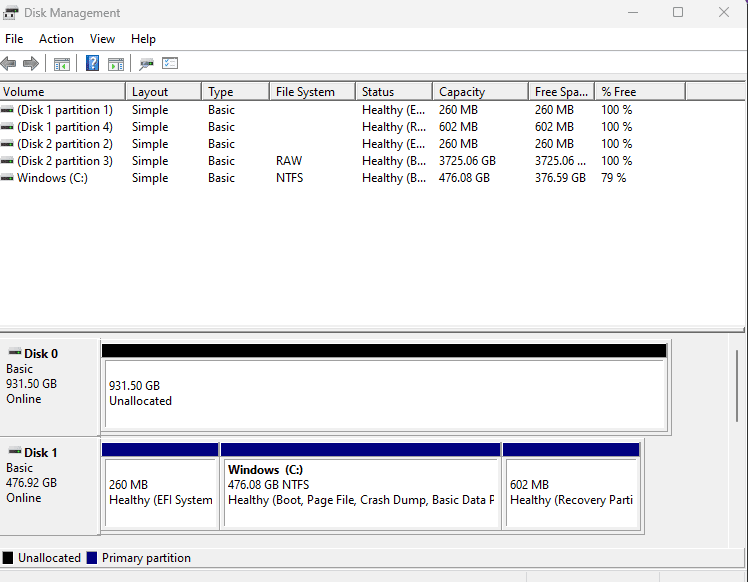
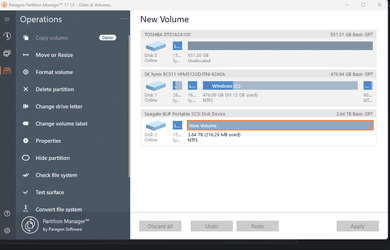
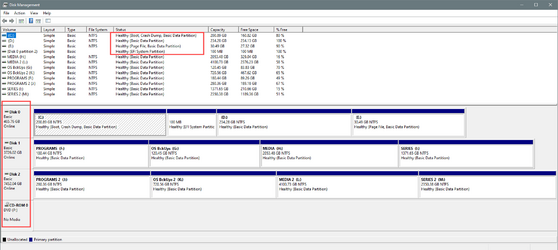
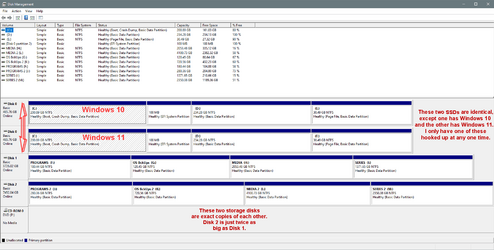
Ghot, will try to answer your questions !
Is the big partition on Disk 3 another operating system? No 3 is a seagate external hard drive !
If there's only one OS on all those disks, you can get rid of a lot of those little partitions. Yes there is only 1 OS ..... that's what i would like to do is get rid of them or combine them into one of the others.
Disk 1 and Disk 3 came with the computer, Disk 3 has the OS on it Disk 1 is just for more storage, nothing on it !
I think i have them the way i want them now !
But they do not show up in Windows Explore /My PC but are in Disk Management, how can i get them to show up in My PC ??
View attachment 45553View attachment 45554
You have to format Disk 1 in Minitool to be able to see it in File Explorer.
In Minitool, on Disk 3, you probably don't need those 3 little partitions.
But check first. Unhook Disk 3 (the external), and see if you can still boot to Windows on Disk 2.
If you can, then you can delete those little partitions on Disk 3.
If you can't access the "big" partition on Disk 3 in Minitool, you should format that as well.
On Disk 1 in Minitool, you should be able to delete the 16MB partition also.
Do the stuff in bold... first.
If you have data on the big partition on Disk 3, 3725.1 GB, that needs recovered...
Partition became RAW? Here you can find RAW partition recovery solutions which help to quickly and safely recover files from RAW partition or unformatted partition.
www.diskgenius.com
Steps... Using Minitool and the Minitool Disk numbers.
1. Unhook the external drive and see if you can boot into Windows.
2. If you can, then rehook the external and delete the three little partitions on Disk 3.
3. Delete the 16 MB partition on Disk 1, then format the entire disk.
4. After that's done, the you can use the steps in the link above, to recover any data on Disk 3, if you want.
5. If there is no data you care about on the external (Disk 3), then just delete the big partition and format the whole drive.
Now you should be able to "see" all three disks in File Explorer.
Now... if everything is OK again... you can create other smaller partitions on Disks 1 and 3.
Like you might want to split Disk 3 into 4x 1TB partitions or whatever.