Google Blog:
With Google Search, you should be able to ask any question and find precisely what you need. Accessing the world’s information is the foundation, but the most helpful search experience brings together that global knowledge with insights that are uniquely relevant to you. To make this vision possible, today we’re expanding Personal Intelligence to AI Mode in Google Search.
Personal Intelligence transforms Search into an experience that feels uniquely yours by connecting the dots across your Google apps. Starting today, Google AI Pro and AI Ultra subscribers can opt-in to securely connect Gmail and Google Photos to AI Mode. With this new experience, you can tap into your own personal context and insights to unlock even more helpful Search responses that are tailored to you.
Get a more tailored Search, just for you
With Personal Intelligence, recommendations don’t just match your interests — they fit seamlessly into your life. You don’t have to constantly explain your preferences or existing plans, it selects recommendations just for you, right from the start.In testing Personal Intelligence with Gmail and Google Photos enabled, I’ve found new things that I wouldn’t have ever considered or discovered before. One recent example: I was looking for a new pair of sneakers, and AI Mode noticed a brand I’d just bought and suggested a new style I hadn’t seen yet. The recommendation was spot on — I bought them instantly!
Here are a few more examples where Personal Intelligence in Search can be helpful for you:
Say you’re looking for things to do and places to eat that the whole family would enjoy ahead of your upcoming getaway. With Personal Intelligence, AI Mode can reference your hotel booking in Gmail and travel memories in Google Photos, to suggest an itinerary with something for everyone. You’ll see tailored recommendations like an interactive museum perfect for the kids or an old-timey ice cream parlor, because it recalls the many ice-cream selfies captured in your pictures. It’s not just a generic list of restaurants and activities; it’s a personalized starting point for your next great weekend.
Personal Intelligence can also be particularly helpful for shopping, because AI Mode considers the types of items you buy and where you shop. If you need a new coat for your upcoming trip, AI Mode could automatically take into account the brands you prefer, as well as your flight confirmation in Gmail to identify the destination and timing (Chicago in March). You’ll get suggestions for windproof, versatile coats that fit the weather and your preferred look. It’s like a personal shopper who already knows your itinerary and the vibe you’re going for.
You can even ask fun questions that you never imagined searching for — like “if my life were a movie, what would the title and movie genre be,” or “describe my perfect day.”
You’re always in control
We’ve designed Personal Intelligence with transparency, choice and control at its core. Connecting your Gmail and Google Photos is strictly opt-in, meaning you choose if and when you want to connect these apps to Search and you can always turn those connections on or off. Built with privacy in mind, AI Mode uses our most intelligent model, Gemini 3, and doesn’t train directly on your Gmail inbox or Google Photos library. Training is contained to limited info, like specific prompts in AI Mode and the model’s responses, to improve functionality over time. Learn more here.In our internal testing, we know that Personal Intelligence in Search can be incredibly helpful, but mistakes can happen. Our systems might incorrectly make connections between unrelated topics or not fully understand the context. If a recommendation feels a bit off, you can correct it and clarify what you were looking for with a follow-up response in AI Mode. You can also provide feedback by giving the response a “thumbs down.” Learn more about our approach and how we’re addressing limitations here.
The ability to connect AI Mode to your Gmail and Google Photos is rolling out as a Labs feature. Eligible Google AI Pro and Ultra subscribers in English in the U.S. will automatically have access to the feature as it becomes available. This experimental feature is available for personal Google accounts and not for Workspace business, enterprise or education users.
As this rolls out over the next few days, AI Pro and Ultra subscribers should see an invitation to try this experience out in AI Mode, but if not, you can also turn it on in your settings, simply:
- Open Search and tap your profile
- Click on Search personalization
- Select Connected Content Apps
- Connect Workspace and Google Photos
Source:
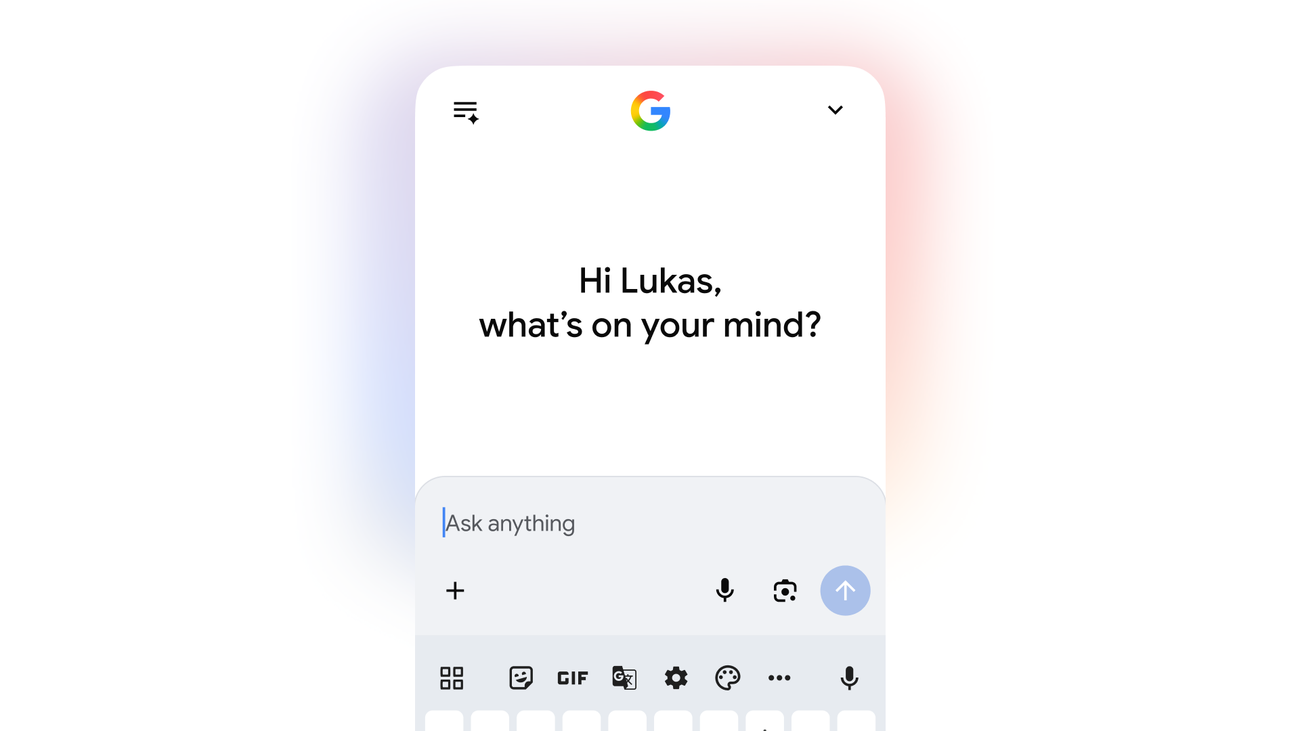
Personal Intelligence in AI Mode in Search: Help that's uniquely yours
Personal Intelligence lets you tap into your context from Gmail and Photos to deliver tailored responses in Search, just for you.