

Did you look at NirSoft FileTypesMan?
NirSoft FileTypesMan still works nicely for me, though you need to select the exact extension in the list, which can be sometimes a bit long.
This method applies the changes just in the Windows registry, and it can be easy to go back to default (in the file's properties, or in the System settings > Apps > Default apps > Choose default apps by file type).
Sib Icon Replacer changes the icon directly in the app, like ResourceHacker seems to do (run as admin with presave original), but if any update is made on the app you are using, original icons will be applied.
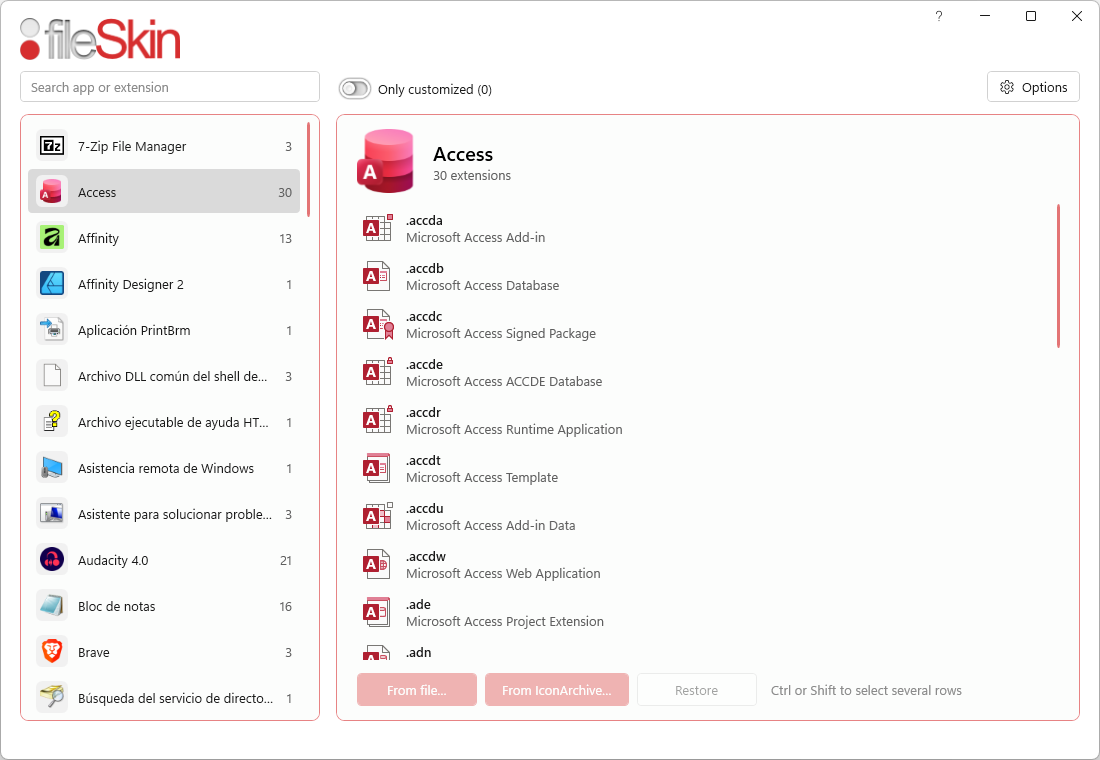
A new app came out on GDZ website (which seems to work like FileTypesMan) called fileSkin, which looks nice and easy to apply icons clearly, for any extensions.
My Computers
-
At a glance
Windows 10 & 11 LTSC 3xBoot 1809 21H2 24H2Intel Core i5-2550K8 GBNVIDIA GeForce GTS 450- OS
- Windows 10 & 11 LTSC 3xBoot 1809 21H2 24H2
- Computer type
- PC/Desktop
- Manufacturer/Model
- Self-made 2013
- CPU
- Intel Core i5-2550K
- Motherboard
- Intel DH67CL
- Memory
- 8 GB
- Graphics Card(s)
- NVIDIA GeForce GTS 450
- Sound Card
- EmuPMX
- Monitor(s) Displays
- 16/9 Samsung + 4/3 iiyama
- Screen Resolution
- 1360 x 768 + 1024 x 768
- Hard Drives
- Main SSD: Samsung 250 Gb
Secondary HDDs: Western Digital
(Purple 4 Tb + Blue 2 Tb) x2
+ Green 0.5 Tb
- Case
- Antec
- Keyboard
- Dell
- Mouse
- Advance
- Browser
- Brave
- Antivirus
- Windows Security
- Other Info
- + Portable Cleanup Utilities :
AdwCleaner
ZHP Cleaner (+Diag)
Kaspersky Virus Removal Tool
CCleaner
-
At a glance
Windows 11 Home- Operating System
- Windows 11 Home
- Computer type
- Laptop
- Manufacturer/Model
- HP
- Other Info
- Using W11 OS on customers' computers more and more often, and sometimes on my mum's new laptop.






