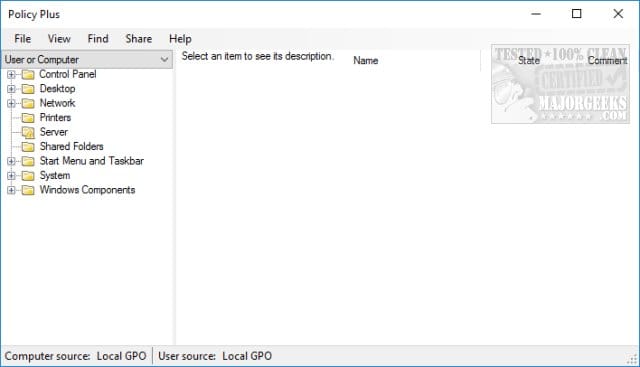
:: This batch script will enable Group Policy Editor (Gpedit.msc) on Windows 11 and Windows 10 Home Edition.

@echo off & Cls

(Net session >nul 2>&1)||(PowerShell start """%~0""" -verb RunAs & Exit /B)

pushd "%~dp0"

dir /b %SystemRoot%\servicing\Packages\Microsoft-Windows-GroupPolicy-ClientExtensions-Package~3*.mum >List.txt
dir /b %SystemRoot%\servicing\Packages\Microsoft-Windows-GroupPolicy-ClientTools-Package~3*.mum >>List.txt

for /f %%i in ('findstr /i . List.txt 2^>nul') do dism /online /norestart /add-package:"%SystemRoot%\servicing\Packages\%%i"


For /F %%B In ('wmic Os Get /Format:List ^| Find /I "Osarchitecture"') Do (Set Output=%%B)


If "%Output:~15,21%"=="64-bit"  (
    If Exist "%SystemRoot%\System32\gpedit.msc" (

    Goto :Skip

    ) Else (

    Copy "%SystemRoot%\SysWOW64\Gpedit.msc" "%SystemRoot%\System32"

    )

:Skip