- Local time
- 6:06 PM
- Posts
- 167
- OS
- macOS Sequoia
I am trying to copy files from the network share of a Windows 11 Pro host to another host. My MacBook Pro throws up this error alert in the Finder:
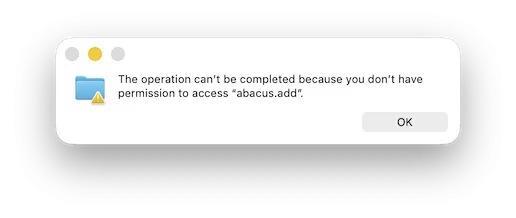
rclone running on a NAS says: “Failed to copy: failed to open source object: failed to open: open v23\data01\accounting\SYSTEM SETUP.adt: response error: A file cannot be opened because the share access flags are incompatible.”
The file in question is part of the storage of a database used by a law practice management application. Presumably the management server has the file open. My question is, whether the file could be copied anyway, with proper configuration of the share.
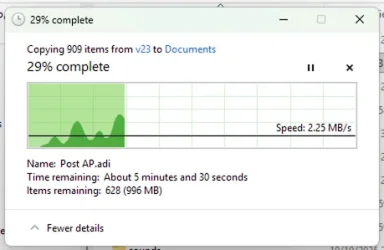
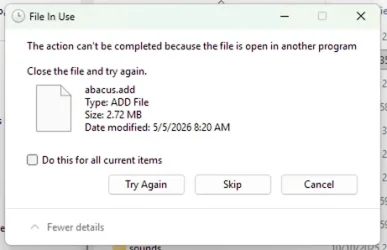
I am about to see, what this looks like when the destination is another Windows machine and the copy operation is running on the destination. I will post my results in a response.
rclone running on a NAS says: “Failed to copy: failed to open source object: failed to open: open v23\data01\accounting\SYSTEM SETUP.adt: response error: A file cannot be opened because the share access flags are incompatible.”
The file in question is part of the storage of a database used by a law practice management application. Presumably the management server has the file open. My question is, whether the file could be copied anyway, with proper configuration of the share.
I am about to see, what this looks like when the destination is another Windows machine and the copy operation is running on the destination. I will post my results in a response.
My Computer
At a glance
macOS SequoiaM1 Max Apple Silicon32 GB
- OS
- macOS Sequoia
- Computer type
- Laptop
- Manufacturer/Model
- Apple
- CPU
- M1 Max Apple Silicon
- Memory
- 32 GB