- Local time
- 2:26 AM
- Posts
- 179
- OS
- Windows 11 Home
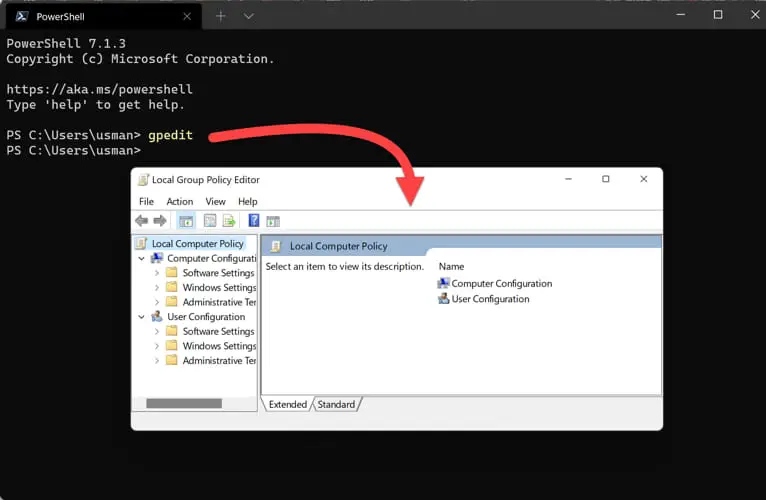
The title says most of of it. One of the solutions involves launching the Local Group Policy Editor with gpedit.msc command.
How do it disable it ? I'm not always good with coding. But this thing it interferes with me when i bump into the Copilot button and i'm not sure about learning about windows power tools functions yet to rewire it the button.
I just need it killed so the button doesn't awaken the microsoft copilot.
How do it disable it ? I'm not always good with coding. But this thing it interferes with me when i bump into the Copilot button and i'm not sure about learning about windows power tools functions yet to rewire it the button.
I just need it killed so the button doesn't awaken the microsoft copilot.
My Computer
At a glance
Windows 11 Home
- OS
- Windows 11 Home
- Computer type
- Laptop
- Manufacturer/Model
- Lenovo Yoga 7 Slim 14I110