Microsoft Mechanics Blog:
Turn raw Excel data into actionable insights, visual dashboards, and KPIs in minutes.
With Agent Mode, automate complex analysis, create pivot tables, and build interactive dashboards without manual setup. Streamline text analysis, formula generation, and complex calculations right inside Excel. Use the Copilot function to categorize feedback, score sentiment, or automate repetitive tasks, and leverage Formula AI to generate accurate formulas from plain language prompts.
Jeremy Chapman, Microsoft 365 Director, shares how to work smarter and make faster, data-driven decisions in Microsoft Excel.
No manual setup required.
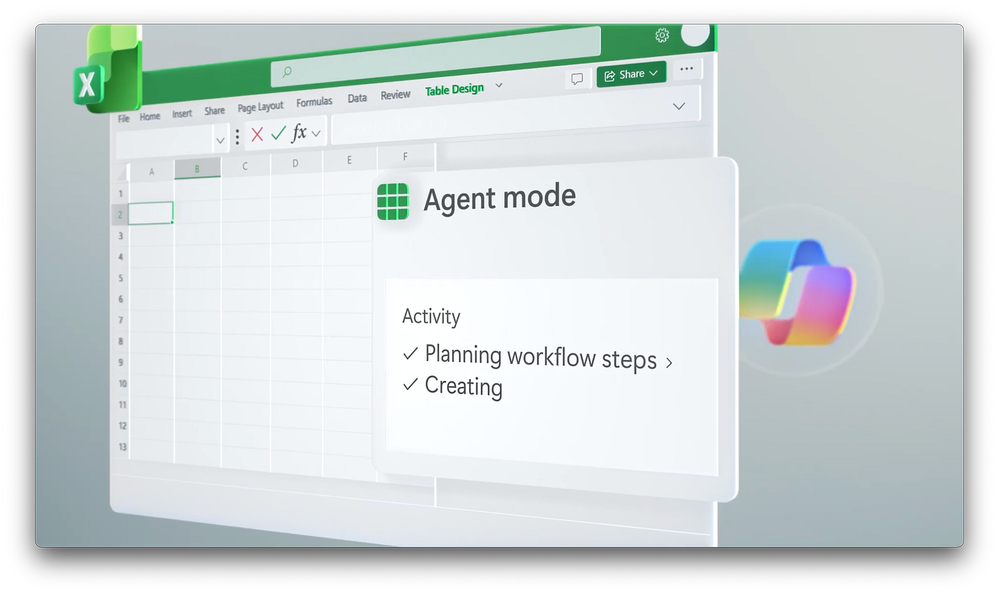
Auto-analyze your spreadsheets, generate KPIs, pivot tables, and charts. Check out Agent Mode in Microsoft Excel.
Analyze text, categorize feedback, and score sentiment.
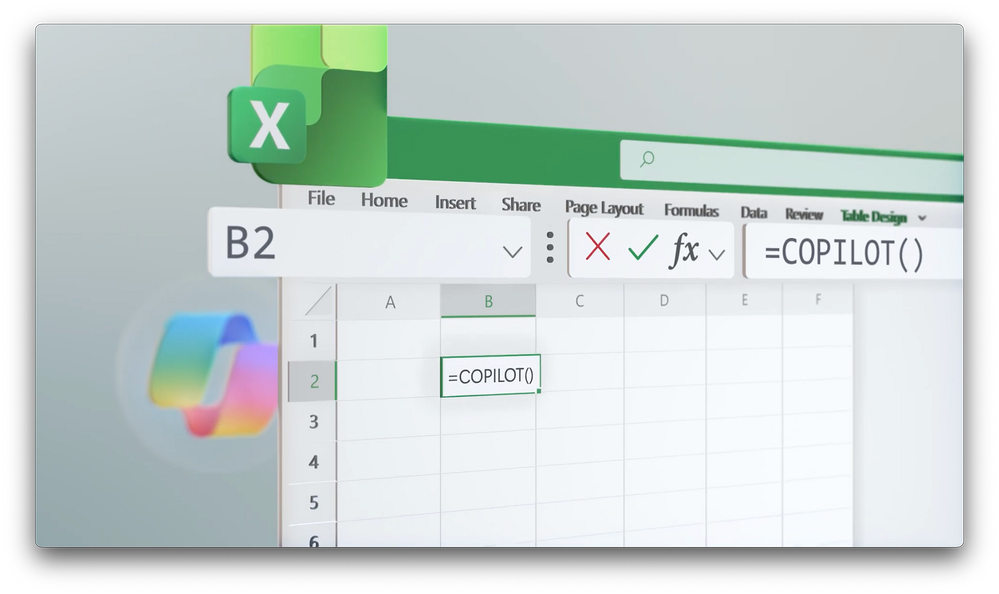
Turn manual data tagging into instant AI-powered insights inside your spreadsheet. See how to use the =COPILOT() function.
Save time and stay in flow.
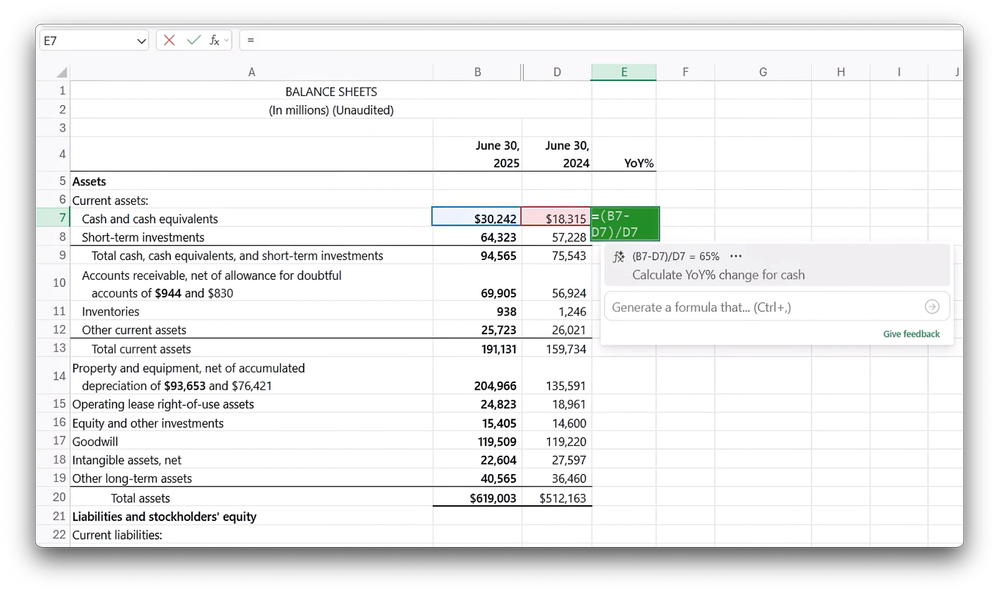
Generate formulas faster, understand what they do, and complete complex calculations with confidence. Take a look.
Source:
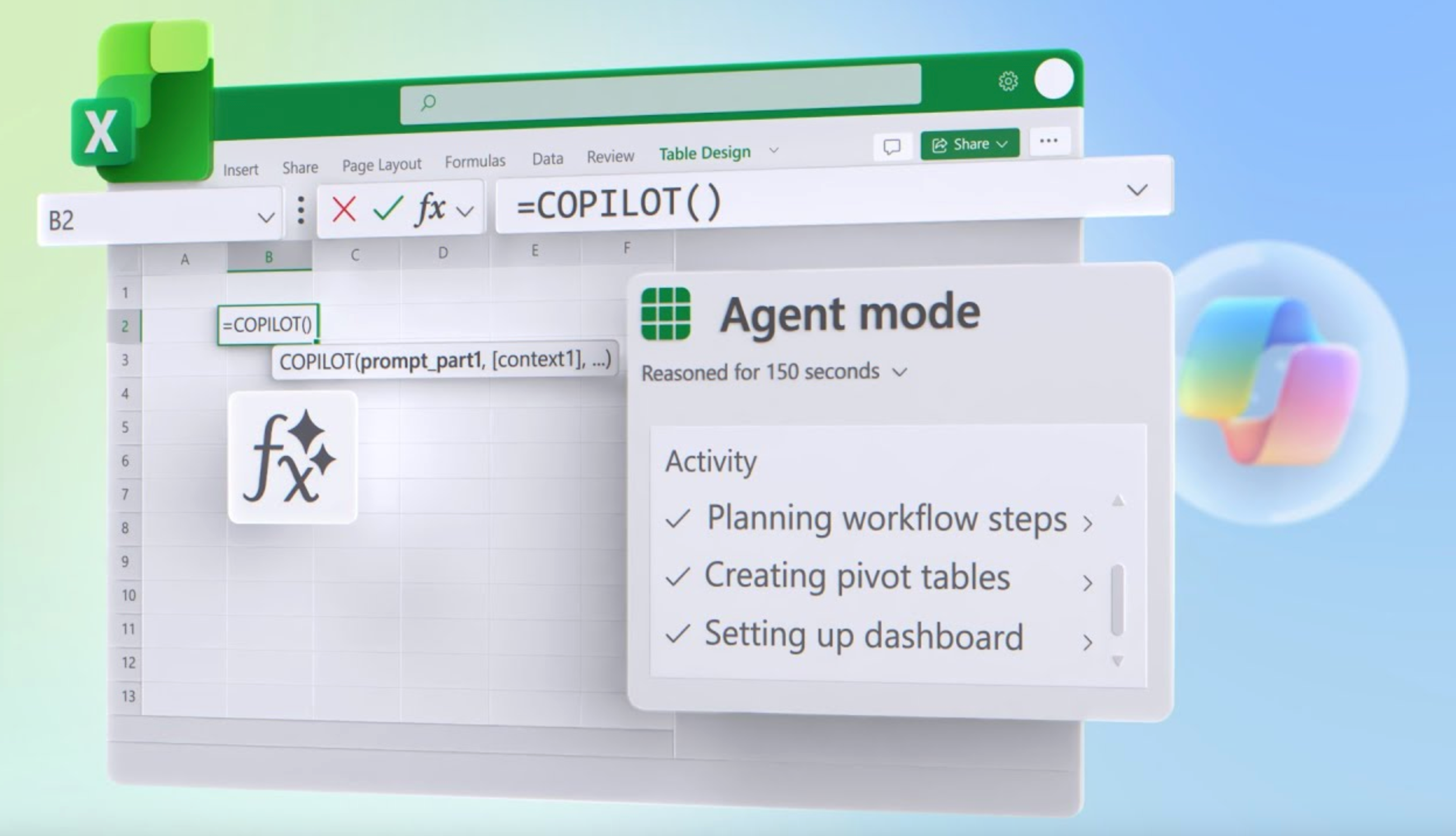
Microsoft Excel Power User Updates | Agent Mode, Copilot Function & Formula AI | Microsoft Community Hub
With Agent Mode, automate complex analysis, create pivot tables, and build interactive dashboards without manual setup. Streamline text analysis, formula...
 techcommunity.microsoft.com