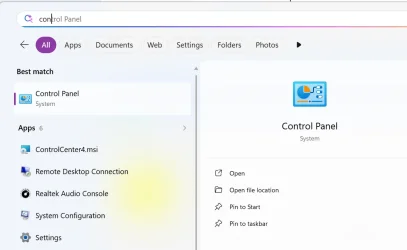
You might try the lnk .reg file from the table in Option 2, 6 here:
 www.elevenforum.com
Not sure if that will fix this when parts of the registry are missing- I've not examined the content as it's late here.
Do you have any idea how this has happened? Have you done something unusual with file type associations?
N.B. you say this is a new PC, so if this happened recently, you might be able to use a System Restore point created before this happened.
Reset and Restore Default Apps for File Types in Windows 11
This tutorial will show you how to reset and restore the default app association of a file type for your account in Windows 10 and Windows 11. A default app is the program that Windows has assigned to open a file or link type with by default when you open it. Default apps you choose will only...
www.elevenforum.com
Not sure if that will fix this when parts of the registry are missing- I've not examined the content as it's late here.
Do you have any idea how this has happened? Have you done something unusual with file type associations?
N.B. you say this is a new PC, so if this happened recently, you might be able to use a System Restore point created before this happened.
My Computer
At a glance
Windows 11 Proi7-8650U16GBIntel UHD 620
- OS
- Windows 11 Pro
- Computer type
- Laptop
- Manufacturer/Model
- Lenovo t480s
- CPU
- i7-8650U
- Memory
- 16GB
- Graphics Card(s)
- Intel UHD 620
- Screen Resolution
- 1920x1080
- Hard Drives
- C SN810 SDCPNRY-512G-1006
- Browser
- Edge, Firefox
- Antivirus
- Defender