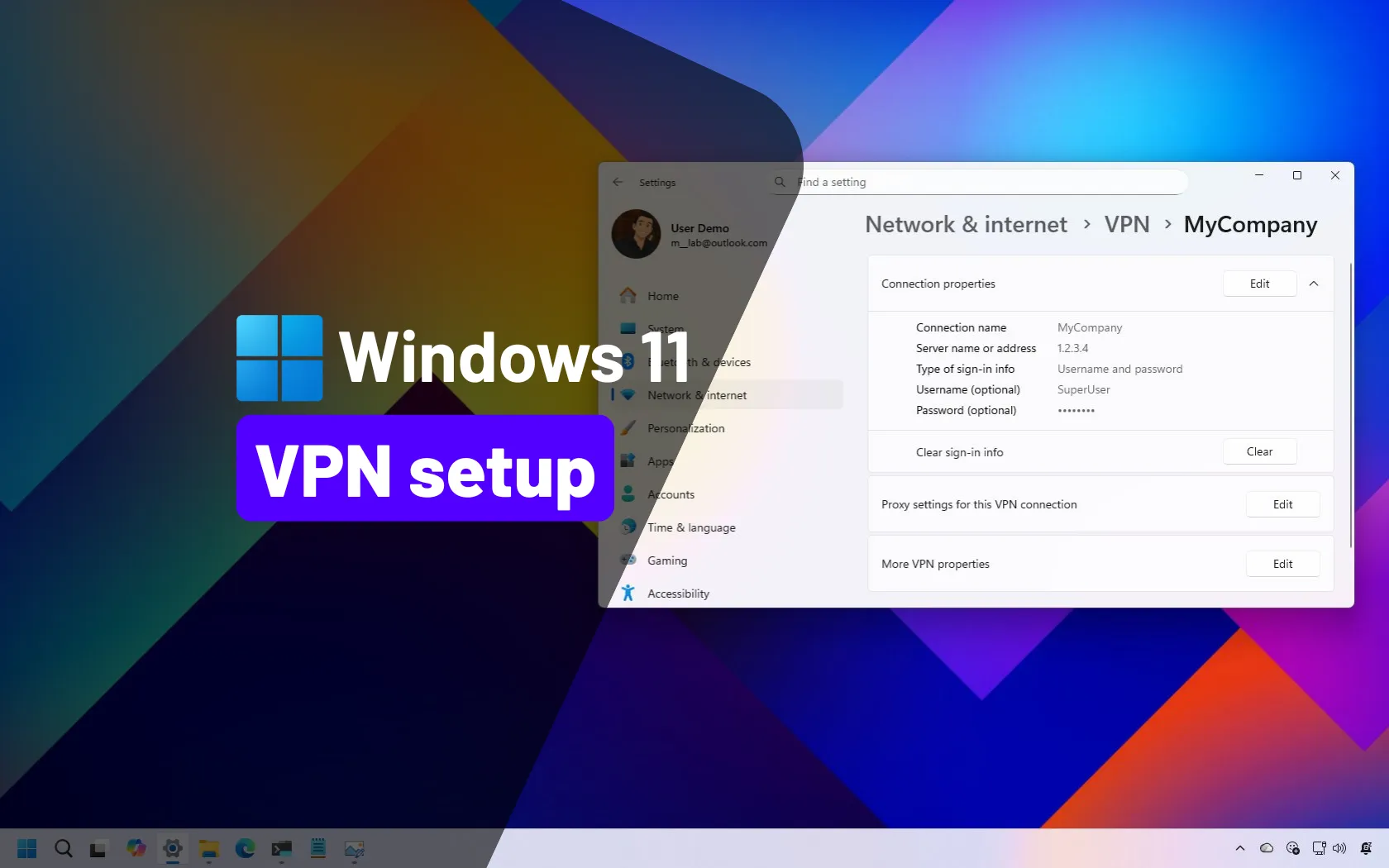
I am trying to migrate from a Win10 laptop to a newer Win11 laptop. With the Win10 laptop I have set up a VPN connection to connect to my server at home. Works fine, no problems. I have copied the VPN settings to the Win11 machine, but it will not connect. I always get error 809:
“Can’t connect to [connection name]. The network connection between your computer and the VPN server could not be established because the remote server is not responding. This could be because one of the network devices (e.g. firewalls, NAT, routers, etc.) between your computer and the remote server is not configured to allow VPN connections. Please contact your Administrator or your service provider to determine which device may be causing the problem.”
Since it works fine with Win10, I don't think it is a setting on the server or any devices in between (firewalls). I have tried it with and without the firewall active on the Win11 machine. I have also tried to open specific ports on it (1723, 500, 4500). Nothing seems to work.
Any ideas?
Thanks.
“Can’t connect to [connection name]. The network connection between your computer and the VPN server could not be established because the remote server is not responding. This could be because one of the network devices (e.g. firewalls, NAT, routers, etc.) between your computer and the remote server is not configured to allow VPN connections. Please contact your Administrator or your service provider to determine which device may be causing the problem.”
Since it works fine with Win10, I don't think it is a setting on the server or any devices in between (firewalls). I have tried it with and without the firewall active on the Win11 machine. I have also tried to open specific ports on it (1723, 500, 4500). Nothing seems to work.
Any ideas?
Thanks.
- Windows Build/Version
- 22H2 (build 22621.2283)
My Computer
At a glance
22H2 (build 22621.2283)i9
- OS
- 22H2 (build 22621.2283)
- Computer type
- Laptop
- Manufacturer/Model
- Dell
- CPU
- i9