- Local time
- 9:54 PM
- Posts
- 41
- OS
- windows 11
HP Envy Photo 7855 (latest drivers installed via HP Smart)
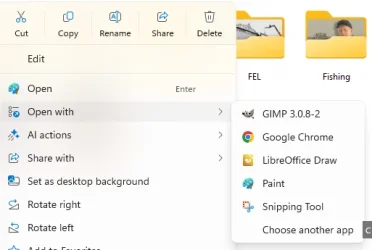
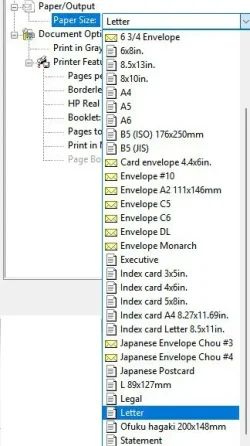
So I open a .jpg with Paint. Image Properties says it is 16.00 X 21.33. Click Print -> Page Setup, select Portrait, Size : 4 X6, Source : Photo Tray and Scaling : Fit to 1 by 1 page. Yes, there is 4 x 6 photo paper in the photo tray
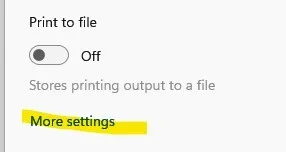
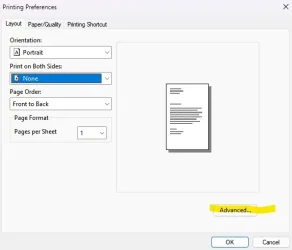
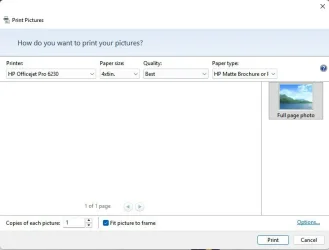
Then click Print -> Print, check "Let app change my print printing preferences". It comes out on an 8.5 x 11 paper with standard margins !
What am I doing wrong ?
My Computer
At a glance
windows 11AMD 8700G2 - DDR5-6000 8GB Kinston KF560C35-8none
- OS
- windows 11
- Computer type
- PC/Desktop
- Manufacturer/Model
- Self built
- CPU
- AMD 8700G
- Motherboard
- ASRock B650I Lightning
- Memory
- 2 - DDR5-6000 8GB Kinston KF560C35-8
- Graphics Card(s)
- none
- Sound Card
- none
- Monitor(s) Displays
- SAMSUNG SyncMaster 220WM
- Screen Resolution
- 1680 x 1050
- Hard Drives
- Samsung SSD 990 Pro 1TB
- PSU
- PicoPSU-160-XT
- Case
- MITXPC MX500-USB3 Compact Mini-ITX Case
- Cooling
- Noctua NH-L9a-AM5, Chromax.Black, Low-Profile
- Browser
- Chrome