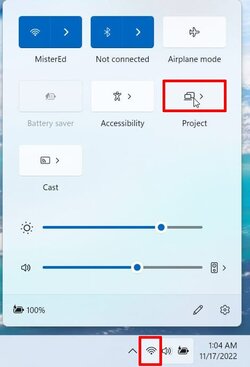
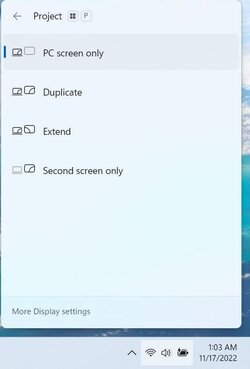
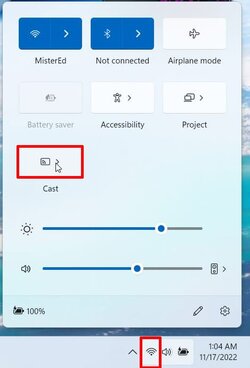
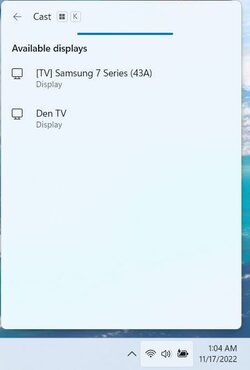
I had connected my laptop to the TV before using the app, but after some Windows 10 updates my laptop tried to connected and failed after many seconds. Like the TV would not authorize the connection and blocked it. I tried all the TV settings if there was a list with trusted devices to remove my laptop and try connecting again, there wasn't any and was driving me mad. Updating the Wi-Fi drivers made no difference and I tried many different drivers. After upgrading to Windows 11 it connected once and I though that was it, my issue was gone. No such luck, after some Windows 11 updates it lost that feature again, same symptoms as in Windows 10, the connection was rejected after several seconds. After some Googling I want to the TV network settings, Wi-Fi Direct seeking for an alternative method to connect my laptop to the TV. There I show my laptop in the list, so I highlighted and pressed the button to connect. It asked for a PIN I had to enter (do not remember if that was on the laptop only or both the TV and laptop) and then there was a message of successful connection. Of course my laptop's screen wasn't yet projected on the TV, but I thought if there was a successful connection why not try Miracast again? So I launched the Screen Mirroring app on the TV, pressed Win+K on the laptop and this time connected without any issue! I wanted to share for other having a similar issue (connection fails after a while). Connect with Wi-Fi Direct first and try again.