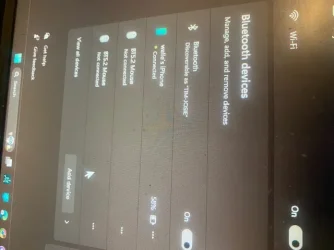
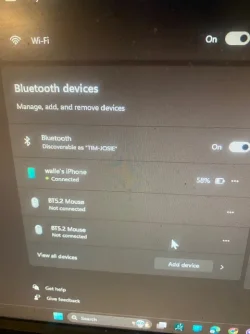
That screenshot shows your phone is connected through bluetooth rather than as USB.
Bluetooth is only one of the ways to connect your iphone but it never would work for me, so I use the usb cable.
I'm sorry T2T but I misled you about the iTunes app. I use that from my PC for accessing the
music I have downloaded to my phone.
It handles music only,
not photos. Please forgive my mistake. I should have paid better attention and been clearer.
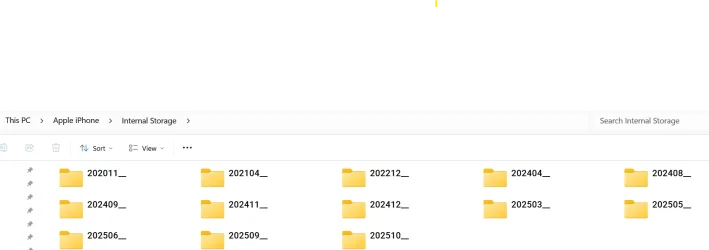
For Photos-When I plug the iphone into the PC, on phone I get "accessary connected" message. I tap the message. I enter my phone passcode. I get message to allow the PC to access photos and videos. I tap "allow". In file explorer on PC I then see the Apple iPhone as a device. I can open it & then browse my photos folders, select images I want, and copy and paste them to a folder on my computer.
Since you seem to be having recurrent problems with this, and it also seems like you deal with a lot of photos,
if you are syncing all your iphone photos to iCloud, another option you can use is iCloud for Windows. With iCloud for Windows, on your Windows PC you can access your photos, videos, mail, calendar, files, and any other important information that you have set to sync on your phone.. iCloud is Apple's version of onedrive. It works the same way. All the photos on your phone AUTOMATICALLY show up in iCloud for Windows on your PC.. No more hooking up a cable.
With iCloud for Windows, you’ll have your photos, videos, mail, calendar, files, and other important information on the go and on your Windows PC.

support.apple.com
As you can see, I do not have my phone set up as a BT device. I have no BT devices at all. (first screenshot)
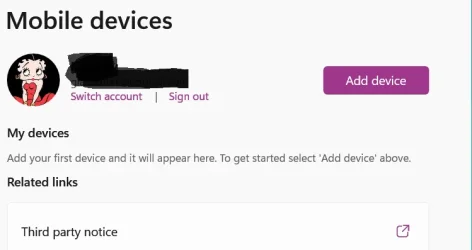
When connected USB, my phone shows up in file explorer like in second screenshot AFTER I have allowed it on my phone.
Third screenshot shows folders from the phone.