I'm sure Toshiba had a factory image for when the laptop was shipped. And in the W8 days, it was common for OEM's to create a recovery partition where you could initiate a push-button reset back to a known Windows image. Unfortunately that recovery image was never updated and would be out-of-date a few years after you first purchased the PC.
These days, it's a less common for vendors to ship a factory recovery partition. Though some OEM's still do.
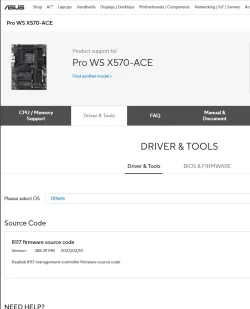
If you don't have the option to create a restore image from a freshly delivered PC, or the vendor doesn't provide the complete set of drivers, there are methods to export the current set of 3rd-party drivers from a live system.
The driver set can then be integrated to a current Windows install image. Of course, this doesn't help if the drivers are too old be supported by the new Windows. You may have hunt down a modern-day equivalent of the original driver.
These days, it's a less common for vendors to ship a factory recovery partition. Though some OEM's still do.
If you don't have the option to create a restore image from a freshly delivered PC, or the vendor doesn't provide the complete set of drivers, there are methods to export the current set of 3rd-party drivers from a live system.
The driver set can then be integrated to a current Windows install image. Of course, this doesn't help if the drivers are too old be supported by the new Windows. You may have hunt down a modern-day equivalent of the original driver.
My Computer
At a glance
Windows 7
- OS
- Windows 7