Hello,
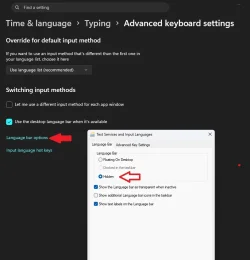
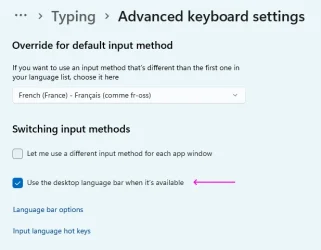
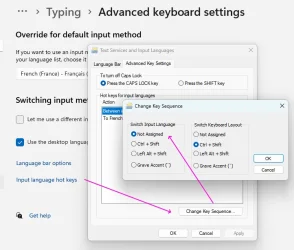
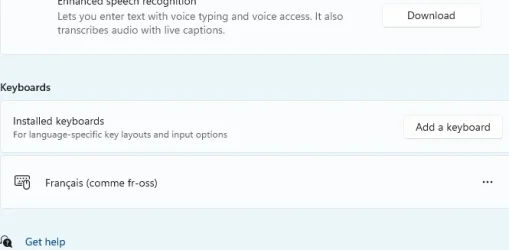
I don't know what I did, but all of sudden, the language icon popped up again in the taskbar, and now, every so often, the keyboard layout goes from FR to US and I have to hit SHIFT+ALT to go back to FR.
How can I disable that behavior?
Thank you.
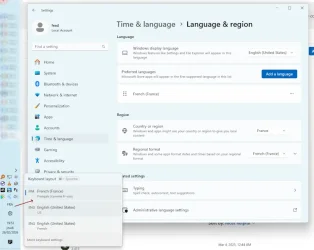
I don't know what I did, but all of sudden, the language icon popped up again in the taskbar, and now, every so often, the keyboard layout goes from FR to US and I have to hit SHIFT+ALT to go back to FR.
How can I disable that behavior?
Thank you.
- Windows Build/Version
- 10.0.22631 N/A Build 22631
My Computer
At a glance
Windows 11
- OS
- Windows 11