Manage a Ricoh printer on a network with 20 odd devices connected by LAN. Ricoh printer started to play up badly, not printing, printer queue clogged, etc etc
All the fault/problem of Windows default driver for particular device. Long story short, ultimate solution was .. used RevoUninstaller (fully!!!) to remove all components of Windows drivers. Downloaded driver from Ricoh .... perfectamundo !!!
NOTE Using REvo,
-install, change Options settings (tab along top) > Uninstaller > untick make a system restore point, tick checkmark all leftovers by default
- select Ricoh driver from list, 2 x click to uninstall
- when finished, do not reboot even if prompted
- select the Advanced button, run and indiscriminately delete all leftover files, folder and registry entries, Don't be selective!!
Reboot and then install driver from Ricoh.
EDIT Note that Microsoft in all its bastardry is likely to re-install their driver and replace the Ricoh one. This may happen once, maybe twice, until the above steps are repeated and Microsoft gets the message to mind its own business and p1ss off!!!



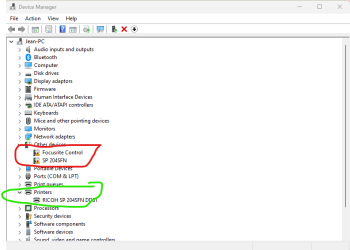
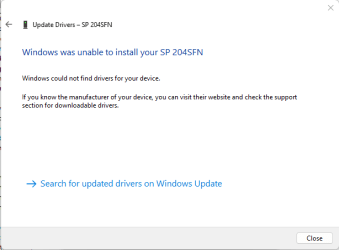
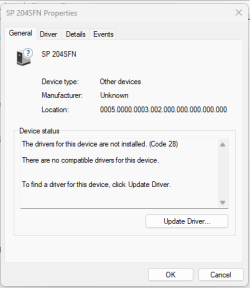

 . Thanks anyway






