@garlin Thanks for your advice.
Before resetting and re-installing certs, I wanted to make some more tests. To this end, I used Microsoft Media Creation Tool to build a new Windows install disk.
After the USB install disk is finished, I checked the certificates on bootx64.efi and bootmgfw.efi. They are still using old certs. Therefore, I also updated both files on this disk with new CA 2023 certs.
By the way, MediaCreationTool now formats the USB disk in FAT32 file system and splits the big install.esd into 2 install.swm files.
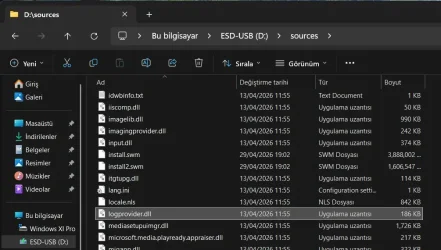
Then I started to check bootability of this USB disk.
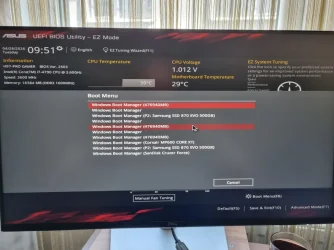
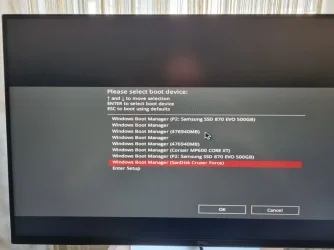
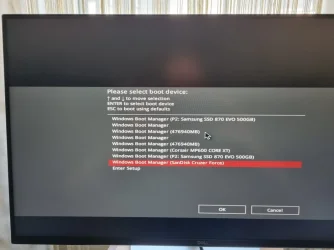
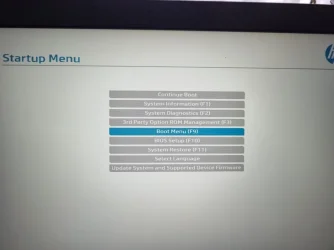
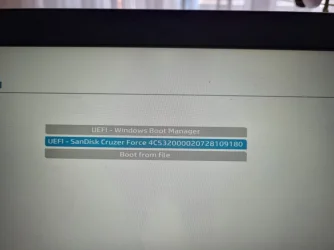
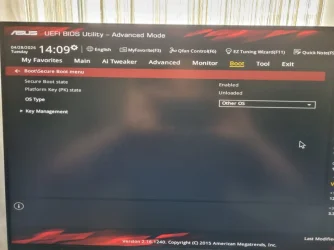
When I got into BIOS and Boot priority menu, I saw two versions of my USB disk. One was UEFI (FAT) Dahua U106 and the other was Dahua U106.
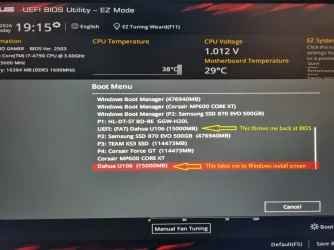
I chose UEFI (FAT) Dahua U106 first because my system is UEFI and pressed Enter to see if Windows install would start. Unfortunately Windows installation did not start. Pressing Enter threw me back at BIOS.
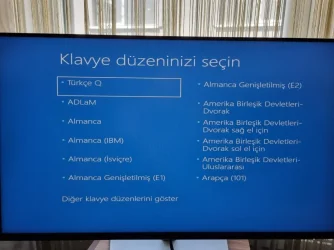
Then I went into the Boot priority menu again and this time chose Dahua U106. To my surprise, Windows installation started.
I have taken a video with my mobile phone but I can not add it here unfortunately. The video is on my desktop.
I am bewildered. What recent changes were introduced into Windows and when ? I very rarely clean-install Windows. Therefore, I can not closely follow changes made to Windows, if any.
I hope this post helps members of this forum experiencing my issue.
P.S. If there is a way to attached local video files to posts, please someone advise me.