- Local time
- 8:32 AM
- Posts
- 104
- OS
- Windows 11 Pro 25H2 26200.8894
I discover that the Windows camera is not working anymore with my build in webcam, it only gives a green screen, the camera is working perfect with Microsoft Teams, OBS and Adobe apps, so it must be the camera app, I reset it already but same green picture. Anyone have this too ?
App version 2026.2605.7.0
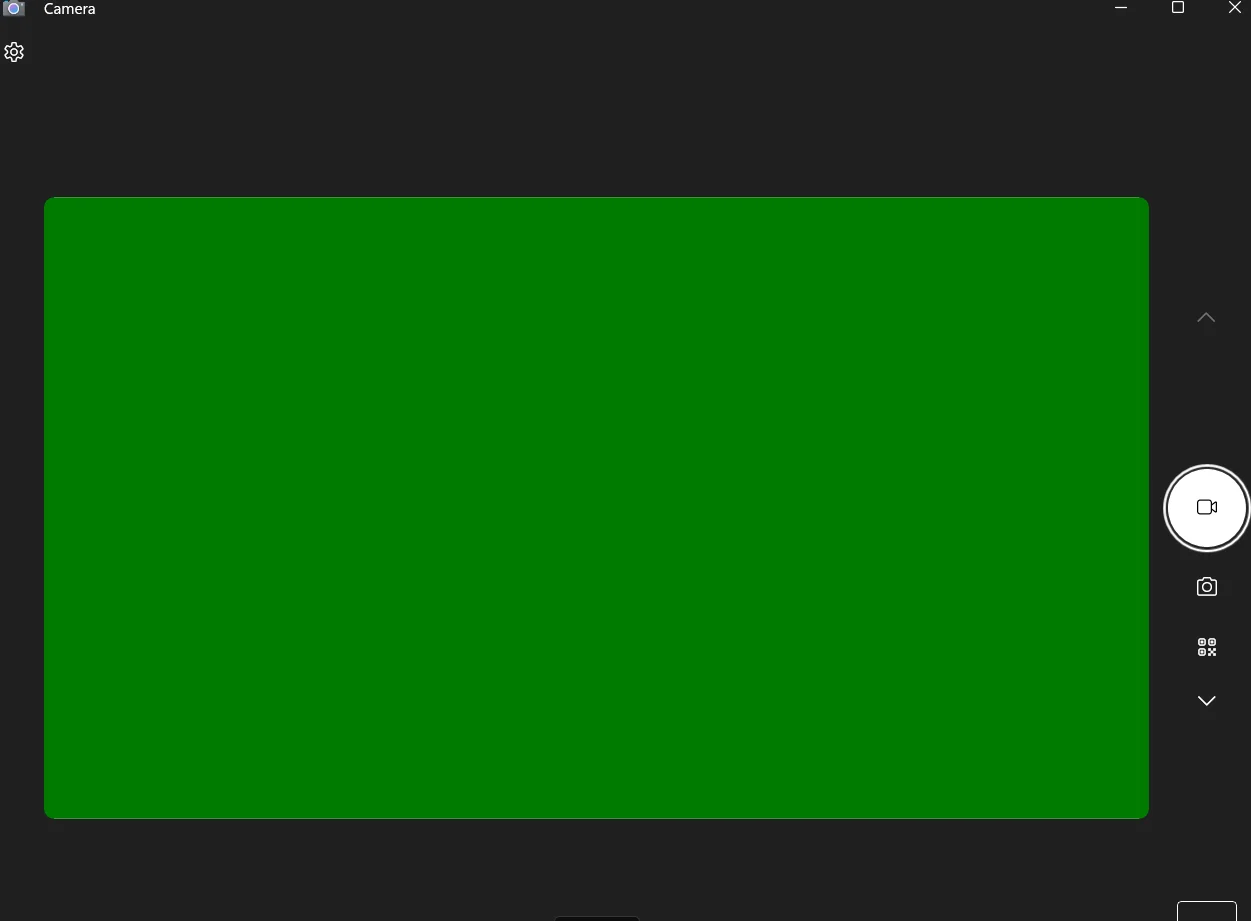
App version 2026.2605.7.0
My Computer
At a glance
Windows 11 Pro 25H2 26200.8894Intel Core i7-8700KCorsair 32GB 4x DDR4-2998 / PC4-23900 DDR4 SD...AMD RX570
- OS
- Windows 11 Pro 25H2 26200.8894
- Computer type
- PC/Desktop
- Manufacturer/Model
- Self built midi tower
- CPU
- Intel Core i7-8700K
- Motherboard
- Gigabyte Z390GX
- Memory
- Corsair 32GB 4x DDR4-2998 / PC4-23900 DDR4 SDRAM UDIMM
- Graphics Card(s)
- AMD RX570
- Sound Card
- Sound Blaster Z
- Monitor(s) Displays
- 2x IIyama Prolite X2380HS
- Screen Resolution
- 1920x1080
- Hard Drives
- Samsung SSD 970 EVO Plus NVMe 1TB
Samsung SSD 970 EVO Plus NVMe 500GB
- PSU
- Seasonic 550W
- Cooling
- Noctua fans
- Keyboard
- Logitech G213
- Mouse
- Logitech Marble Mouse
- Browser
- Chrome
- Antivirus
- Norton
- Other Info
- Video/Audio editting machine