

- Local time
- 1:59 AM
- Posts
- 840
- OS
- Windows 11
Hi
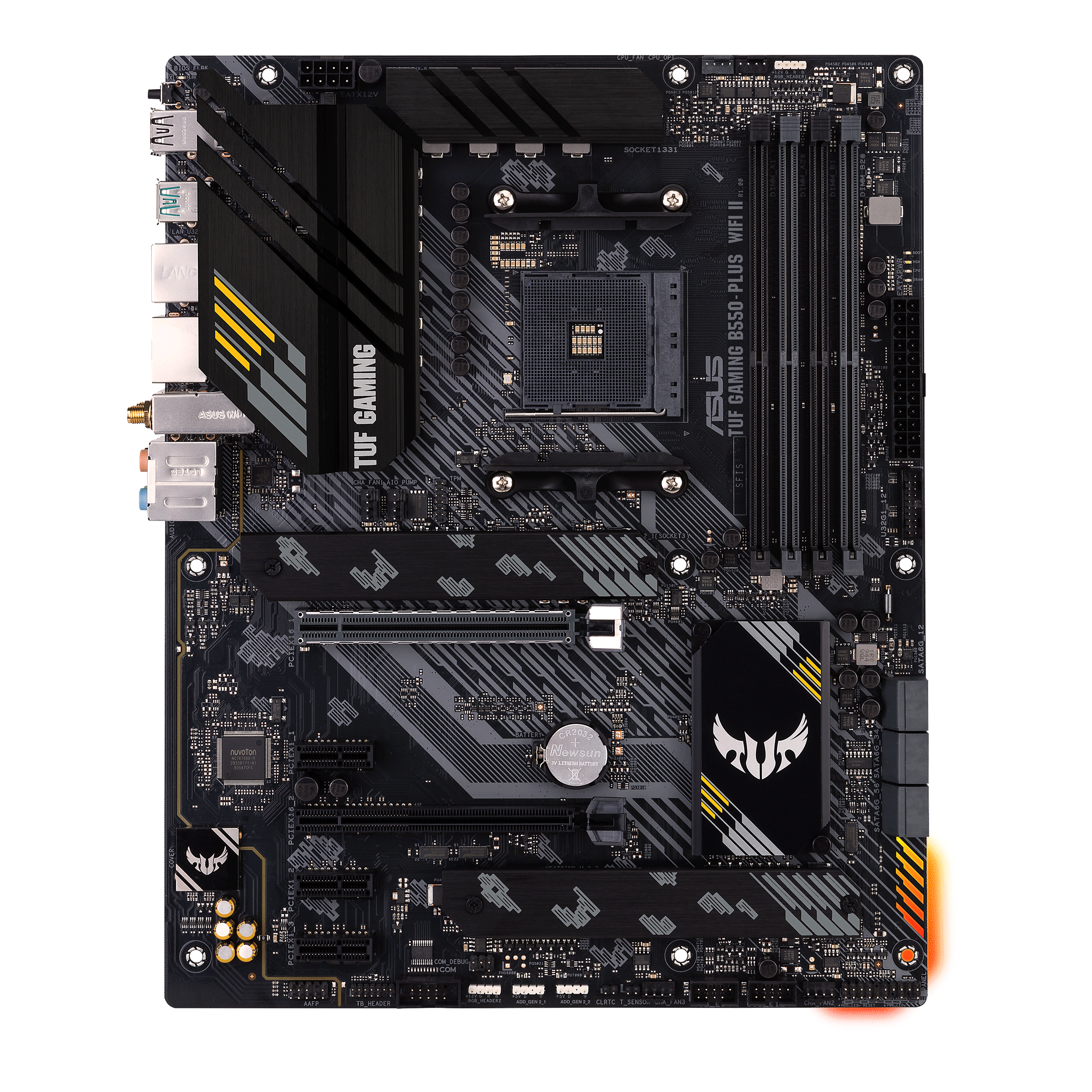
I have the motherboard Asus TUF GAMING B550-PLUS WIFI II. And windows did not detect the wifi device so I went to the product page and downloaded the latest wirless drive MediaTek WiFi Driver V3.5.0.1349 For Windows 10/11 64-bit. From this url
 www.asus.com
But when I try to click on asussetup.exe nothing happen . How I install the wifi driver ?
I have the motherboard Asus TUF GAMING B550-PLUS WIFI II. And windows did not detect the wifi device so I went to the product page and downloaded the latest wirless drive MediaTek WiFi Driver V3.5.0.1349 For Windows 10/11 64-bit. From this url
TUF GAMING B550-PLUS WIFI II|Motherboards|ASUS Global
ASUS TUF GAMING B550-PLUS WIFI II is an AMD B550 (Ryzen™) ATX gaming motherboard with 10 DrMOS power stages, PCIe® 4.0, one 64 Gbps M.2 slot, WiFi 6 and 2.5 Gb Ethernet, USB 3.2 Gen 2 Type-A and Type-C®, and Two-Way AI Noise Cancelation. TUF GAMING motherboards are built to survive and thrive on...
www.asus.com
But when I try to click on asussetup.exe nothing happen . How I install the wifi driver ?
My Computer
At a glance
Windows 115900x32 GB G.SkillRX 6800 XT
- OS
- Windows 11
- Computer type
- PC/Desktop
- CPU
- 5900x
- Motherboard
- MAG X570S TOMAHAWK MAX WIFI
- Memory
- 32 GB G.Skill
- Graphics Card(s)
- RX 6800 XT
- Sound Card
- Creative Sound Blaster Z
- Monitor(s) Displays
- BENQ and AOC QHD 120Hz
- Screen Resolution
- QHD
- Hard Drives
- 2TB Intel 660p and 2TB Sabrent Rokect 4 plus nvme, 4TB HDD HGST
- PSU
- Corsair RM750
- Case
- Bloody rage
- Cooling
- Water cooling gamdias 240
- Keyboard
- razer ornata
- Mouse
- razer da v2
- Browser
- FF and Chrome
- Antivirus
- Malwarebytes






