- Local time
- 8:03 AM
- Posts
- 4,018
- OS
- Windows 11 Home 25H2
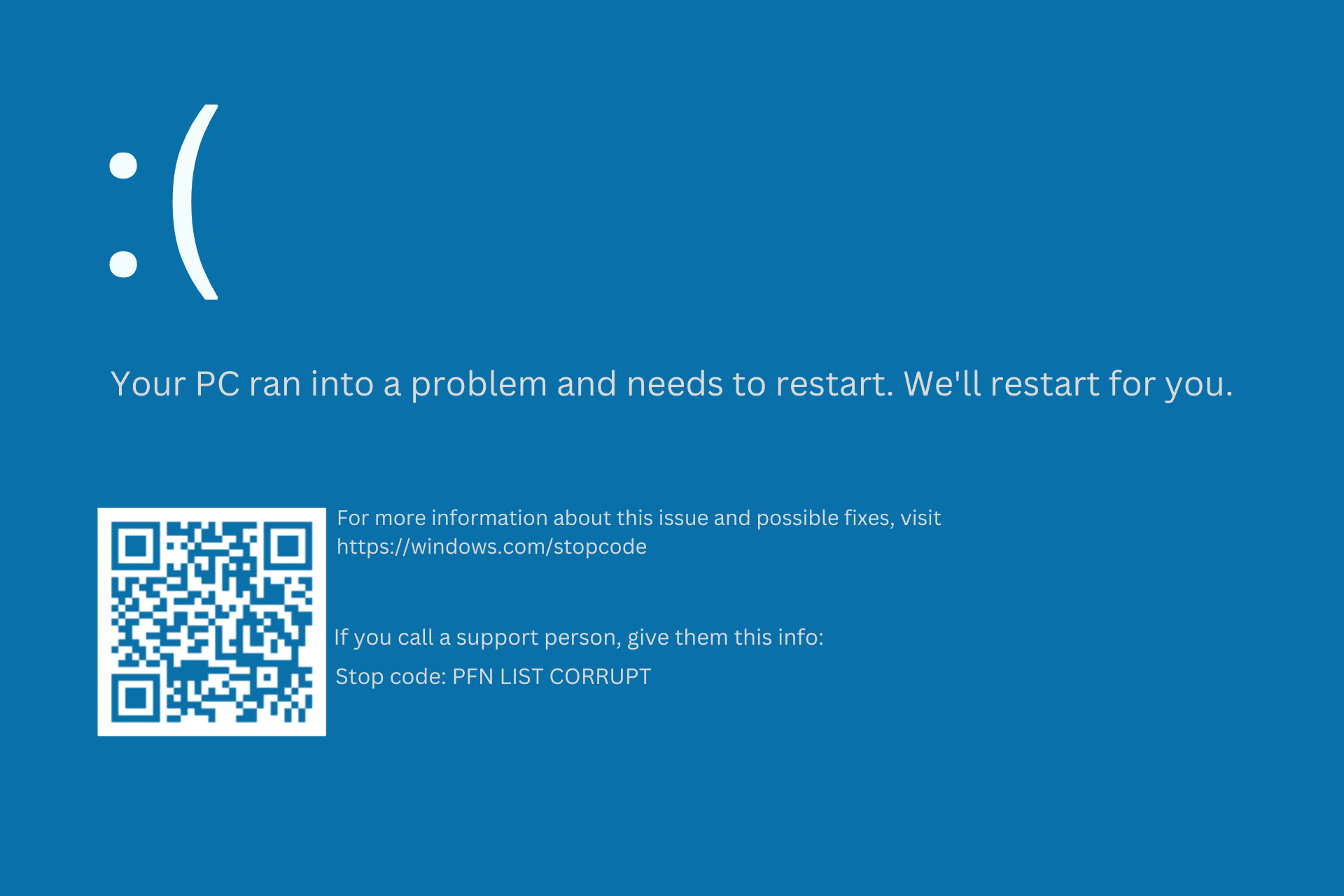
Windows 10. Sudden blue screen while using email app saying Unexpected Kernel Mode trap. Computer needs to restart. It restarted but did the same thing again when I tried to open the web browser but this time it didn’t restart and said diagnosing and repairing windows - which it failed to do. I turned it off and on again and it restarted so tried to boot into safe mode but it just crashed again.
Went to Advanced options - start up repair but that failed too. Tried hitting f4 at restart to go into safe mode but that failed too. Any ideas please?
Edit - second time it crashed the error was pfn-list corrupt.
Went to Advanced options - start up repair but that failed too. Tried hitting f4 at restart to go into safe mode but that failed too. Any ideas please?
Edit - second time it crashed the error was pfn-list corrupt.
My Computers
-
At a glance
Windows 11 Home 25H2Core i5-1035G132gb- OS
- Windows 11 Home 25H2
- Computer type
- Laptop
- Manufacturer/Model
- HP Pavilion 14-ce3606sa
- CPU
- Core i5-1035G1
- Memory
- 32gb
- Hard Drives
- Samsung 870 evo sata ssd
- Cooling
- Could be better
- Internet Speed
- 50 mbps Starlink
- Browser
- Firefox
- Other Info
- Originally came installed with a 500gb H10 Optane ssd
-
At a glance
Windows 11 HomeIntel Core i5-1035G116gb- Operating System
- Windows 11 Home
- Computer type
- Laptop
- Manufacturer/Model
- HP Pavilion ce3606sa
- CPU
- Intel Core i5-1035G1
- Memory
- 16gb
- Hard Drives
- Hynix Gold P31 2TB
- Internet Speed
- 200mbps Starlink
- Browser
- Firefox
- Antivirus
- Defender