The motherboard has the capability of running Windows 11. There is one issue; It seems that it doesn't have TPM onboard. The manual only point to a TPM 2.0 header. (1 x Trusted Platform Module (TPM) header (2x6 pin, for the GC-TPM2.0_Smodule only) So it must have an additional TPM module attached to that header. Without it you can't install Windows 11. Manual;
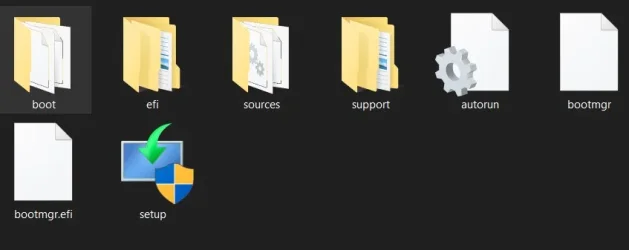
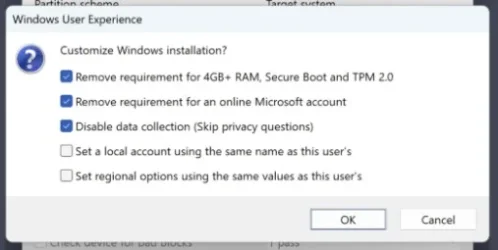
https://www.gigabyte.com/in/Motherboard/B365M-DS3H-WIFI-rev-1x/support#support-manual. I have looked in the manual and went through all of the BIOS settings; no mention of TPM or PTT. So that TPM 2.0 module must be there. It is possible to install Windows 11 anyway; Use Rufus and install the Win11 ISO onto a USB stick. At the start Rufus give you the option to Bypass the TPM requirements. (turn on the first option, see attached file; a screenshot)
The CPU is on the Windows 11 CPU support list.
Windows processor requirements Windows 11 supported Intel processors. It has and UEFI BIOS, so that's alright.